Looking for a planner app that actually works for life in the UK? One that knows the difference between a bank holiday Monday and a regular Monday, displays dates the right way round, and doesn't assume everyone follows an American schedule?
Most productivity apps are built in Silicon Valley, and it shows. They default to US date formats, American holidays, and work cultures that don't quite match British norms. But with the right settings and the right apps, you can find planners that work properly for UK life.
What UK users need: Bank holidays (including regional variations for Scotland and Northern Ireland), DD/MM/YYYY date format, 24-hour time option, GMT/BST timezone handling, and ideally GDPR-compliant data handling with UK or EU server options.
What Makes a Planner UK-Friendly?
Bank Holiday Support
The UK has eight bank holidays in England and Wales, nine in Scotland, and ten in Northern Ireland. A good planner should support these, ideally with regional options. Easter and the late May bank holiday move each year, so automatic calculation matters.
Proper Date and Time Formats
Dates should display as 12/01/2026 (12th January), not 01/12/2026 (January 12th). Time should offer 24-hour format. Weeks should start on Monday, not Sunday. These seem small, but wrong formats create constant friction.
Privacy and Data Protection
UK GDPR applies to data handling for British users. Look for apps with clear privacy policies, the right to data export and deletion, and preferably UK or EU-based servers. American apps may transfer data internationally, which has implications under UK data protection law.
Work Culture Compatibility
UK work culture differs from American hustle culture. Work-life balance is increasingly valued. Statutory leave entitlements are generous. A planner that encourages overwork doesn't suit British norms as well as one that respects boundaries.
Best Planner Apps for UK Users
Free / £2.49 Pro
Funtasking
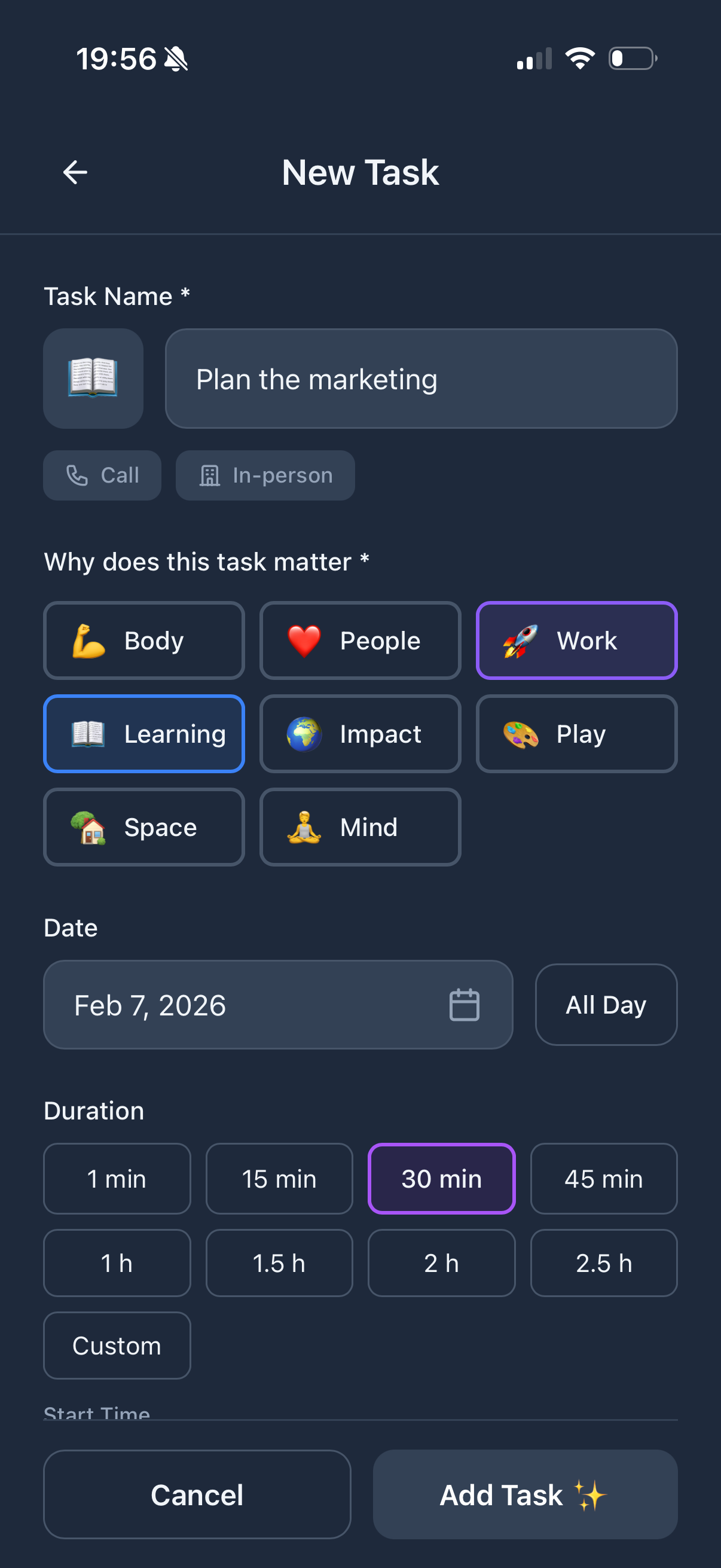
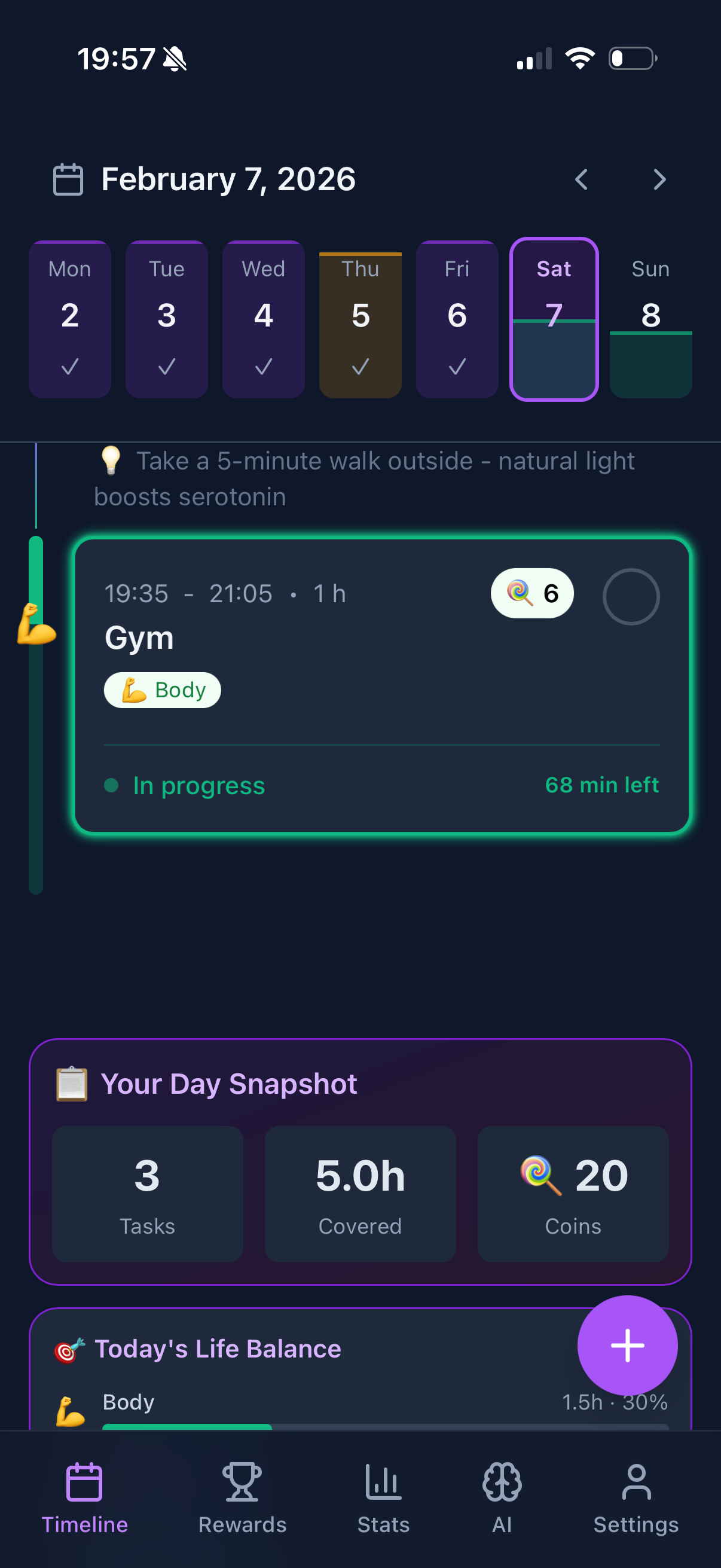
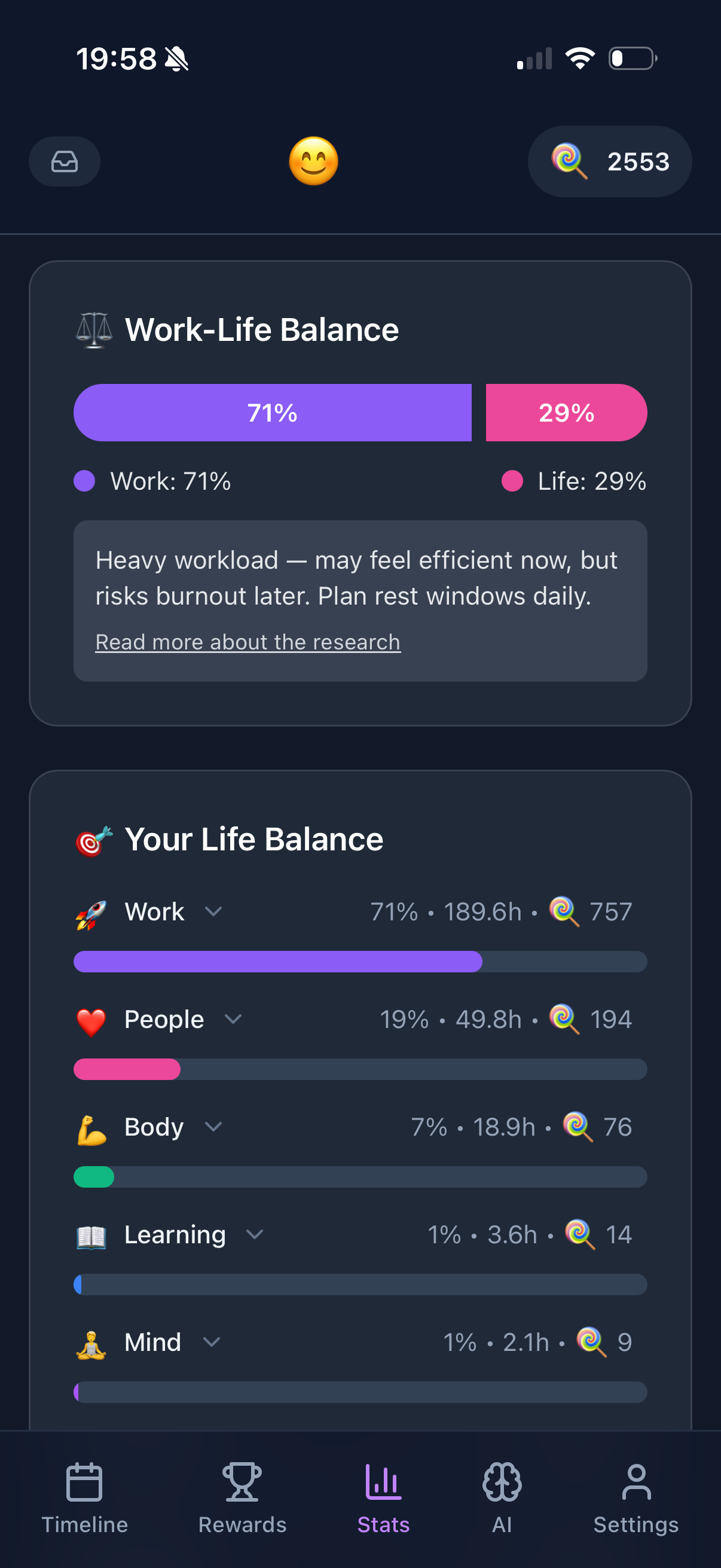
Funtasking's focus on life balance aligns well with UK values around work-life separation. The Purpose Wheel divides life into eight balanced areas, preventing work from dominating your planning.
The app respects your device's regional settings for dates and times. The gamification is positive-only, matching the British preference for encouragement over aggressive productivity pressure.
UK-friendly features:
- + Respects regional settings
- + Work-life balance focus
- + Positive, not pushy
- + Affordable Pro option
Consider:
- - Manual bank holiday entry
- - iOS and web primarily
- - US-based company
Free / £4/month
Todoist
Todoist handles UK settings well, with proper date parsing (it understands "next Monday" in context) and timezone support. It's popular among UK professionals for its clean interface and solid task management.
UK-friendly features:
- + Smart date parsing
- + Good regional support
- + GDPR compliant
- + EU data centres available
Consider:
- - Work-focused design
- - Less life balance
- - Subscription for full features
Free
Google Tasks + Calendar
Google's tools handle UK settings through your Google account's region settings. The UK public holiday calendar adds bank holidays automatically. For people already in the Google ecosystem, this is a sensible choice.
UK-friendly features:
- + Automatic UK holidays
- + Regional settings work
- + Free to use
- + Cross-platform
Consider:
- - Basic task management
- - Google data concerns
- - Limited planning features
Free with Premium
TickTick
TickTick has strong international support with good UK date handling. The habit tracking and Pomodoro timer features add value beyond basic task management. It's gained popularity in the UK for its feature-to-price ratio.
UK-friendly features:
- + Strong regional settings
- + Habit tracking included
- + Good free tier
- + Calendar integration
Consider:
- - Chinese-based company
- - Data location unclear
- - Less established in UK
Setting Up Your Planner for the UK
Configure Regional Settings
Most apps inherit settings from your device. Ensure your iPhone, Android, or computer is set to United Kingdom in region settings. This should automatically configure dates, times, and first day of week.
Add the UK Holidays Calendar
If your planner supports calendar subscriptions, add the UK public holidays calendar. On iPhone, this is under Settings > Calendar > Holidays. Most apps can subscribe to iCal feeds for automatic holiday updates.
Set Timezone Correctly
The UK uses GMT in winter and BST in summer. Ensure your app handles the clock changes correctly, especially for reminders near the transition dates in March and October.
Check Privacy Settings
Review what data the app collects and where it's stored. Under UK GDPR, you have rights to access, export, and delete your data. Reputable apps make this straightforward.
Regional bank holidays: Scotland has different bank holidays (2 January, St Andrew's Day). Northern Ireland has additional holidays. If you're in these nations, check that your planner supports region-specific holidays, not just England and Wales defaults.
UK Work Culture and Planning
British work culture increasingly values balance. Statutory annual leave is 28 days minimum. The right to disconnect is gaining support. Planners that push constant productivity may clash with these values.
Consider apps that:
Respect Time Off
Don't send notifications during evenings and weekends unless you configure them to. Recognise that leave is leave, not "work from a different location."
Encourage Balance
Show work as one part of life, not the entire focus. Include space for hobbies, relationships, and rest without treating them as less important than work tasks.
Avoid Toxic Productivity
Skip the "rise and grind" messaging. British culture tends to prefer understated encouragement over aggressive motivational content.
Plan With Balance in Mind
Funtasking helps you balance all areas of life, with positive encouragement that suits British sensibilities.
Try Funtasking Free
Related Articles