Everyone's slapping "AI" on everything in 2026. Your toaster probably has AI now. But AI planners? Some actually deliver. Most don't.
I spent a month testing the big ones. Here's the truth.
What AI planners promise: Add tasks, tell the AI your deadlines, and it automatically schedules everything around your meetings. Sounds magical. Sometimes it is.
The Big Players
$19/month
Motion
The OG AI planner. Add a task, set a deadline, and Motion finds time in your calendar. Reschedules automatically when things change.
The good: Actually works. Saves real time if you have a packed calendar.
The bad: $228/year. That's a lot for task scheduling. And sometimes the AI makes weird decisions you have to fix manually anyway.
Best for: Execs with 20+ meetings per week.
$10/month
Reclaim.ai
Protects your focus time. Blocks "busy" time for deep work, then shrinks those blocks as your calendar fills up.
The good: Cheaper than Motion. Great for protecting maker time.
The bad: Less smart about task scheduling. More of a calendar defender than a true planner.
Best for: People drowning in meetings who need focus time.
$4/month
Trevor AI
Budget AI planner. Drag tasks to your calendar and it suggests optimal times.
The good: Cheap. Simple. Gets the job done.
The bad: AI is less impressive than Motion. More of a smart assistant than a magic scheduler.
Best for: Budget-conscious users who want some AI help.
Free
SkedPal
Older AI scheduler. Calculates when you should work on what based on deadlines and priorities.
The good: Free tier is generous.
The bad: Interface feels dated. Less polished than newer competitors.
Do You Actually Need AI Scheduling?
Hot take: Most people don't need AI scheduling. If you have fewer than 10 meetings a week, manual planning takes 5 minutes. Paying $19/month to save 5 minutes is $228/year for 4 hours saved. Do the math.
You DO need AI scheduling if:
- Your calendar is 80%+ meetings
- Deadlines constantly shift
- You manage multiple projects for different people
- Decision fatigue about "when to work on what" is real
You DON'T need AI scheduling if:
- You have relatively few meetings
- Your schedule is predictable
- You're good at time blocking manually
- $200+/year feels steep for a planner
The Alternative: Simple + Smart
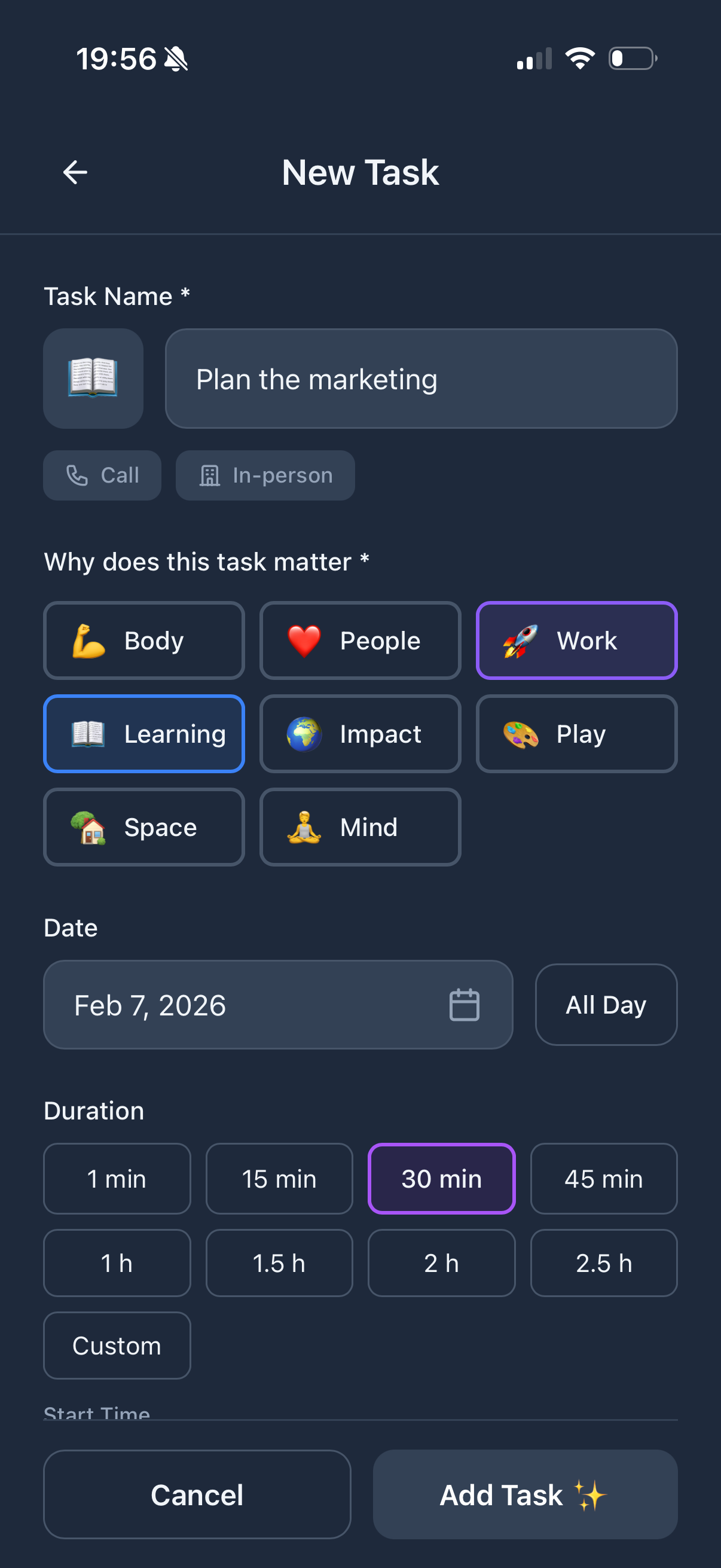
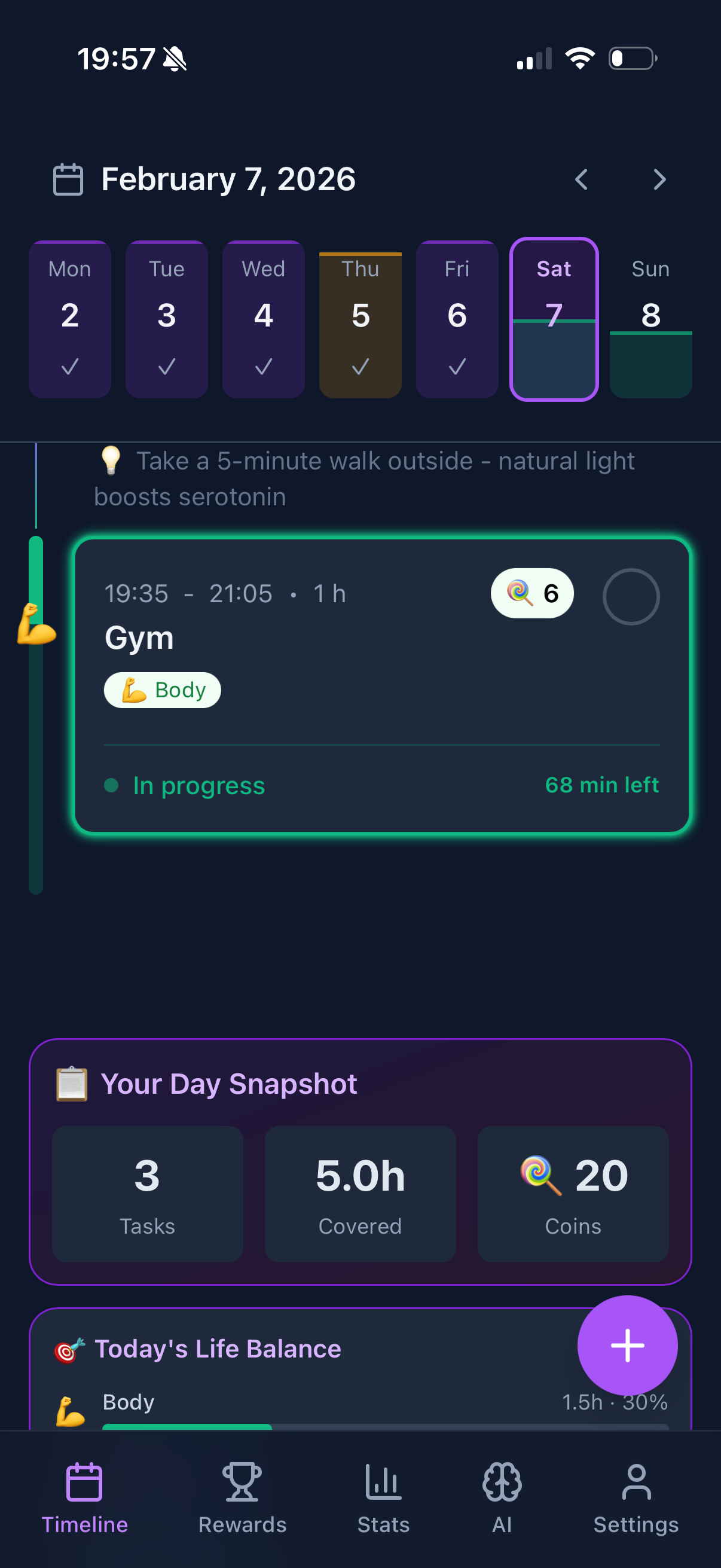
Here's what I actually do: I use Funtasking for tasks and life balance, plus Google Calendar for scheduling. Manual time blocking takes me 5 minutes every morning.
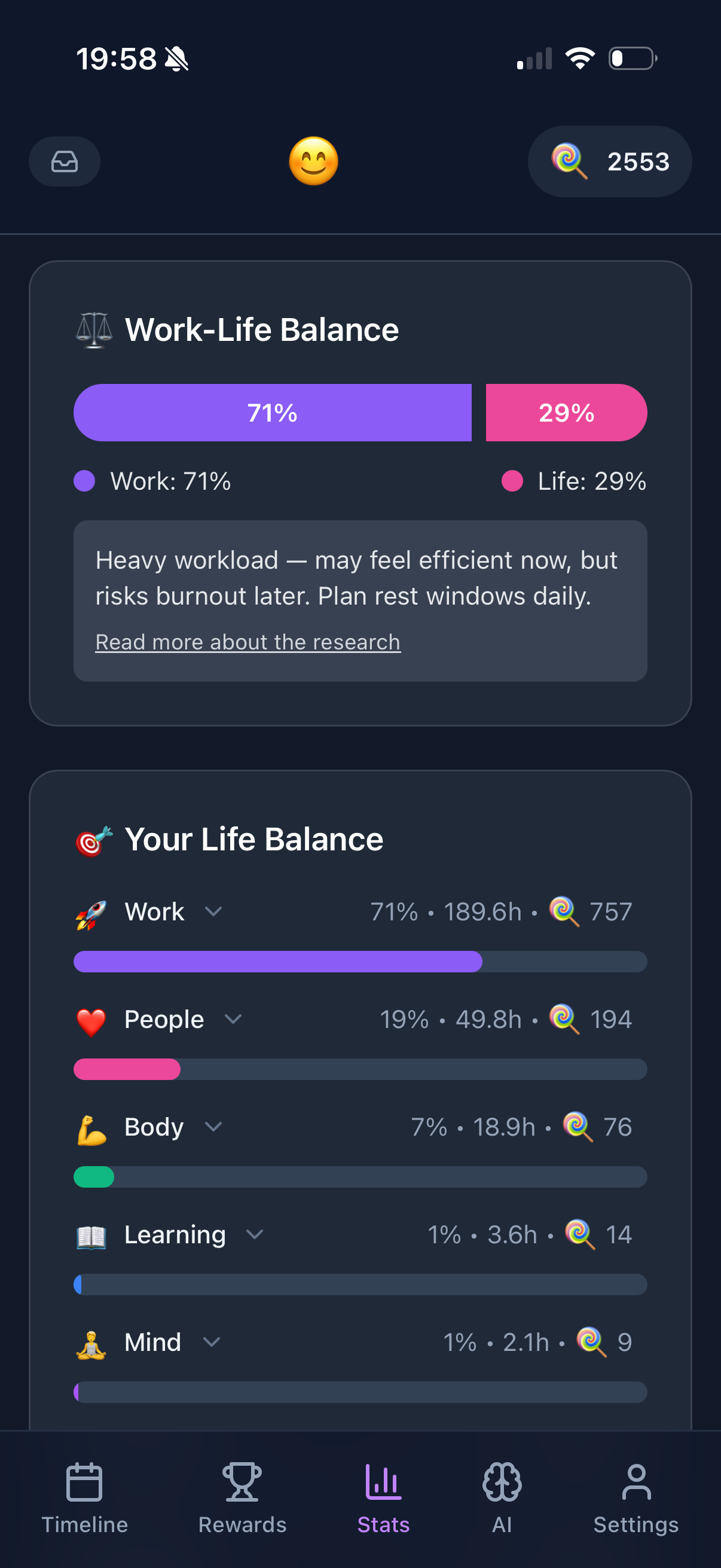
Funtasking shows me which life areas need attention. Google Calendar shows me when I'm free. No AI magic needed. And it's free.
If your calendar is truly chaotic, try Motion's free trial. But don't feel bad if you end up back with a simple system. Simple works.
Comparison
| App |
Price |
AI Quality |
Best For |
| Motion |
$19/mo |
Excellent |
Busy executives |
| Reclaim.ai |
$10/mo |
Good |
Protecting focus time |
| Trevor AI |
$4/mo |
Basic |
Budget option |
| Funtasking + GCal |
Free |
Manual |
Most people |
Try Simple First
Funtasking is free. See if you need AI before paying for it.
Start Free
Related Articles