AI calendars do what you hate: find meeting times, protect focus blocks, reschedule when things change. The promise is less calendar Tetris, more actual work.
But do they deliver? And are they worth $15-20/month? Let's find out.
What AI calendars do: Auto-schedule tasks around meetings. Protect focus time. Find optimal meeting slots. Reschedule automatically when conflicts arise.
AI Calendar Apps Compared
$19/month
Motion
The most aggressive AI scheduler. Add tasks with deadlines, Motion finds time for everything. Reschedules automatically when things change.
Genuinely impressive tech. But $228/year is a lot.
Best for: Executives with chaotic schedules.
$10/month
Reclaim.ai
Protects your time. Creates "busy" blocks for focus work, then shrinks them as calendar fills. Good balance of AI and control.
Integrates with Todoist, Asana, etc. Pulls tasks and schedules them.
Best for: Knowledge workers drowning in meetings.
$7/month
Clockwise
Focuses on team scheduling. Optimizes meeting times across teams. Creates focus time for everyone.
Good for companies, less useful for individuals.
Best for: Teams that want coordinated focus time.
Free
Google Calendar + Tasks
No AI but free. Manual time blocking still works. Just requires discipline.
Best for: Budget-conscious self-schedulers.
Price Comparison
| App |
Monthly |
Yearly |
AI Level |
| Motion |
$19 |
$228 |
Advanced |
| Reclaim.ai |
$10 |
$120 |
Good |
| Clockwise |
$7 |
$84 |
Team-focused |
| Google Calendar |
$0 |
$0 |
None |
Do You Need AI Scheduling?
Yes if: Your calendar has 20+ meetings/week. Deadlines constantly shift. You spend 30+ minutes daily on scheduling logistics.
No if: You have predictable days. Fewer than 10 meetings/week. Manual time blocking takes 5 minutes.
Most people don't need AI calendars. But if scheduling is genuinely a pain point, they're worth trying.
The Free Alternative
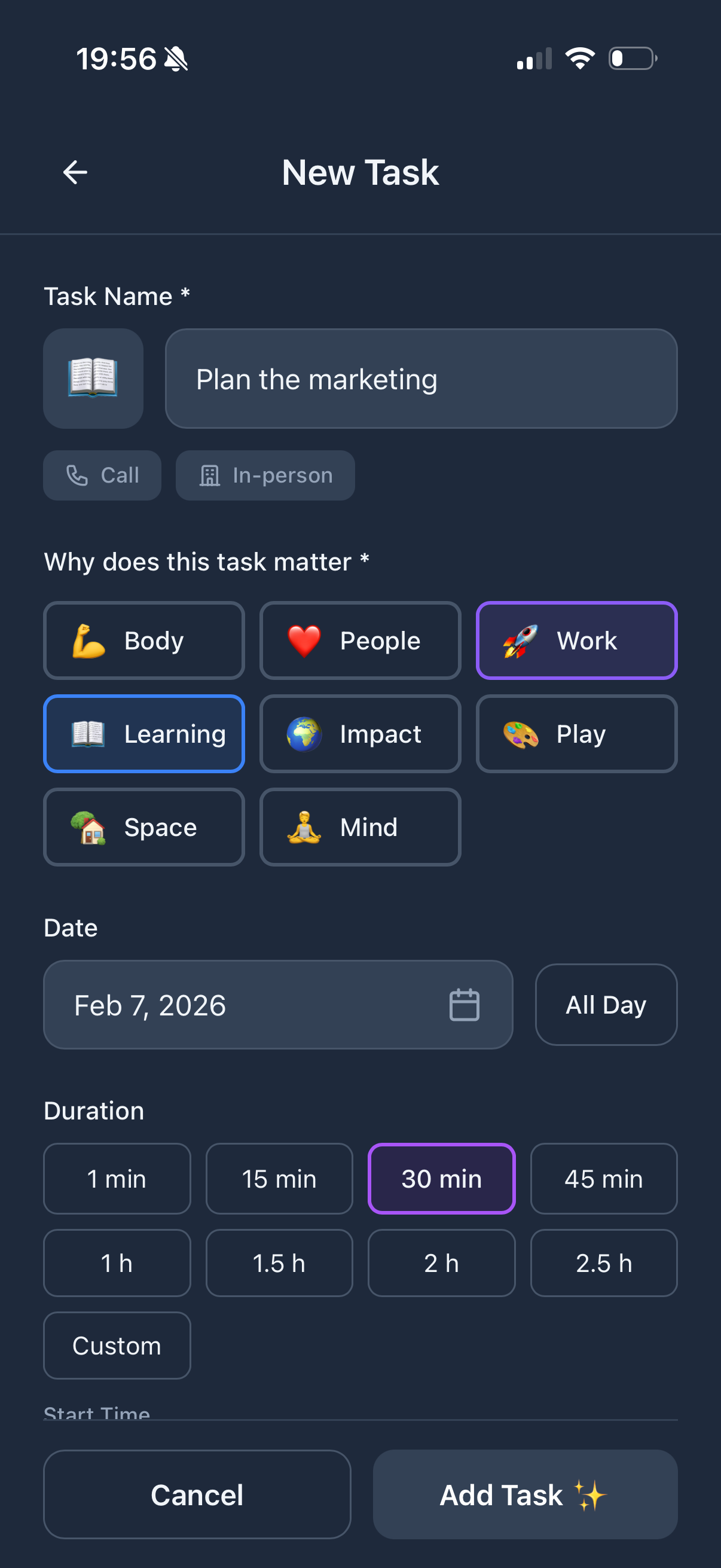
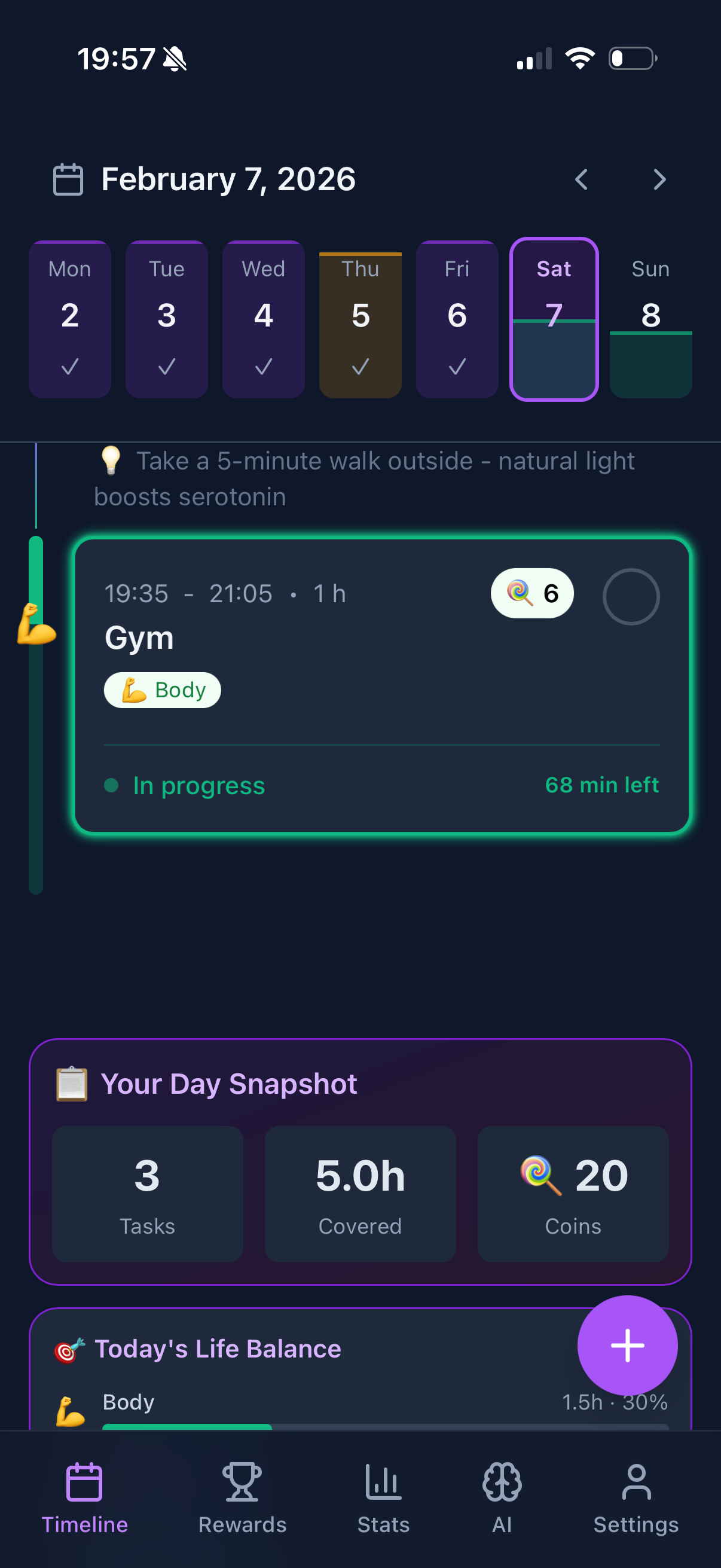
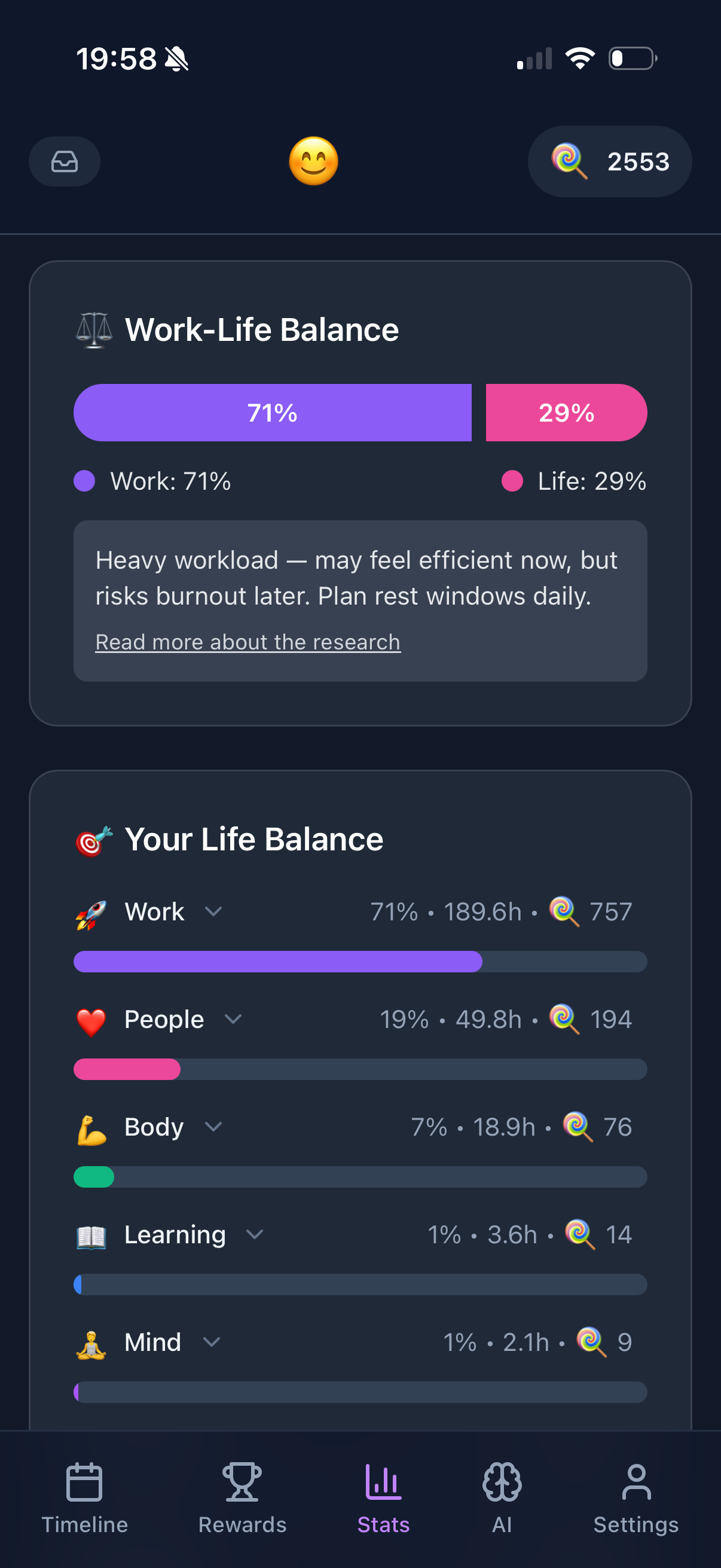
Use Google Calendar for scheduling. Use Funtasking for tasks and life balance. Manual time blocking in the morning takes 5 minutes.
Total cost: $0/month. Works for 80% of people.
Try Simple First
Funtasking + Google Calendar. Free and effective.
Start Free