Last updated: January 2025. Based on discussions from r/productivity, r/getdisciplined, r/ADHD, r/timemanagement.
"I switched from todo lists to time blocking and suddenly I'm doing 40 hours of work in 30 hours. It's not about working more - it's about deciding in advance what each hour is for."
Time blocking is consistently one of Reddit's most recommended productivity methods. Here's why it works and which apps make it practical.
What Is Time Blocking?
Cal Newport's Method
Time blocking means dividing your day into blocks dedicated to specific tasks or types of work. Instead of a list of "things to do," you have a schedule of "when to do things." Cal Newport, author of "Deep Work," claims a 40-hour time-blocked week produces the same output as a 60+ hour unstructured week. The key insight: decision fatigue kills productivity. By deciding in advance, you eliminate the "what should I do now?" loop that eats hours.
Time Blocking vs Todo Lists
Todo List (Endless)
- [ ] Finish report
- [ ] Reply to emails
- [ ] Team meeting prep
- [ ] Review proposal
- [ ] Call mom
- [ ] Gym
No order. No time limits. Anxiety.
Time Blocked Day
9:00
Deep Work: Report
11:00
Emails (batch)
12:00
Lunch + Walk
13:00
Meeting Prep
14:00
Review Proposal
16:00
Call Mom + Gym
Clear plan. Boundaries. Done at 5.
Time Blocking Apps Compared
| App |
Time Blocking |
Calendar Sync |
Life Balance |
Visual Timeline |
Price |
| Sunsama |
Drag tasks to calendar |
Full sync |
Daily shutdown ritual |
Day view |
$20/month |
| Funtasking |
Visual timeline |
Export coming |
8 life areas |
Color-coded blocks |
Free / $2.99 Pro |
| Structured |
Visual day planner |
iCloud Calendar |
No categories |
Beautiful timeline |
Free / $29.99 |
| Fantastical |
Calendar-based |
All calendars |
Work focus |
Week/day views |
$4.75/month |
| Motion |
AI auto-scheduling |
Full sync |
Work-only |
Calendar view |
$19/month |
| Google Calendar |
Manual blocks |
Native |
No features |
Basic |
Free |
| Notion Calendar |
Database + calendar |
Google Calendar |
Custom setup |
Clean view |
Free |
Time Blocking Variations
Day Theming
Dedicate entire days to one type of work. Monday = meetings. Tuesday = deep work. Wednesday = admin. Reduces context switching across the week.
Task Batching
Group similar tasks into single blocks. All emails at 11am and 4pm. All calls in one afternoon block. Reduces startup cost for each task type.
Time Boxing
Fixed time limits for tasks. Report gets 2 hours - done or not. Prevents perfectionism and Parkinson's Law (work expands to fill time).
Energy Matching
Match task type to energy levels. Deep work in morning (peak focus). Admin after lunch (low energy). Creative in late afternoon (diffuse thinking).
Why Time Blocking Works
The Research Behind It
- Decision fatigue (Baumeister, 2008): Every decision depletes mental energy. Pre-deciding your schedule eliminates hundreds of daily "what now?" decisions.
- Parkinson's Law: Work expands to fill available time. Time boxing creates artificial constraints that force efficiency.
- Context switching costs: Studies show it takes 23 minutes to fully refocus after an interruption. Blocks protect focus time.
- Planning fallacy: We underestimate time. Blocking forces realistic estimates and reveals over-commitment early.
The Life Balance Problem
Time Blocking Without Balance = Burnout
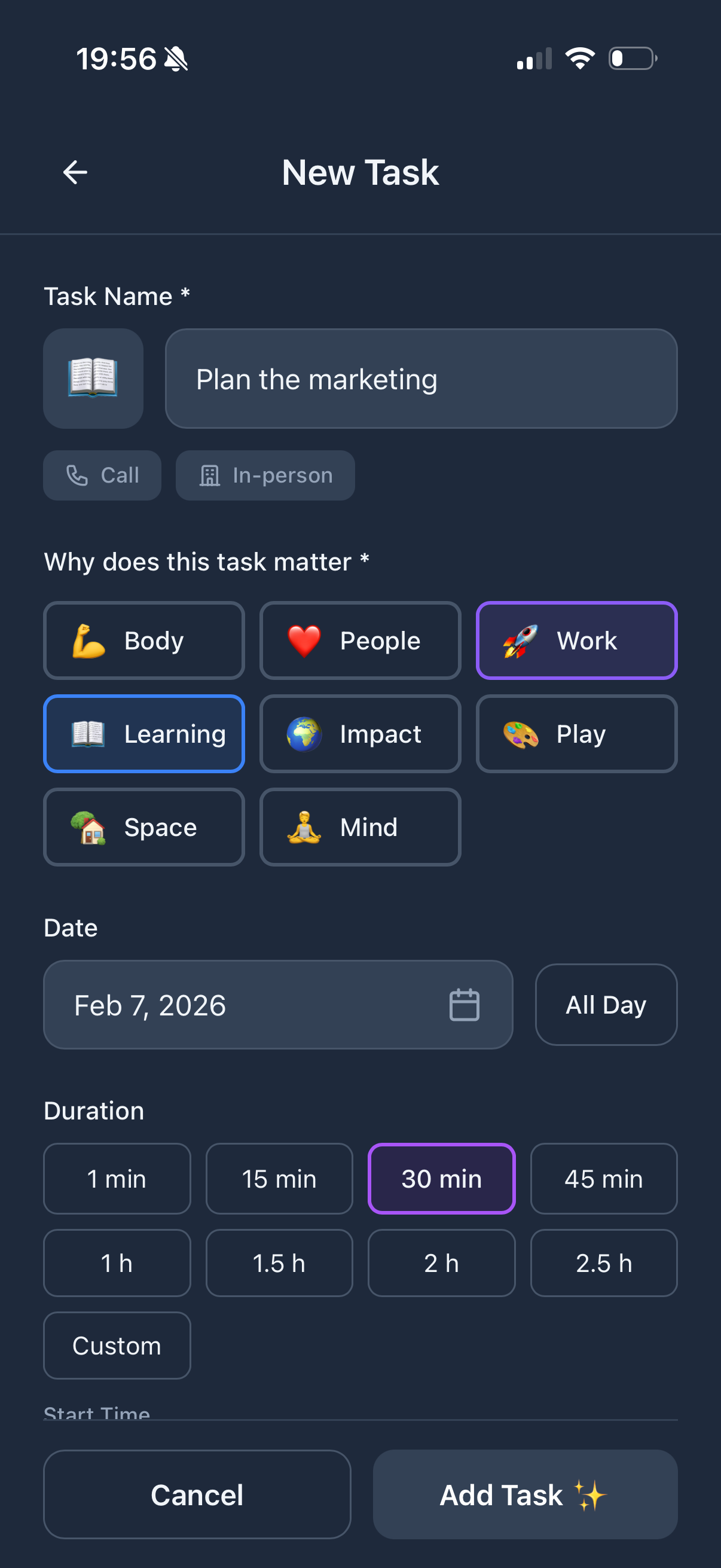
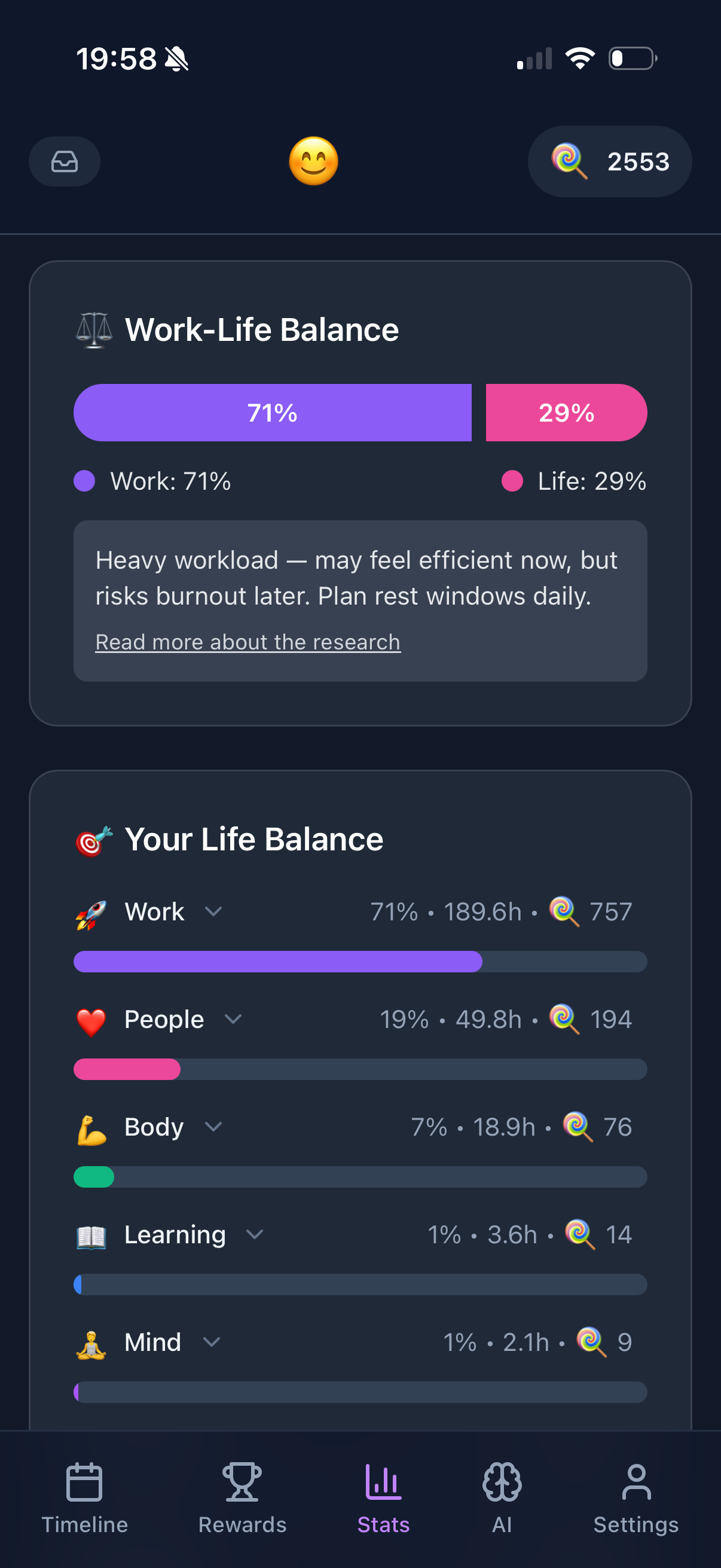
Most time blocking systems focus on work. Your calendar fills with projects and meetings - where are gym, friends, rest? Apps like Sunsama try to address this with shutdown rituals. Funtasking goes further with 8 life areas (Work, Body, Mind, Connection, Learning, Impact, Play, Space) so you see if your week is all blue (work) and no green (Body) or yellow (Connection).
How to Start Time Blocking
- Start with fixed blocks. Sleep, meals, commute, meetings - the non-negotiables. These are your constraints.
- Add deep work blocks. 2-3 hour blocks for important, focused work. Protect these ruthlessly. Morning is usually best.
- Batch shallow work. Email, messages, admin - group into 1-2 blocks per day. Not scattered throughout.
- Include buffer blocks. Things take longer than expected. Leave 30-60 minutes of flex time daily.
- Schedule life blocks. Exercise, social time, hobbies. They don't "happen" - you make them happen by scheduling.
- Review and adjust. End of day: what worked? What didn't fit? Tomorrow's plan adjusts based on today's reality.
Reddit Q&A
"What if something urgent comes up?"
True urgencies are rare. Most "urgent" things can wait for your next buffer block. If genuinely urgent, handle it and re-block the rest of your day. The plan isn't rigid - it's a starting point. Cal Newport suggests keeping a small notepad to capture things that interrupt, then addressing them in batch later.
"Time blocking feels too rigid/stressful"
You control the block sizes. Some people use 15-minute blocks, others use 2-hour blocks. Start looser (half-day themes) and get more specific as it becomes natural. The goal isn't military precision - it's having a plan rather than drifting through reactive chaos.
"I tried but my days are too unpredictable"
Time block what you can control. Even if only 3 hours are predictable, block those. Protect at least one deep work block daily. Mark the unpredictable portions as "reactive work" - acknowledging them reduces stress. Over time, you might find more is predictable than you thought.
"Is there a free app that works?"
Google Calendar is fully functional for time blocking - just create events for your blocks. Funtasking is free and adds life balance features. Structured has a solid free tier. You don't need Sunsama's $20/month to start. Paper works too - Cal Newport originally time-blocked on paper.
The Visual Timeline Advantage
Why Funtasking's Approach Helps
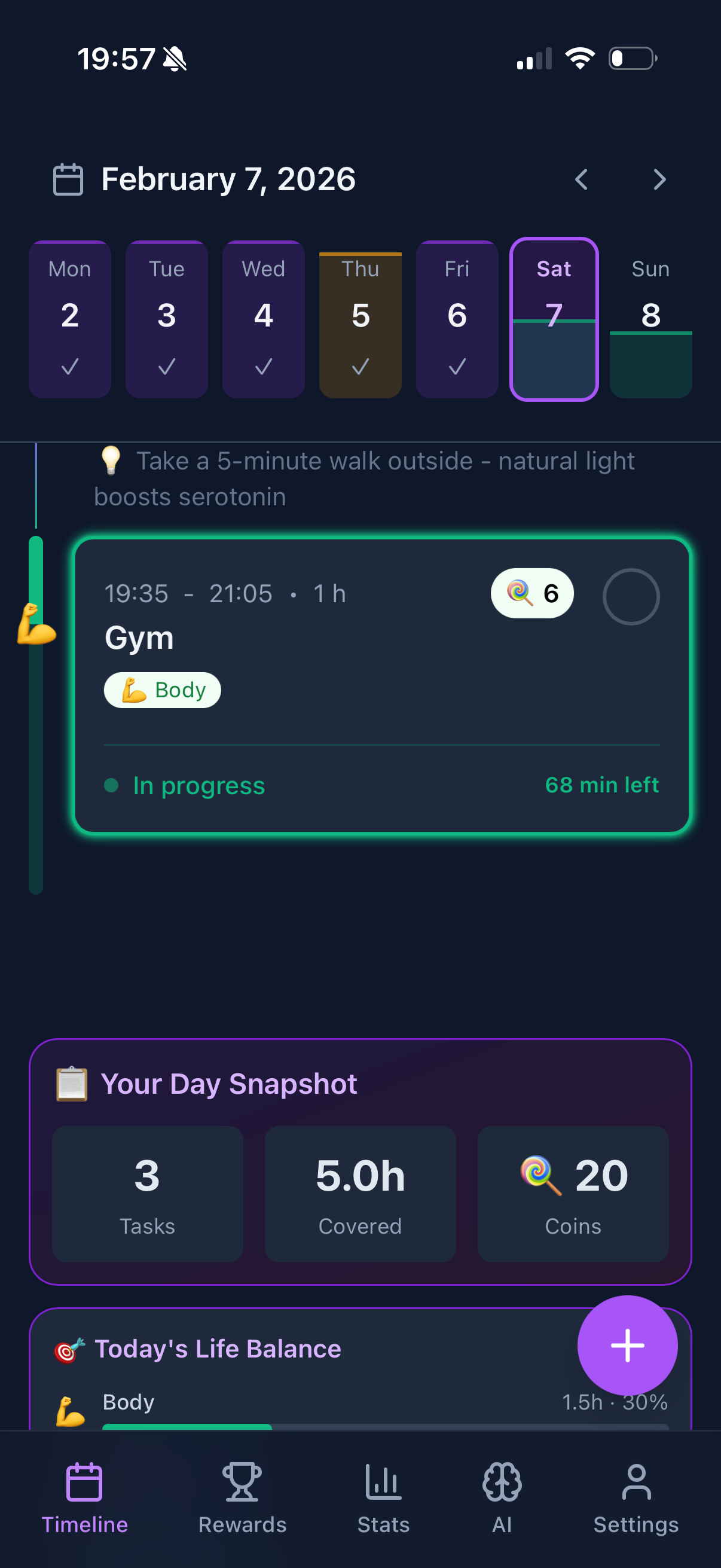
Funtasking displays your day as a visual timeline with color-coded blocks for each life area. You see at a glance: "My morning is all Work (green), but I have no Body (red) or Play (purple) today." This visual representation makes imbalance obvious before it becomes burnout. Unlike pure calendar apps, the 8-area categorization forces you to think beyond work productivity.