Most planner apps have 47 features you'll never use. Gantt charts. Team collaboration. AI assistants. Custom fields. Nested subtasks. Dependencies.
You just want to write down what you need to do. And check it off. That's it.
Here are apps that get it.
What "minimalist" means here: Clean interface. Quick task entry. No feature overwhelm. Opens fast. Doesn't require a tutorial.
The Minimalist Picks
Free
Apple Reminders
Built into your iPhone. Opens instantly. Add task, done. No account. No sync issues. No learning curve.
Apple has quietly made this really good. Lists, tags, smart lists. All you need, nothing you don't.
Best for: iPhone users who want zero friction.
Free / $2.99
Funtasking
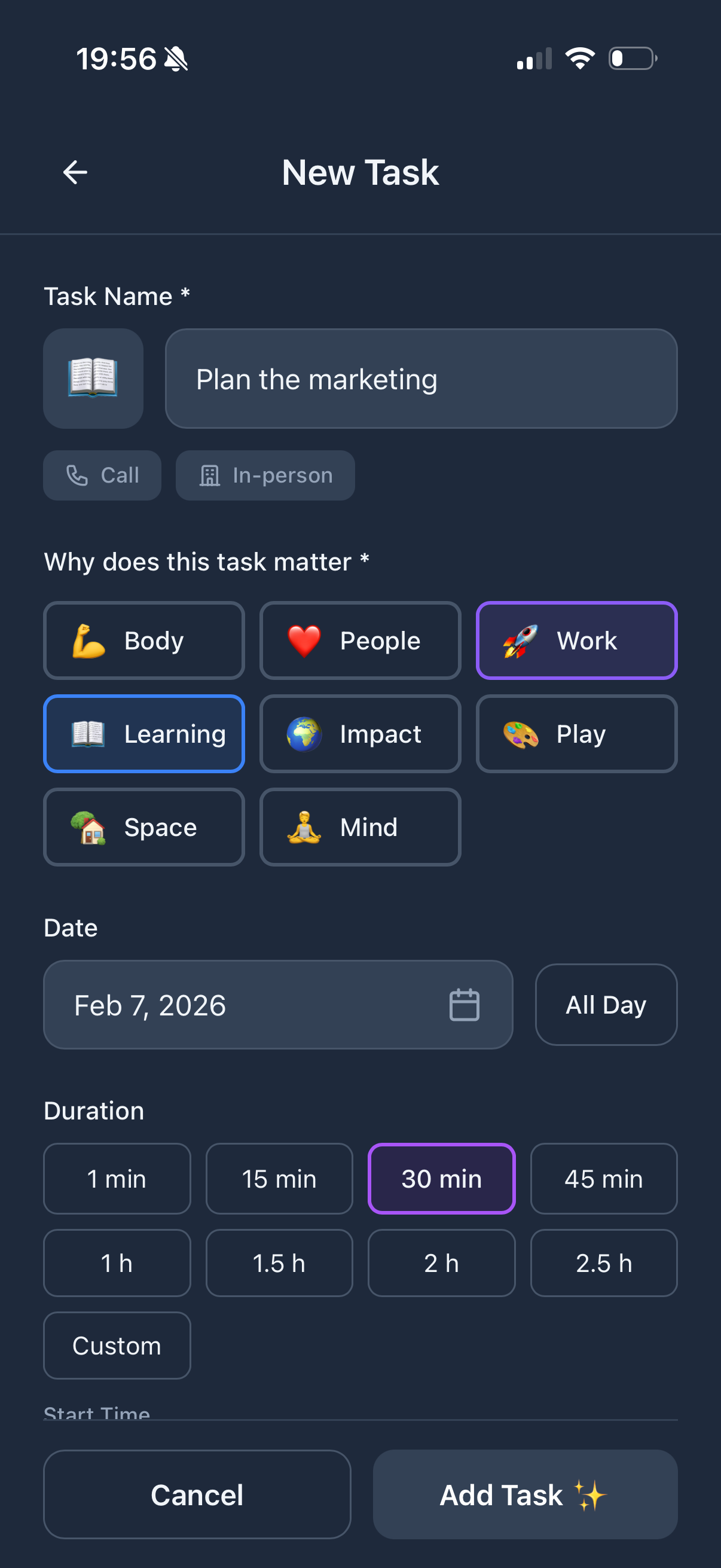
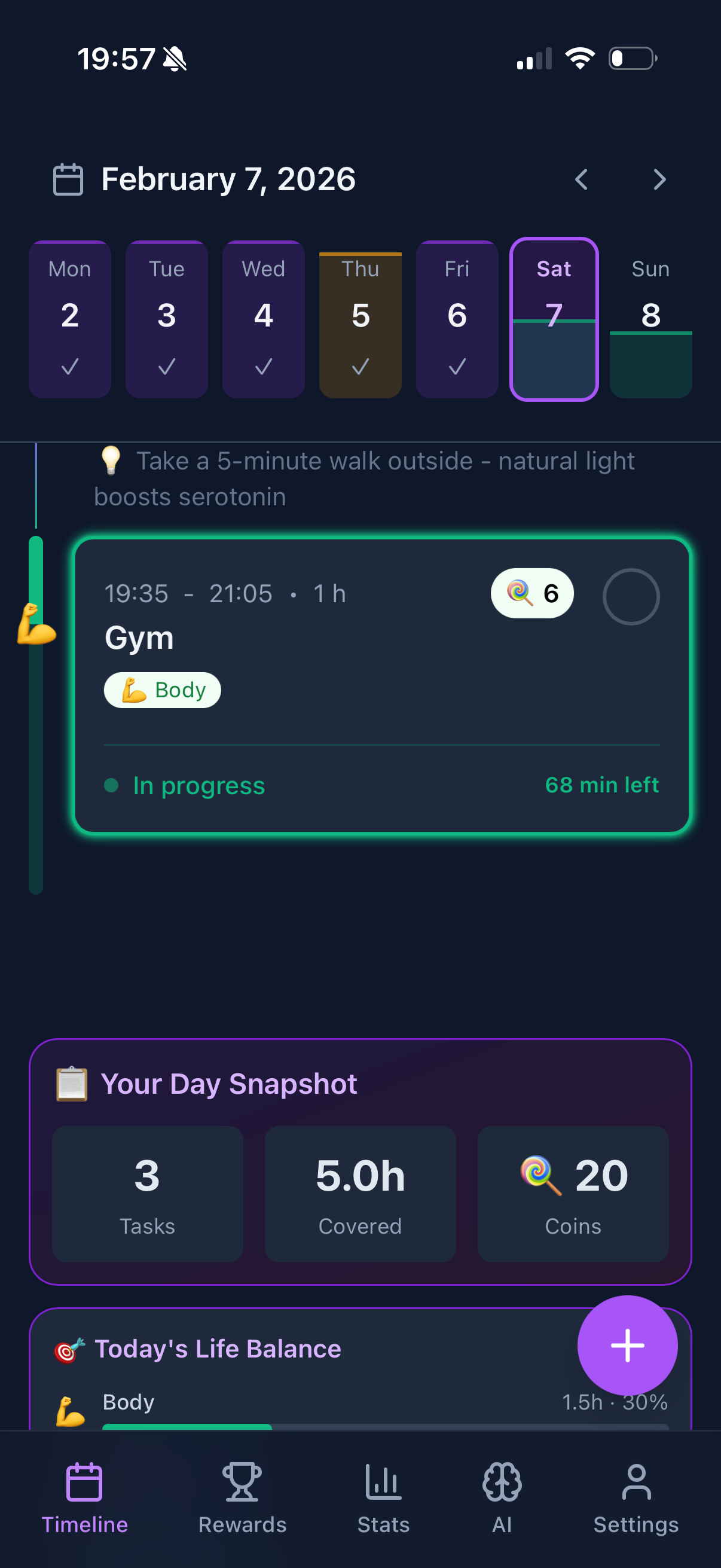
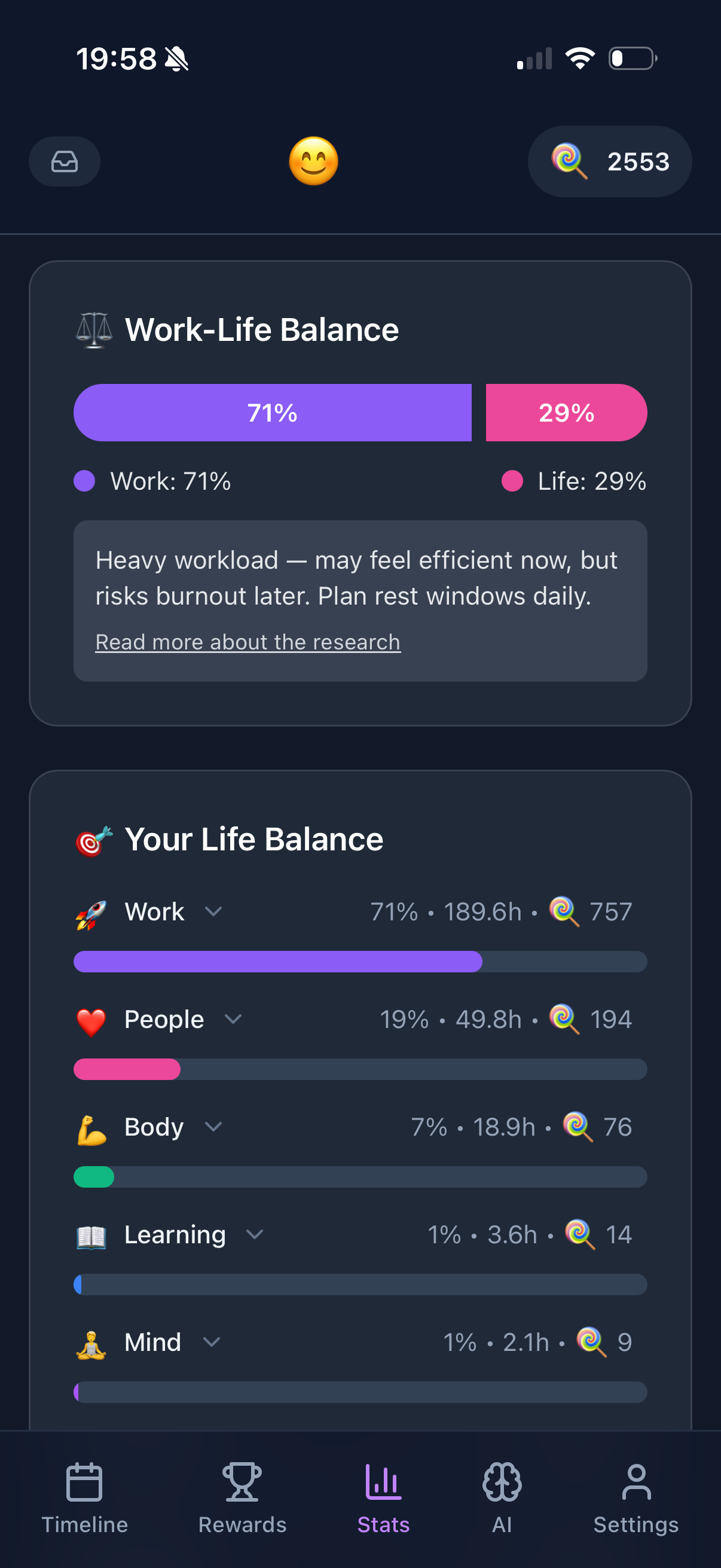
Clean design but with one extra feature that matters: life balance. The Purpose Wheel shows if you're overworking while ignoring health or relationships.
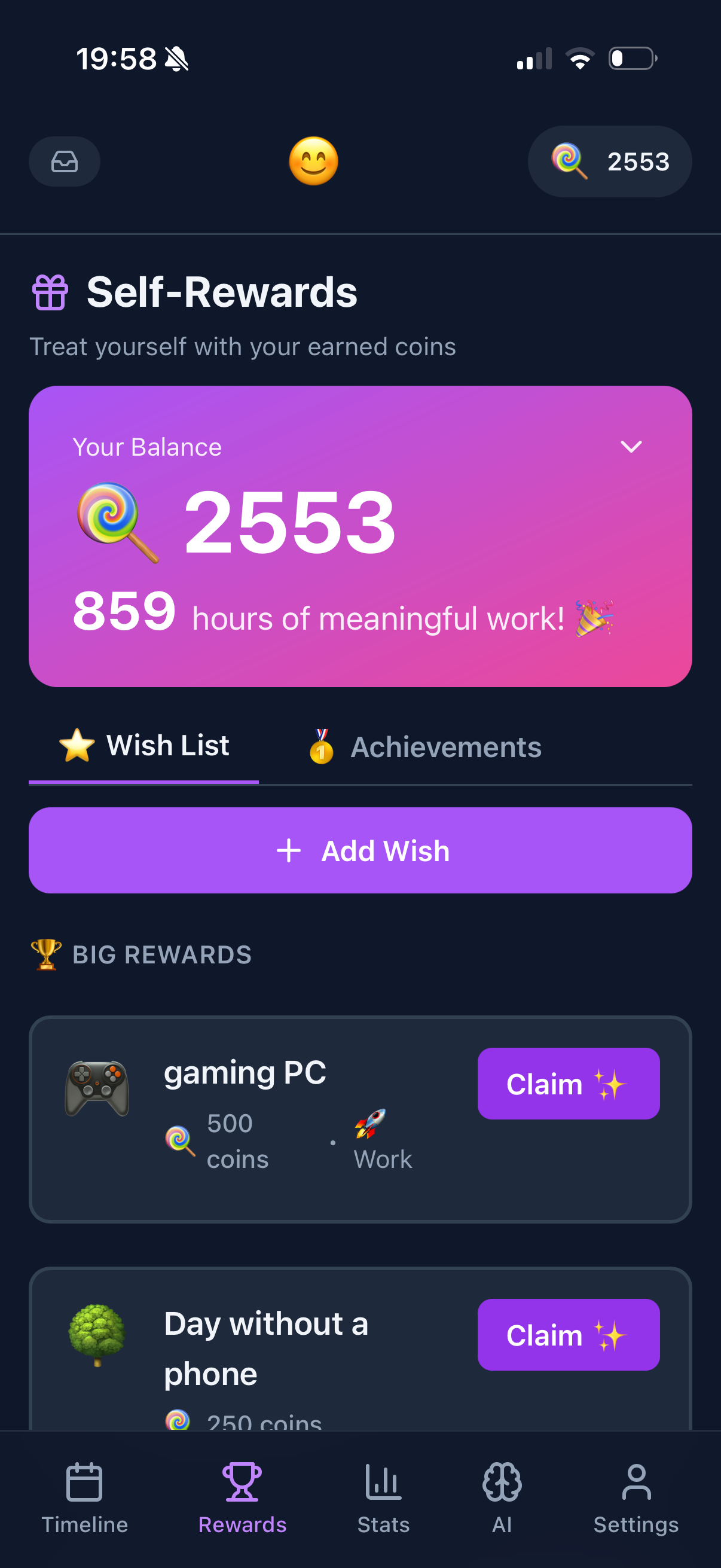
It's minimalist in the right ways (no bloat) but thoughtful about what it adds (gamification, balance tracking).
Best for: People who want simple + meaningful.
$50 once
Things 3
Arguably the most beautiful to-do app ever made. Clean, focused, elegant. No clutter.
One-time purchase. Been around for years. Design hasn't changed because it didn't need to.
Best for: Apple users who appreciate craftsmanship.
Free
Google Tasks
Bare bones. Lists and tasks. That's it. Lives inside Gmail and Google Calendar.
No mobile app drama. No features to learn. Just tasks.
Best for: Gmail users who want minimal.
Free
Microsoft To Do
Clean design from Microsoft. "My Day" feature for daily planning. Integrates with Outlook.
Best for: Microsoft ecosystem users.
What to Avoid
Notion. Powerful but overwhelming. You'll spend more time building your system than using it.
ClickUp. Feature-packed nightmare. Great for teams, terrible for personal use.
Asana/Monday. Project management tools pretending to be personal planners.
If an app needs a YouTube tutorial to understand, it's not minimalist.
The Minimalist Test
Can you add a task in under 3 seconds? If not, the app is too complicated.
Does the home screen show your tasks immediately? Or do you need to navigate through menus?
Would your parent understand it? Minimalist apps don't need explanation.
Try Funtasking
Simple design. Meaningful features. Free.
Start Free