Somewhere along the way, planner apps got complicated. AI scheduling. Team collaboration. Kanban boards. Dependency tracking. Gantt charts.
You just want to write down today's tasks and check them off. Here are apps that still do that.
The simplicity test: Can you add a task in under 3 seconds? Can you see today's tasks immediately when you open the app? If yes, it's simple enough.
Actually Simple Apps
Free
Apple Reminders
Built into your iPhone. Opens instantly. Siri integration. "Hey Siri, remind me to buy milk." Done.
No account setup. No syncing issues. It just works.
Simplicity level: Maximum. Your grandma could use it.
Free
Google Tasks
Lives in Gmail sidebar. Add tasks while checking email. Simple lists with due dates.
Nothing fancy. Nothing confusing. Just tasks.
Simplicity level: Very high. Minimal learning curve.
Free / $2.99
Funtasking
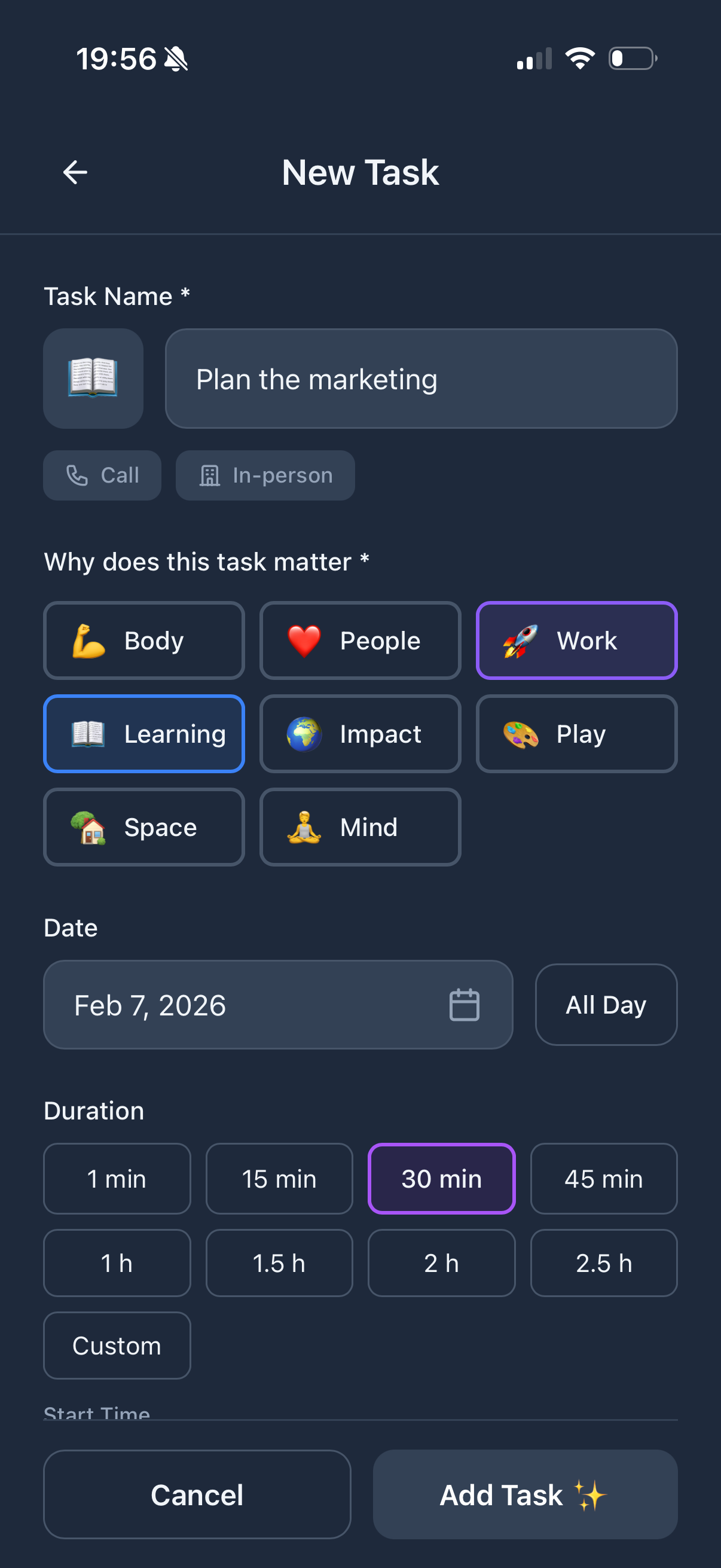
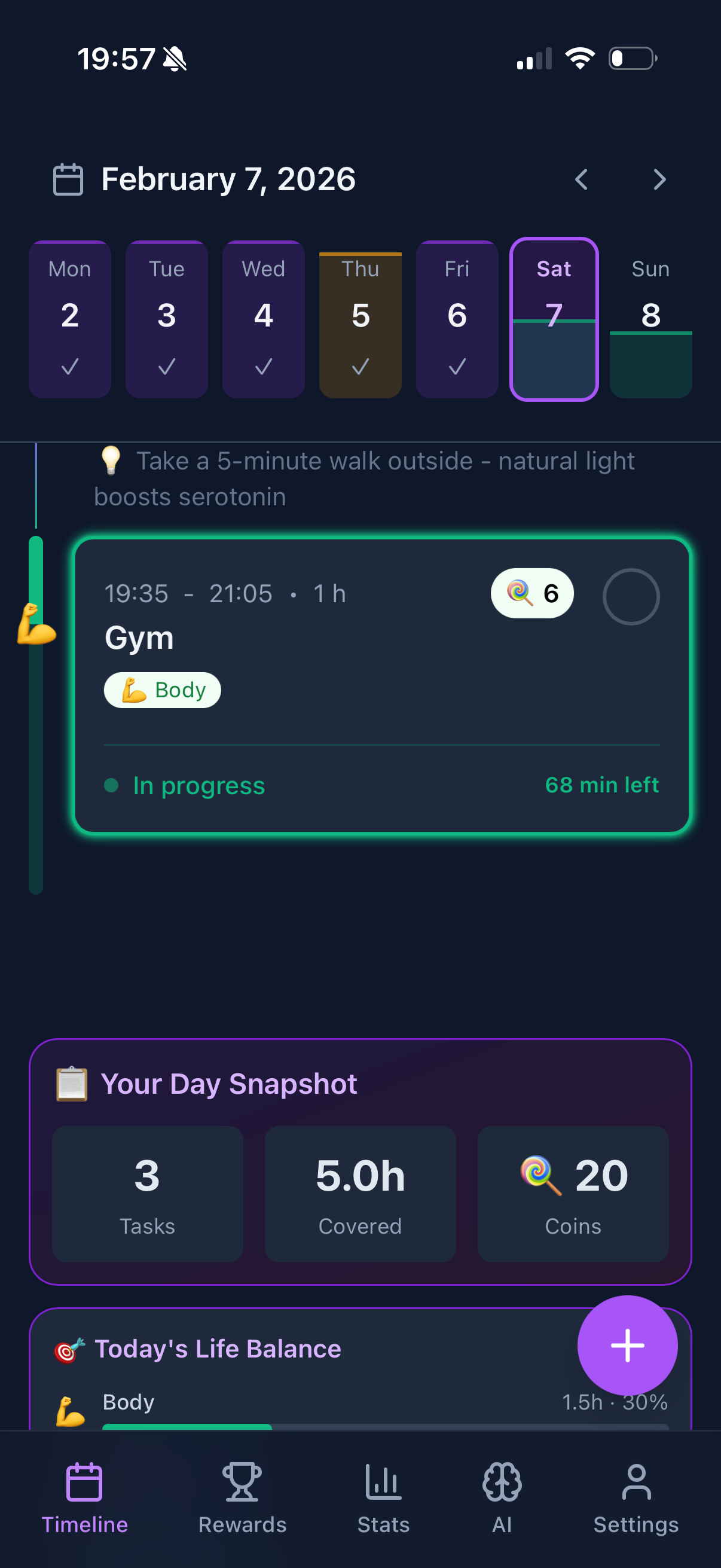
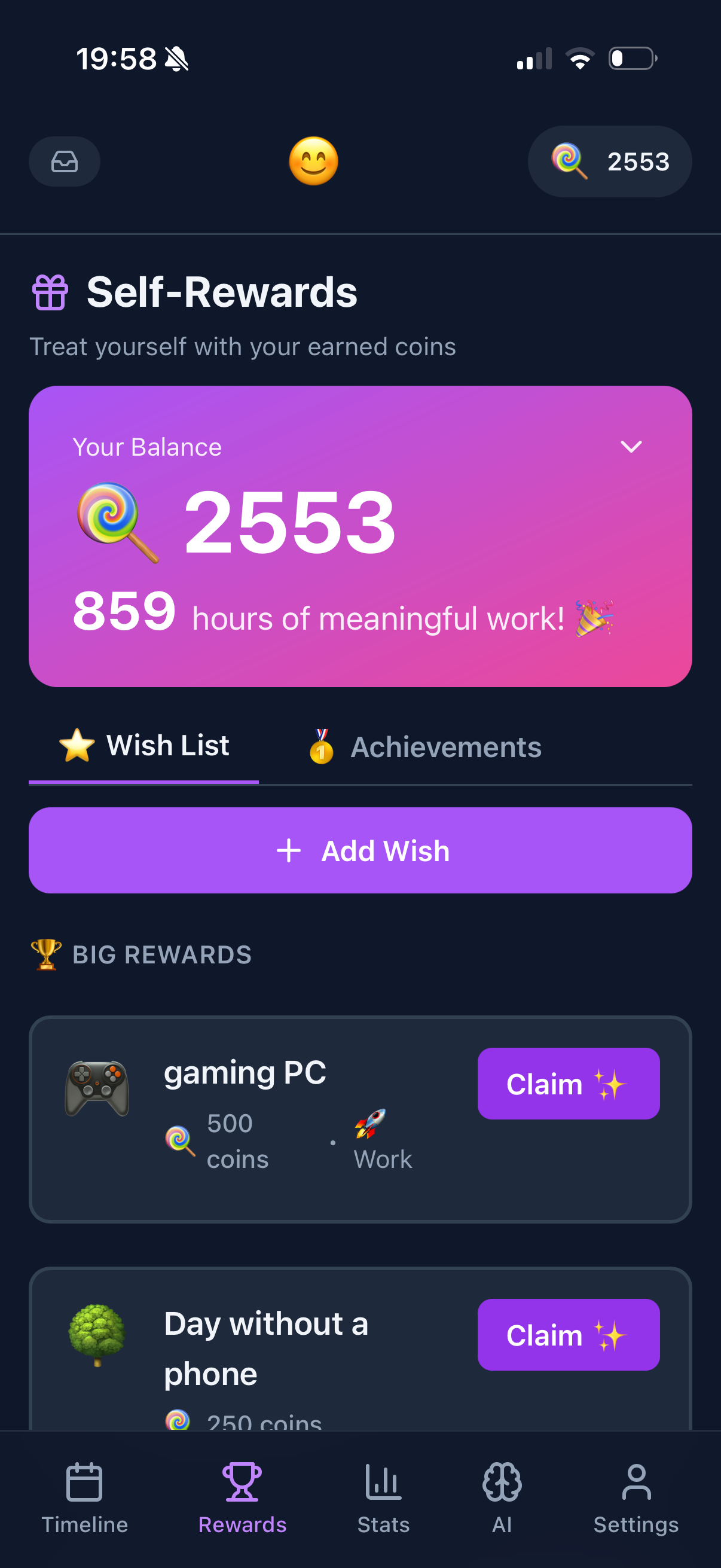
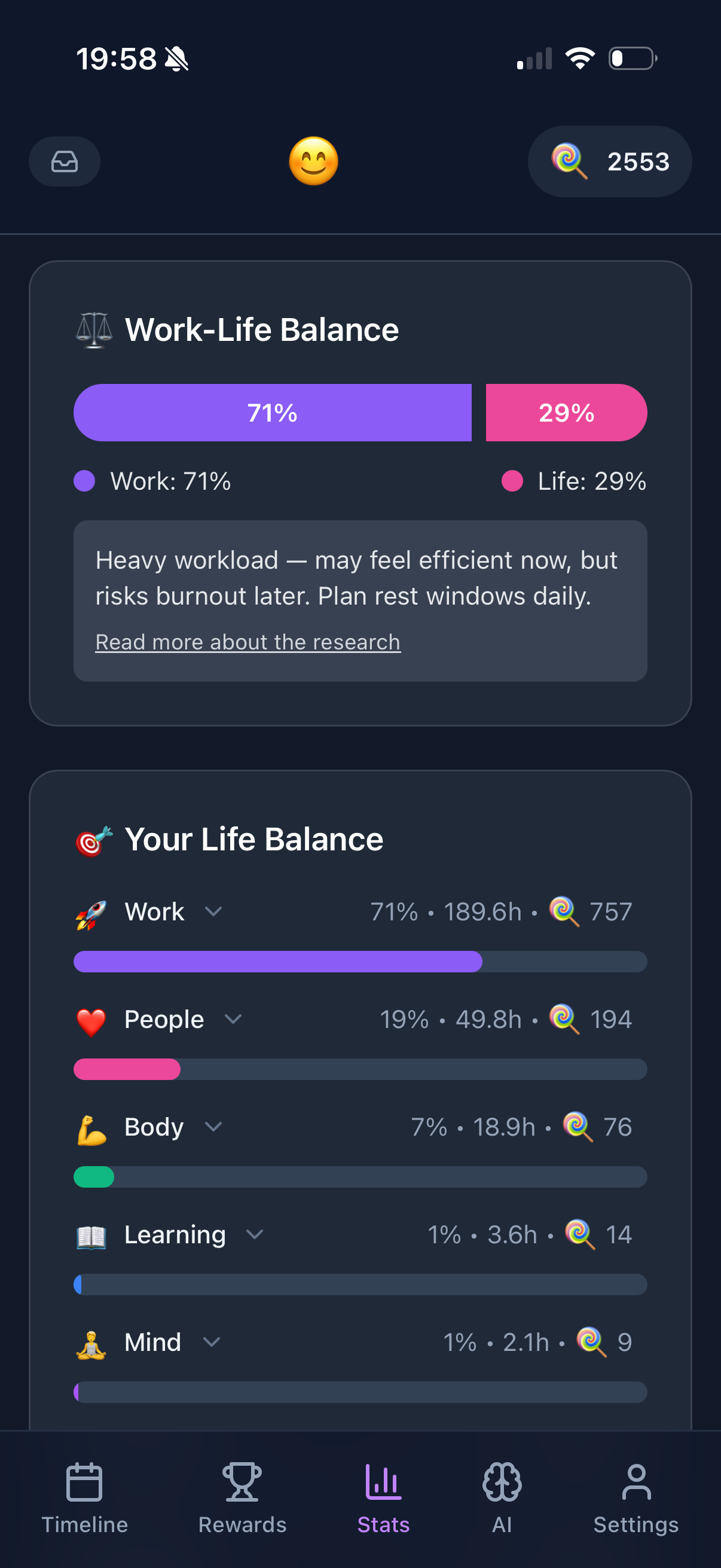
Simple task entry but with visual feedback. The Purpose Wheel adds meaning without complexity.
Gamification makes it fun. You don't need to understand it deeply. Just add tasks, earn coins, feel good.
Simplicity level: High. Adds value without adding confusion.
Free
Microsoft To Do
Clean, simple, free. "My Day" shows today's tasks. That's usually all you need.
Integrates with Outlook if you use it. Doesn't require it if you don't.
Simplicity level: High. Well designed basics.
What to Avoid If You Want Simple
Notion. Powerful but the opposite of simple. You'll spend hours building before doing.
ClickUp. "The everything app." Too much everything for daily planning.
Asana/Monday. Project management tools. Overkill for personal daily planning.
Apps with "setup wizards." If it needs a wizard, it's not simple.
The Simple Daily Planning Method
- Every morning: write 3-5 tasks for today
- Do the tasks
- Check them off
- Feel good
- Repeat tomorrow
That's it. No frameworks. No methodologies. No 47-step systems.
The best productivity system is the one you'll actually use. For most people, that's something simple.
Try Funtasking
Simple to use. Meaningful results.
Start Free