Internet goes down. You're on a plane. You're in a cabin in the woods. Your planner should still work. The best offline planners keep your tasks accessible no matter what.
I've tested which apps actually work when you flip on airplane mode. Some pretend to be offline-capable but break the moment you lose signal. Here's what really works in 2026.
Quick answer: For true offline-first planning, Things 3 (Apple) or plain text files work best. Todoist has good offline caching. Funtasking's web app caches locally after first load. For maximum privacy, local-only apps like Obsidian with Tasks plugin can't be beat.
Why Offline Planning Matters
It's not just about planes. There are real reasons to want offline-capable planning:
Reliability: Cloud services go down. Your local app doesn't.
Privacy: Data that never leaves your device can't be breached.
Speed: Local data loads instantly. No network latency.
Focus: Airplane mode is a productivity hack. Your planner should work there.
Remote locations: Cabins, camping, international travel. Internet isn't always available.
Best Offline Planner Apps 2026
$49.99 one-time
Things 3
The gold standard for offline planning on Apple devices. Everything is stored locally first, synced via iCloud when available. Works perfectly in airplane mode. No account required for single-device use.
Your data exists on your device. If Things the company disappeared tomorrow, your tasks would still be there.
What's good:
- + Fully offline capable
- + Local-first architecture
- + Beautiful design
- + One-time purchase
- + No account required
What's not:
- - Apple only
- - Sync requires iCloud
- - No web version
Free
Apple Reminders
Already on your iPhone and Mac. Works completely offline. Syncs via iCloud when you reconnect. For simple task lists, it's genuinely excellent and costs nothing.
Underrated. Most people dismiss it, but it's fast, reliable, and always there.
What's good:
- + Completely free
- + Full offline support
- + Built into every Apple device
- + Siri integration
- + Location-based reminders
What's not:
- - Apple ecosystem only
- - Limited organization features
- - No visual timeline
$50 one-time
Structured
Visual time blocking that works offline. Beautiful timeline view. Everything stored locally, synced via iCloud. Great for ADHD brains who need to see their day as blocks.
What's good:
- + Full offline capability
- + Visual timeline
- + One-time purchase
- + Local-first design
What's not:
- - Apple only
- - Limited project features
- - No collaboration
$5/month
Todoist
Not truly local-first, but has solid offline caching. Your tasks are available offline after you've loaded them once. Edits sync when you reconnect. Works across all platforms.
What's good:
- + Offline caching works well
- + Cross-platform
- + Changes sync automatically
- + Reliable
What's not:
- - Not truly local-first
- - Requires account
- - Data stored in cloud
Free / $2.99 Pro
Funtasking
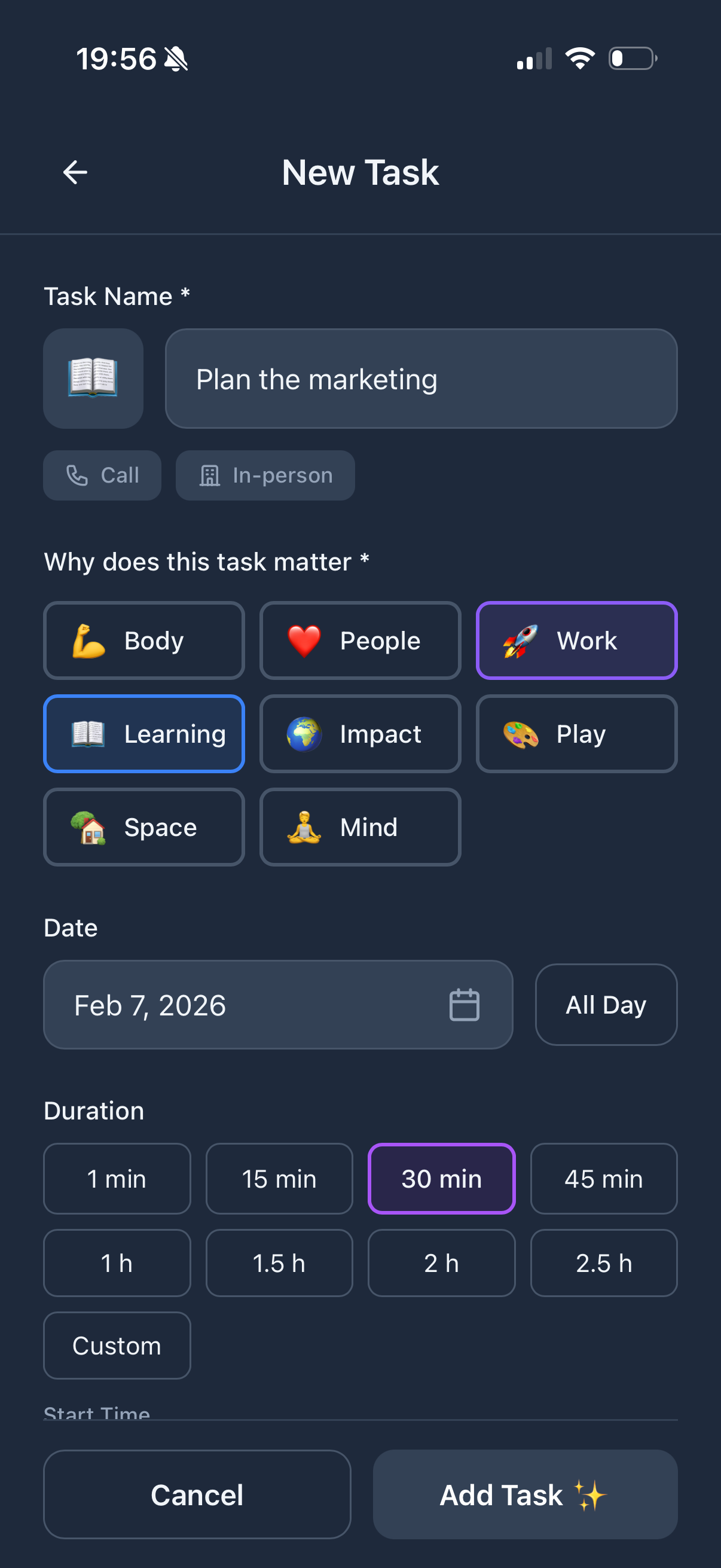
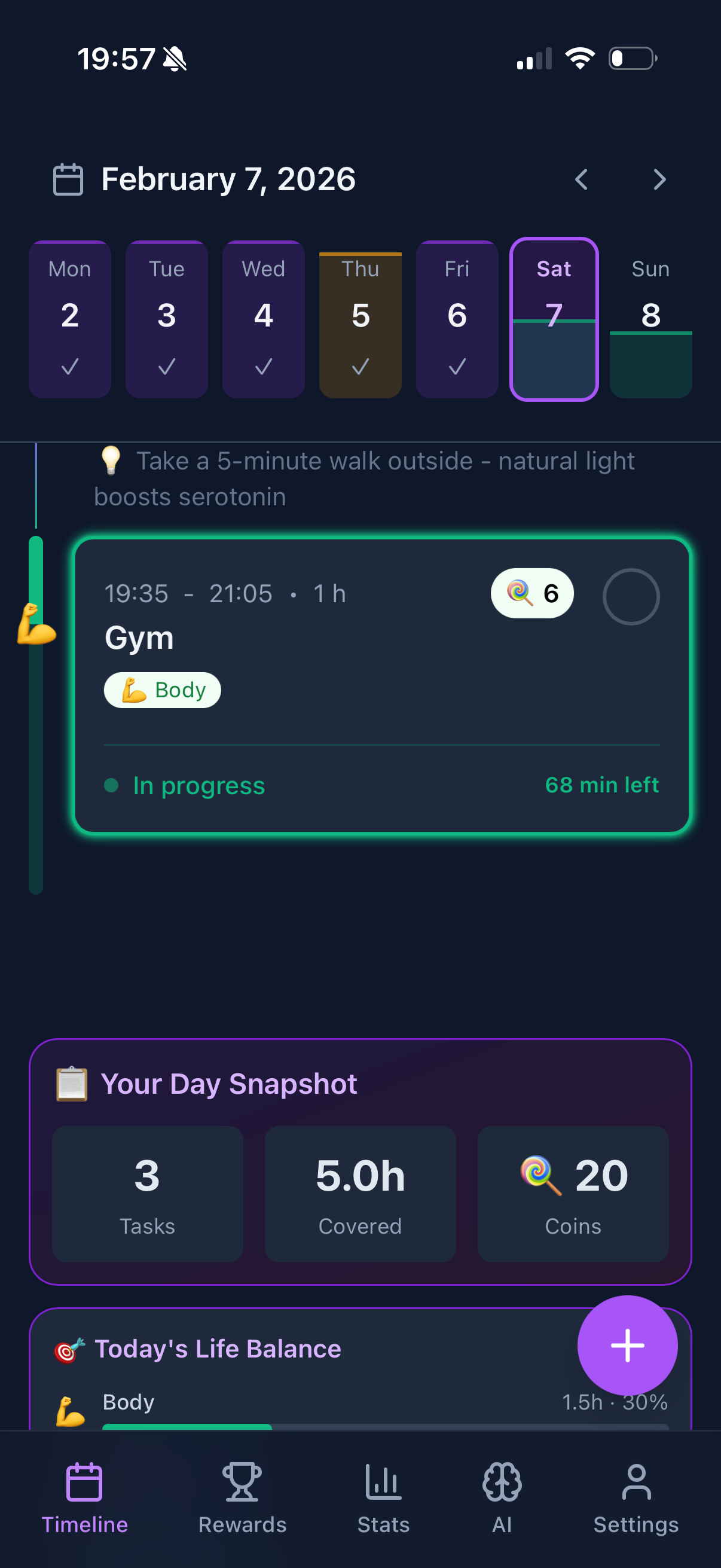
Web-based but with PWA offline support. Load it once, and it caches locally. Works in airplane mode after initial setup. Not as robust as native offline apps, but better than most web planners.
The trade-off: you get the life balance features and gamification that native apps don't have, with reasonable offline capability.
What's good:
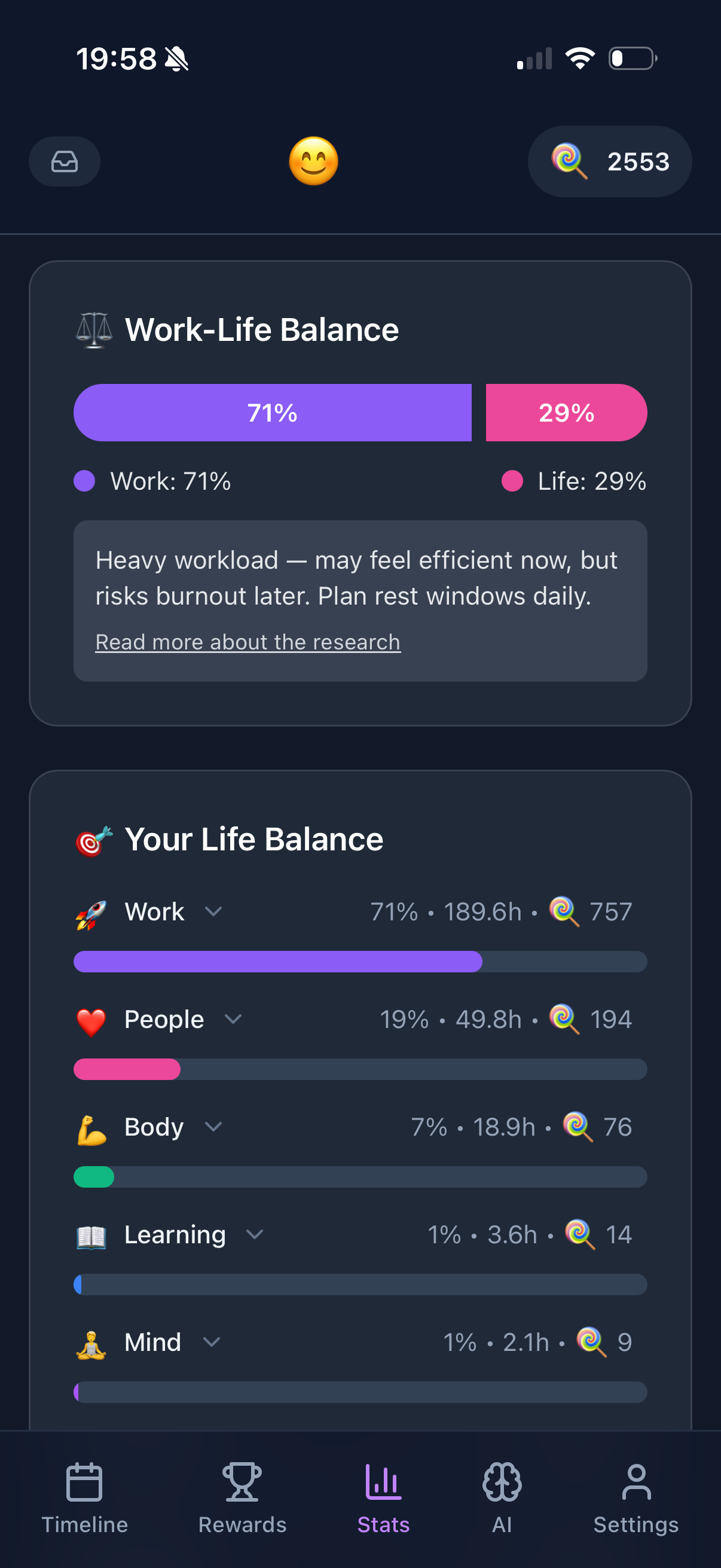
- + Life balance tracking
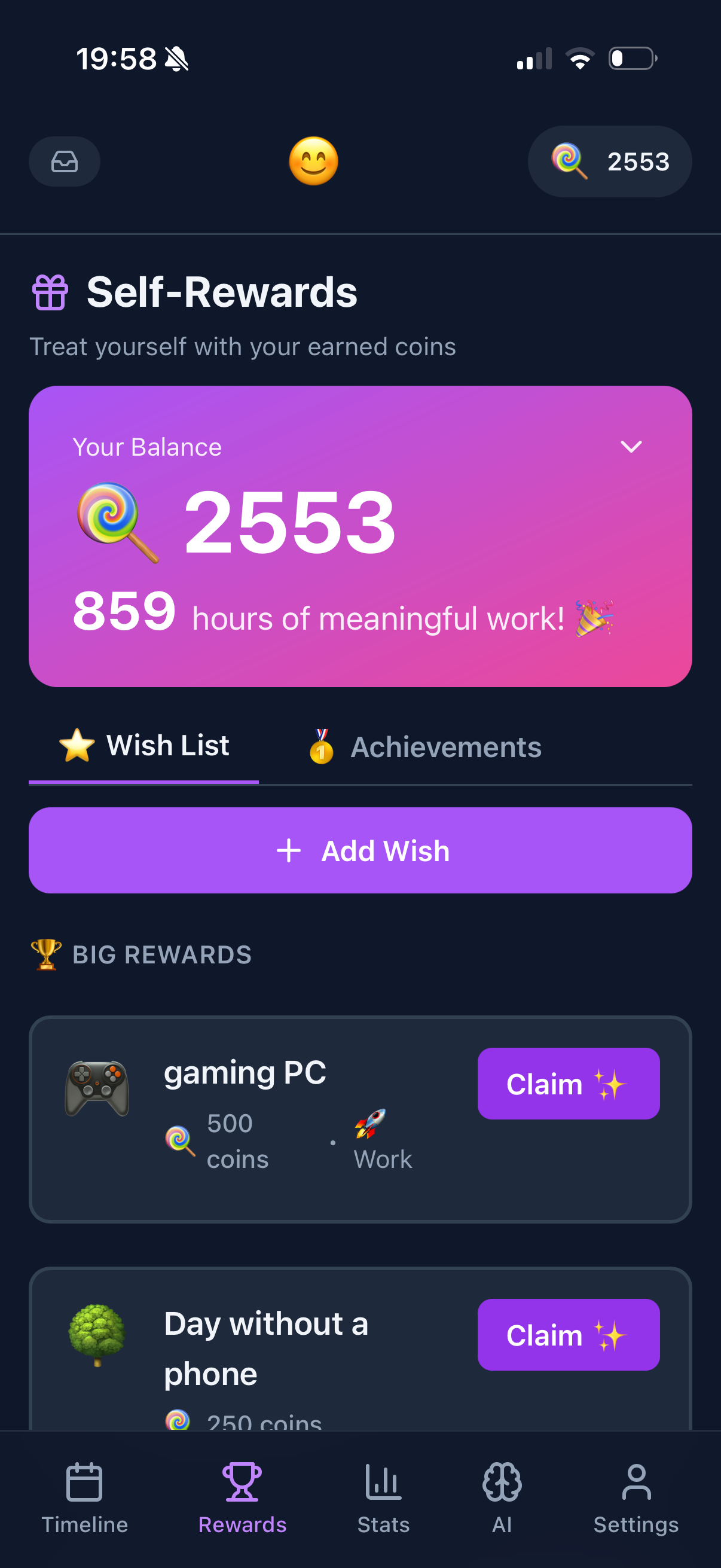
- + Gamification motivation
- + Free core features
- + PWA offline caching
- + Works on any device
What's not:
- - Limited offline (needs initial load)
- - Cloud-synced data
- - Requires account for full features
Free / $50 one-time
Obsidian + Tasks Plugin
For the technically inclined. Obsidian is a markdown note-taking app with a Tasks plugin that turns it into a powerful planner. Everything is plain text files on your device. Ultimate privacy and portability.
What's good:
- + 100% local, your files
- + Plain text (future-proof)
- + Infinitely customizable
- + Free for personal use
- + Optional sync
What's not:
- - Requires setup
- - Learning curve
- - Not for everyone
Offline Planner Comparison
| App |
Price |
Offline |
Local-First |
Platform |
| Things 3 |
$50 once |
Full |
Yes |
Apple |
| Apple Reminders |
Free |
Full |
Yes |
Apple |
| Structured |
$50 once |
Full |
Yes |
Apple |
| Todoist |
$5/mo |
Cached |
No |
All |
| Funtasking |
Free / $2.99 |
PWA Cache |
No |
All (Web) |
| Obsidian Tasks |
Free/$50 |
Full |
Yes |
All |
How to Choose Your Offline Planner
You're all Apple and want the best? Things 3. Beautiful, reliable, truly offline.
You want free and simple? Apple Reminders. Already on your devices.
You need cross-platform with offline? Todoist. Caching works well enough.
You want life balance features with reasonable offline? Funtasking. Load it once, cache locally.
You're technical and want total control? Obsidian + Tasks. Plain text, your files, forever.
Pro tip: Test offline mode before you need it. Put your phone in airplane mode and try your planner. Some apps claim offline support but break when tested.
The Privacy Angle
Offline-first often means privacy-first. If your tasks never leave your device, they can't be:
- Harvested for ads
- Breached in a data leak
- Subpoenaed by governments
- Lost when the company shuts down
For sensitive planning (health, finances, relationships), local-first apps give peace of mind that cloud services can't match.
Why Funtasking Offers PWA Offline
We're a web app, so we can't be fully local-first. But we've built robust PWA caching. Load Funtasking once, and your recent tasks are cached in your browser. You can view and edit them offline.
It's a trade-off. You get unique features like the life balance wheel and gamification that native offline apps don't offer. In exchange, you need internet for the first load and for syncing.
For most people, this works fine. You plan at home or office with WiFi, and occasionally check tasks on a plane. The cache handles that.
Try Funtasking
Load once, cache locally. Life balance features no offline app has.
Open Funtasking
Related Articles