Why download another app when you can just open a tab? Web-based planners work on any device with a browser. Mac, Windows, Linux, Chromebook, phone, tablet. One URL, everywhere.
I've been using web-based planners for years. Here's what actually works in 2026 when you want cross-platform planning without the app store hassle.
Quick answer: Funtasking is the best free web-based planner with life balance features. Todoist's web app is reliable and full-featured. Notion works if you want more than just tasks. All work in any browser, no download needed.
Why Choose a Web-Based Planner?
Native apps are great, but web planners have real advantages:
No downloads or updates: Open a URL and you're done. Always the latest version.
Works anywhere: Mac, Windows, Linux, Chromebook, any phone, any tablet. Same experience.
No storage bloat: Apps take gigabytes. Web apps take nothing.
Instant access on shared computers: Library, work PC, friend's laptop. Just log in.
PWA installation optional: Install it like an app if you want, or don't. Your choice.
Best Web-Based Planners 2026
Free / $2.99 Pro
Funtasking
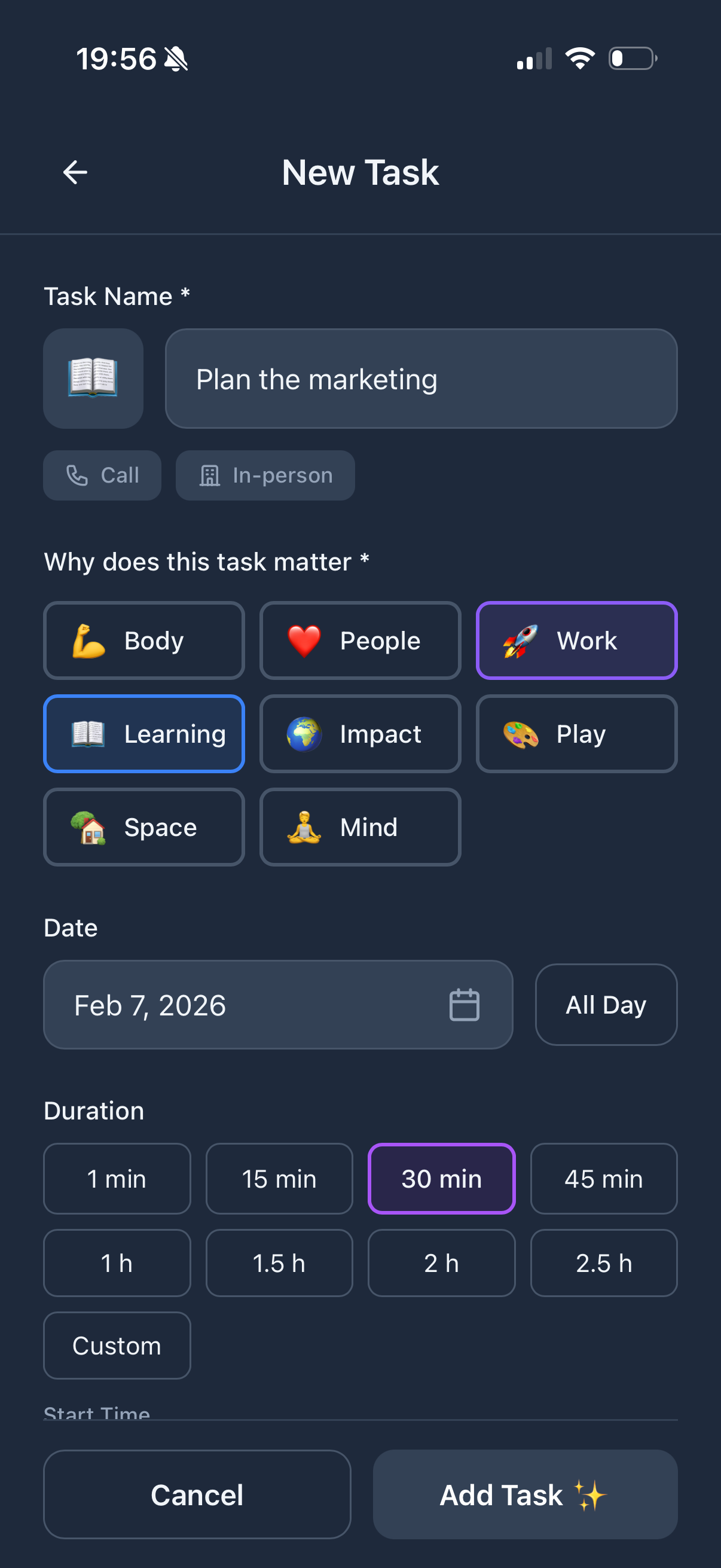
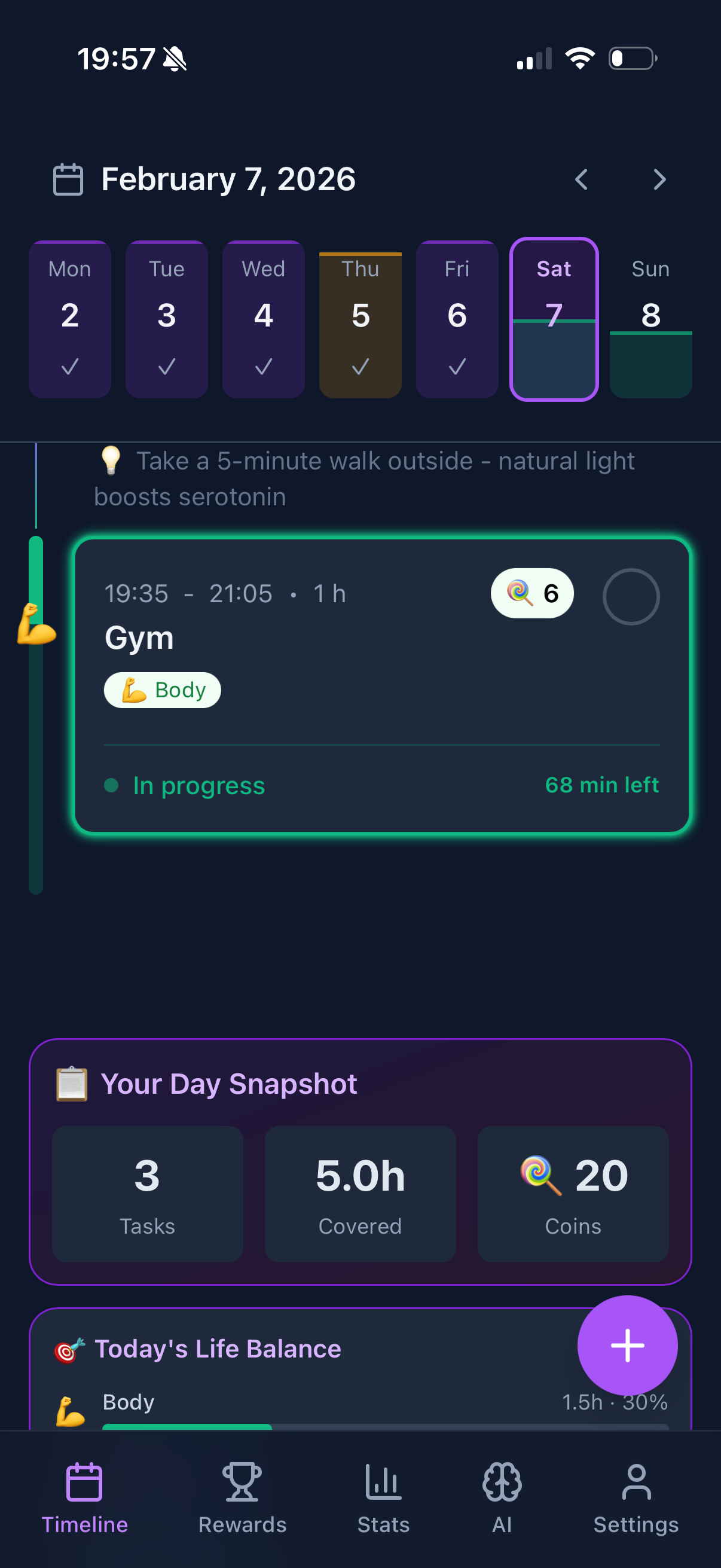
Built from the ground up as a web app. Open app.funtasking.com in any browser and you're planning. No account required to try it. Works beautifully on phones, tablets, and desktops.
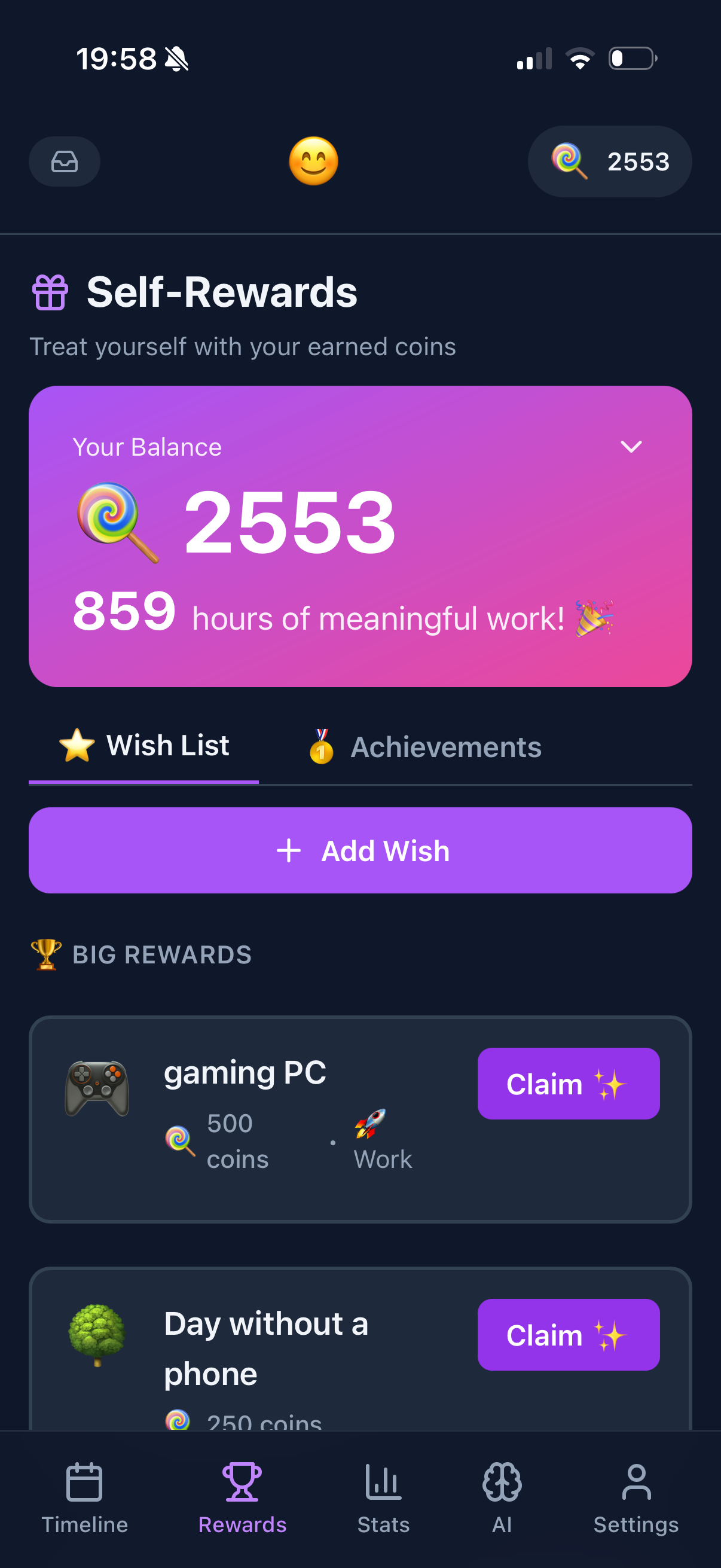
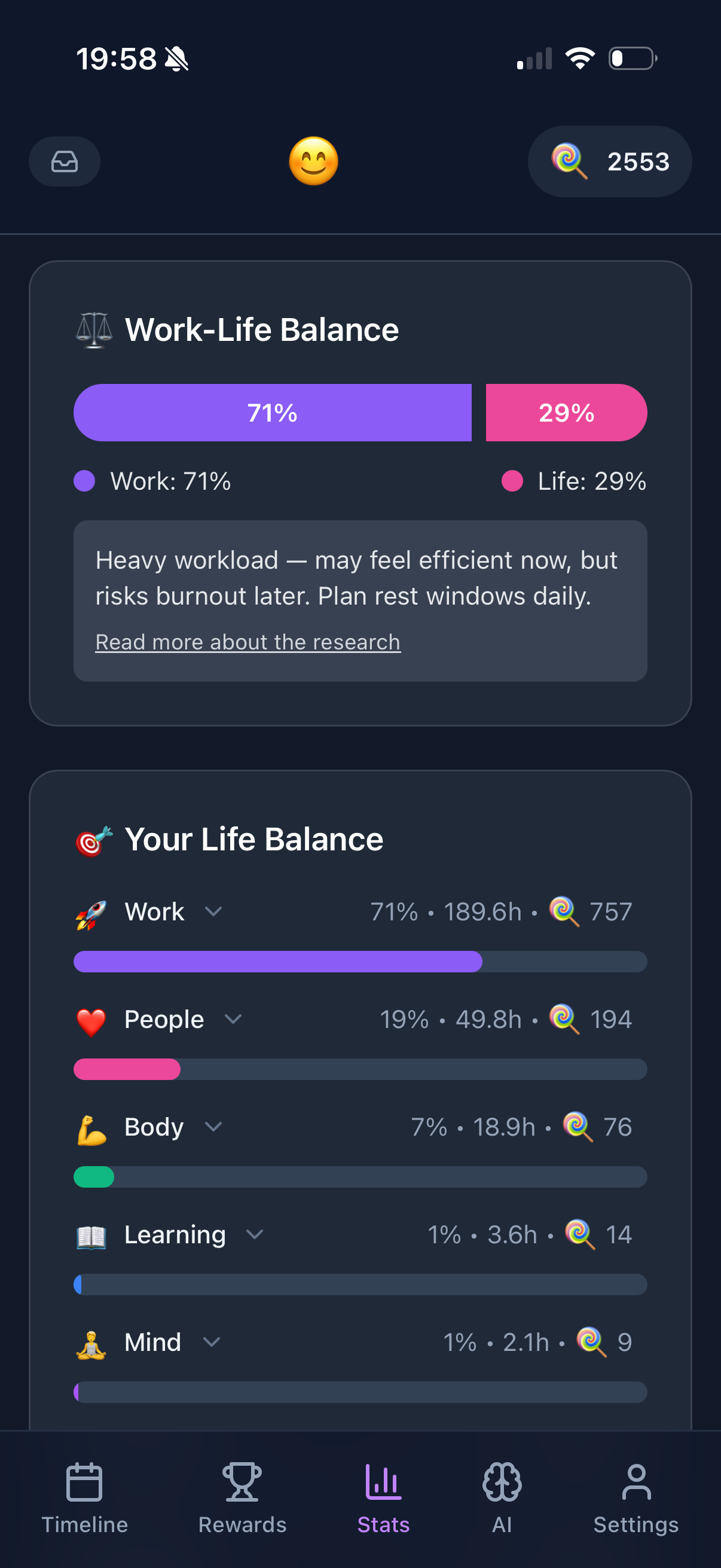
What sets it apart: life balance visualization (the Purpose Wheel), gamification that actually motivates, and it's genuinely free for core features.
What's good:
- + No download needed ever
- + Works on any device
- + Life balance tracking
- + Gamification motivation
- + Free for core features
- + PWA - install as app if wanted
What's not:
- - Needs internet for first load
- - No desktop notifications (yet)
- - Smaller company than big players
$5/month
Todoist
The web app is just as good as their native apps. Natural language input ("call mom tomorrow 5pm"), projects, labels, filters. Everything works in the browser.
Has been around forever. Reliable. Maybe a bit boring, but it works.
What's good:
- + Full-featured web app
- + Natural language input
- + Keyboard shortcuts
- + Reliable sync
What's not:
- - Free tier is limited
- - No visual timeline
- - Feels dated in 2026
Free / $10/month
Notion
More than a planner. It's a workspace. You can build any task system you imagine. Databases, calendars, Kanban boards, linked pages.
But that's also the problem. You'll spend more time building your system than actually doing tasks.
What's good:
- + Infinitely customizable
- + Great free tier
- + Web app is excellent
- + Databases are powerful
What's not:
- - Overkill for simple planning
- - Can be slow to load
- - Easy to over-engineer
$19/month
Motion
AI scheduling via browser. Motion automatically plans your day around meetings and deadlines. The web app is actually their primary platform.
Expensive but genuinely useful if you have complex calendars.
What's good:
- + AI auto-scheduling
- + Web-first design
- + Great for busy professionals
- + Calendar integration
What's not:
- - Very expensive
- - Learning curve
- - Overkill for simple needs
$16/month
Sunsama
The mindful web planner. Daily planning ritual. Weekly reviews. Intentional time management. All in browser.
Forces you to plan thoughtfully rather than just dump tasks.
What's good:
- + Daily planning ritual
- + Burnout prevention
- + Beautiful web interface
- + Integrations everywhere
What's not:
- - Very expensive
- - Slow by design
- - Not for quick capture
Web Planner Comparison
| App |
Price |
PWA |
Offline |
Best For |
| Funtasking |
Free / $2.99 |
Yes |
Limited |
Life balance |
| Todoist |
$5/mo |
Yes |
Yes |
Task lists |
| Notion |
Free / $10 |
Yes |
Limited |
Custom systems |
| Motion |
$19/mo |
No |
No |
AI scheduling |
| Sunsama |
$16/mo |
No |
No |
Mindful planning |
How to Install Web Apps as Desktop Apps
Modern browsers let you install web apps so they feel native. Here's how:
Chrome: Click the install icon in the address bar, or Menu > Install.
Safari: File > Add to Dock (Mac) or Share > Add to Home Screen (iOS).
Edge: Menu > Apps > Install this site as an app.
Firefox: Limited PWA support, but you can pin tabs or use extensions.
Once installed, web apps open in their own window, have their own icon, and work offline (if supported).
Pro tip: Install Funtasking as a PWA on your phone. Add to home screen, and it looks and feels like a native app. No app store required.
How to Choose Your Web Planner
You want free with unique features? Funtasking. Life balance wheel is genuinely useful.
You want reliable and boring? Todoist. It just works.
You want to build your own system? Notion. Endless customization.
You have money and want AI? Motion. Expensive but smart.
You want mindful, slow planning? Sunsama. Forces you to be intentional.
Why We Built Funtasking as a Web App
Simple: we wanted everyone to access it instantly. No App Store approval delays. No platform restrictions. No forced updates that break things.
Open a URL. Start planning. Done.
The web is underrated. Modern browsers are incredibly capable. We can do animations, offline support, notifications, all without native code. And it works on every device ever made.
Plus: no 30% App Store tax means we can keep it free.
Try Funtasking Now
No download. No signup required to try. Just open in your browser.
Open Funtasking
Related Articles