Your Apple Watch is always there on your wrist. Why not use it for quick task checks and captures? The best watch planner apps let you glance at what's next, mark things done, and add tasks without pulling out your phone.
I tested every major planner's Apple Watch app. Here's what works when you've only got a tiny screen and 2 seconds to check something.
Quick answer: Things 3 has the best Apple Watch app with beautiful complications. Todoist is great for cross-platform users. Fantastical works best if you think in calendar events. Funtasking users can sync with Reminders for basic watch access.
What Makes a Great Apple Watch Planner?
Watch apps need to be different. No complex interfaces. No scrolling through menus. Here's what matters:
Complications: Show your next task or event right on your watch face. One glance, you know what's next.
Siri integration: "Hey Siri, remind me to call mom at 5pm." Voice capture is essential on a watch.
Quick capture: Add a task in under 5 seconds. Dictate or scribble.
At-a-glance viewing: See today's tasks without complex navigation.
Reliable sync: Changes on watch should appear on phone instantly.
Best Apple Watch Planner Apps 2026
$49.99 (Mac + iPhone + Watch)
Things 3
The gold standard for Apple Watch planning. Cultured Code actually designed the watch app from scratch for the small screen. Not just a phone app squeezed down.
The complications are gorgeous. Show your next task or how many tasks remain today. The app itself lets you check tasks, add new ones with voice, and browse your lists.
What's good:
- + Beautiful, purpose-built watch app
- + Multiple complication styles
- + Quick voice capture
- + Smooth animations
- + Works offline
What's not:
- - Need to buy Mac + iPhone apps too
- - Apple ecosystem only
- - No family sharing
$5/month
Todoist
If you use Todoist on other platforms, the watch app is solid. See your today list. Check off tasks with a tap. Add tasks with voice.
The complication shows your next due task. Works great for people already in the Todoist ecosystem.
What's good:
- + Syncs with Todoist everywhere
- + Voice task capture
- + Good complication
- + Siri shortcuts support
What's not:
- - Less polished than Things
- - Subscription required
- - Occasional sync delays
$6.99/month
Fantastical
Calendar-focused but includes tasks. See your upcoming events and to-dos together on your wrist. Great if you time-block your day.
Natural language works here too. "Meeting at 3pm tomorrow" gets added correctly.
What's good:
- + Calendar + tasks unified
- + Natural language input
- + Multiple complication options
- + Beautiful design
What's not:
- - More calendar than task list
- - Subscription pricing
- - Can feel cluttered
$50 one-time
Structured
Visual time blocking on your wrist. The watch app shows your day as colored blocks. At a glance, you see what's now, what's next.
Less full-featured than Things but the visual approach works well for some people.
What's good:
- + Visual timeline view
- + One-time purchase
- + Simple, focused
- + Good for ADHD
What's not:
- - Limited task management
- - Apple only
- - Fewer features than others
Free / $2.99 Pro
Funtasking + Apple Reminders
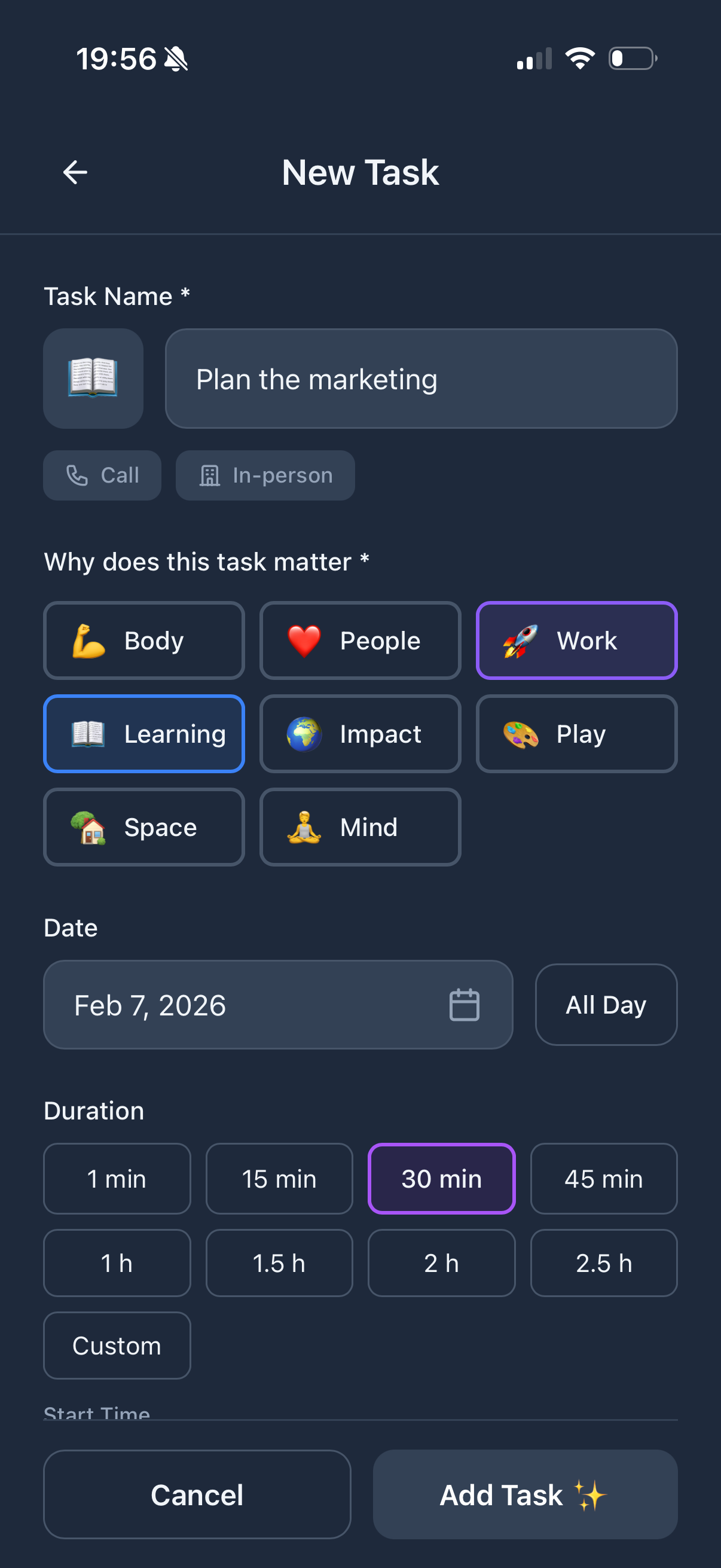
Funtasking doesn't have a watch app yet (it's coming!). But here's a workaround: your tasks can sync with Apple Reminders, which has a solid watch app built-in.
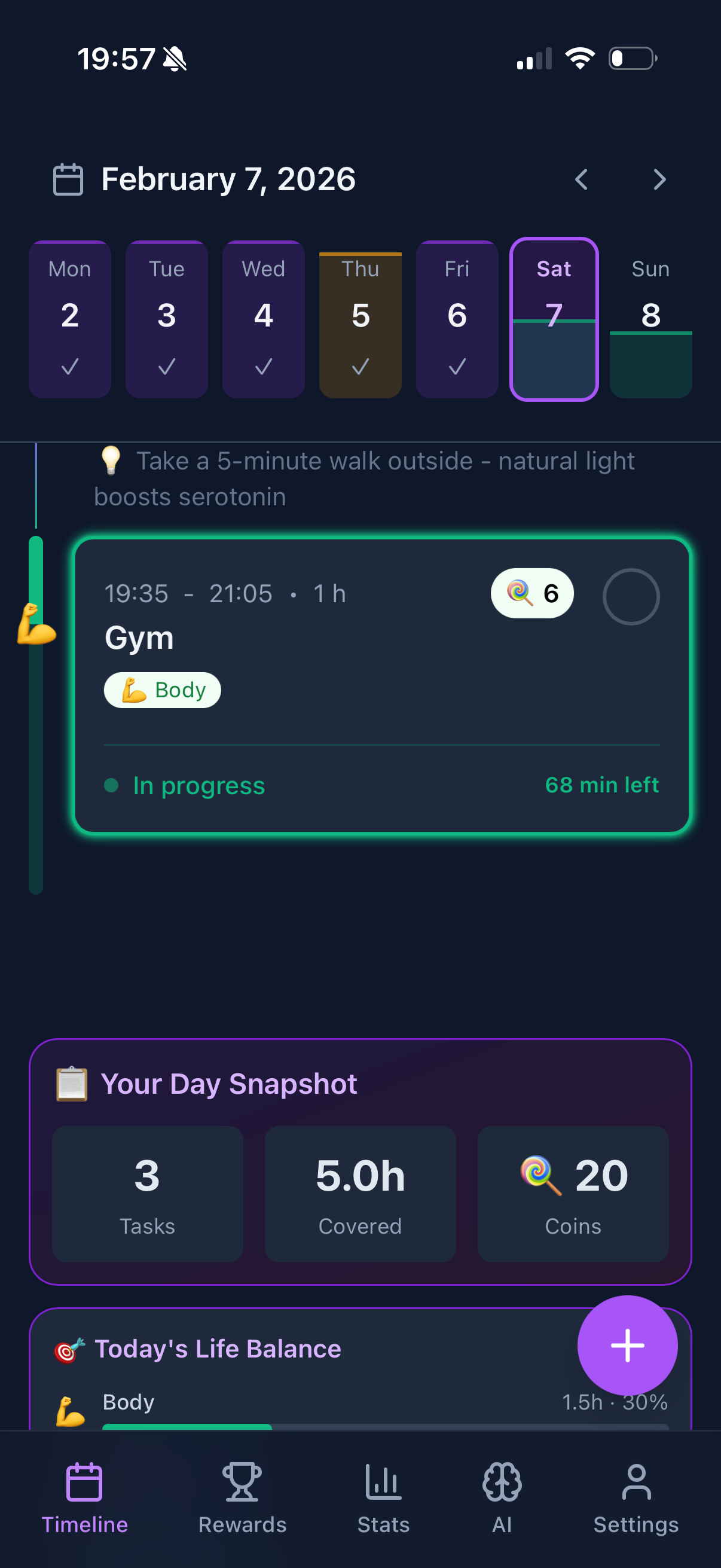
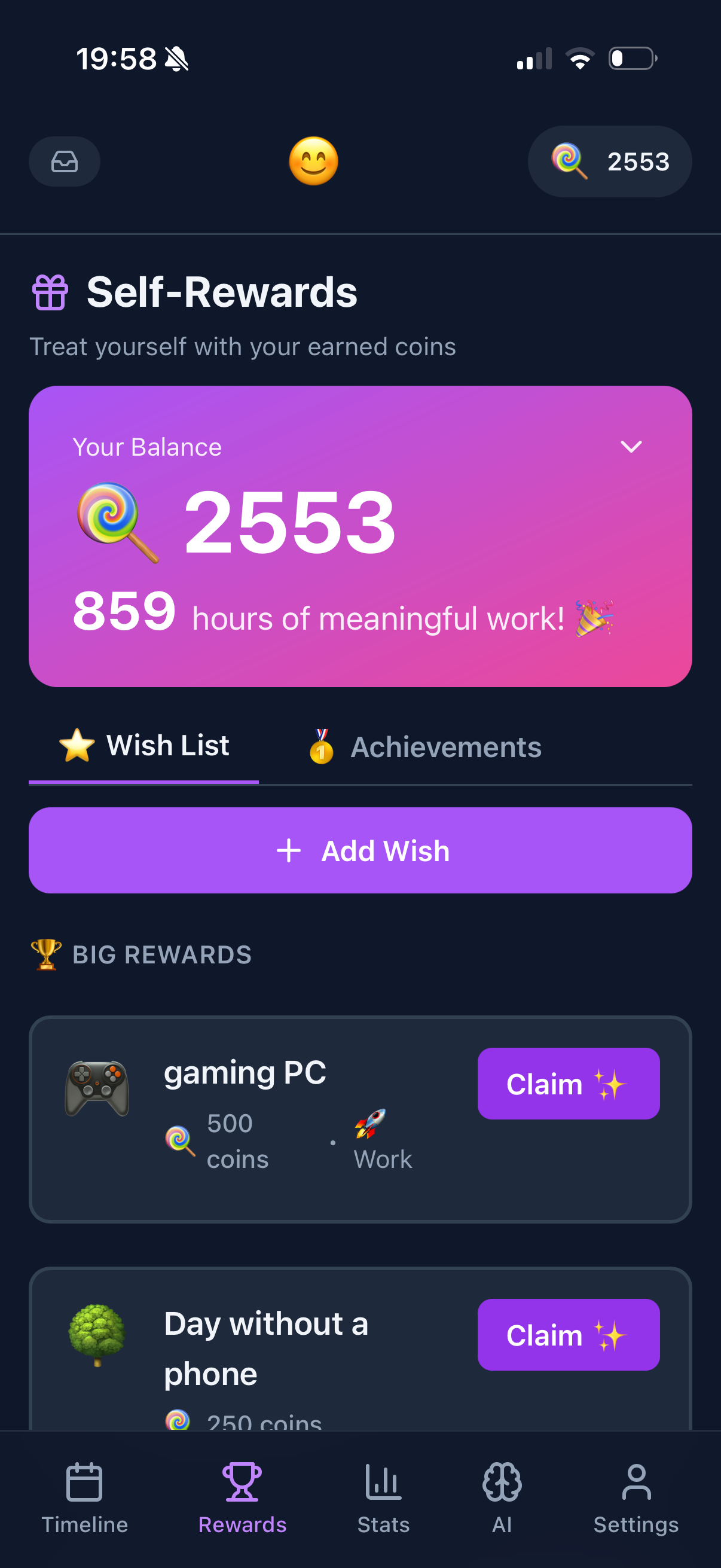
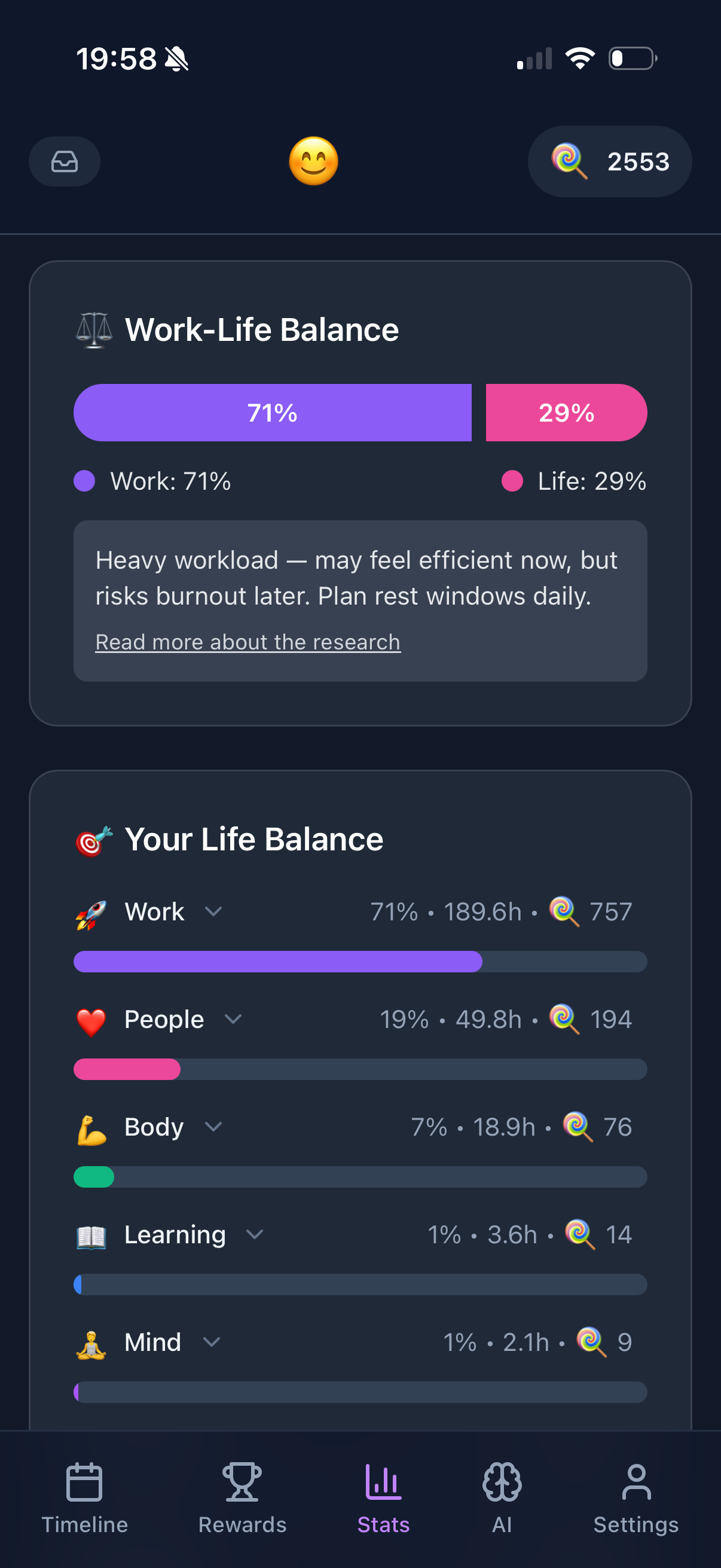
You get basic task viewing and completion on your watch, while using Funtasking's full features (gamification, life balance) on your iPhone or in the browser.
What's good:
- + Free core features
- + Life balance tracking on iPhone
- + Gamification motivation
- + Web app works anywhere
- + Watch app coming soon
What's not:
- - No native watch app (yet)
- - Reminders workaround is basic
- - Miss some features on watch
Apple Watch Planner Comparison
| App |
Price |
Complications |
Siri |
Offline |
| Things 3 |
$50 bundle |
Excellent |
Yes |
Yes |
| Todoist |
$5/mo |
Good |
Yes |
Limited |
| Fantastical |
$6.99/mo |
Excellent |
Yes |
Yes |
| Structured |
$50 once |
Good |
Basic |
Yes |
| Funtasking |
Free / $2.99 |
Via Reminders |
Via Reminders |
Via Reminders |
How to Choose Your Watch Planner
You want the best watch experience? Things 3. Worth it if you're all-in on Apple.
You use Todoist on Android/Windows too? Stick with Todoist. Watch app is good enough.
You time-block your calendar? Fantastical. See events and tasks together.
You think visually? Structured. Simple colored timeline on your wrist.
You want free with life balance features? Funtasking on iPhone, Reminders on watch. Watch app coming soon.
Pro tip: Set up a watch face just for productivity. Add your planner's complication as the main feature. I use a Modular face with Things 3 in the center showing my next task.
Using Siri for Quick Task Capture
The killer feature of watch-based planning is voice. Your hands are full. You think of something. Just say it.
"Hey Siri, remind me to buy milk at 6pm" - works with Reminders immediately.
"Hey Siri, add 'call dentist' to Things" - works if you've set up Siri shortcuts.
"Hey Siri, add meeting to my calendar at 3pm tomorrow" - works with Fantastical's natural language.
Set up your preferred phrases and you can capture any thought in seconds.
Why Funtasking is Building a Watch App
We hear you. Quick task capture from your wrist is essential. We're building a native Apple Watch app that will include:
- Complications showing your next task and life balance status
- Quick task completion with haptic feedback
- Voice capture for new tasks
- At-a-glance today view
For now, use Funtasking on your iPhone or in any browser, and sync to Reminders for basic watch access. It works, just not as elegantly as we'd like.
Try Funtasking Today
Web app works now on any device. Watch app coming soon.
Start Free
Related Articles