The iPad is amazing for productivity. Big screen. Apple Pencil. Split-screen multitasking. Stage Manager. Yet most planner apps still feel like blown-up iPhone apps.
I tested every major planner on my iPad Pro to find the ones that actually take advantage of that gorgeous display. Here's what works in 2026.
Quick answer: For handwritten planning, GoodNotes is unbeatable. For digital task management with life balance, Funtasking's web app works beautifully in Safari with full split-screen support. For visual time blocking, Structured nails the iPad experience.
What Makes a Great iPad Planner?
Not every planner app deserves your iPad's screen real estate. Here's what I looked for:
Split-screen support: Can you run it alongside Notes, Safari, or your calendar? This is iPad's killer feature.
Apple Pencil integration: For handwritten notes, annotations, or quick sketches. Some people love this, others never use it.
Stage Manager compatibility: iPadOS 16+ brought proper windowing. Does the app resize gracefully?
Keyboard shortcuts: Magic Keyboard owners want efficiency. Good apps support this.
Best iPad Planner Apps 2026
Free / $2.99 Pro
Funtasking (Web App)
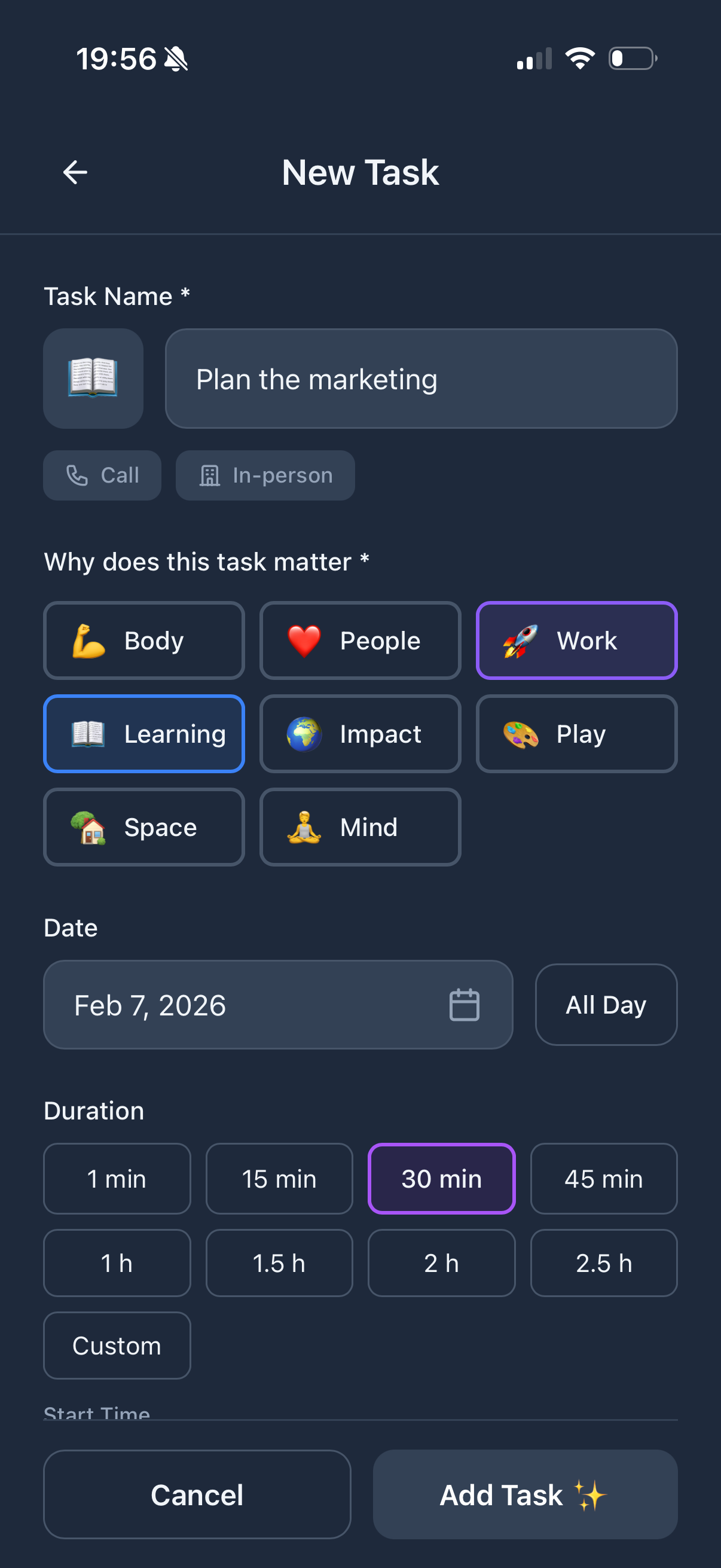
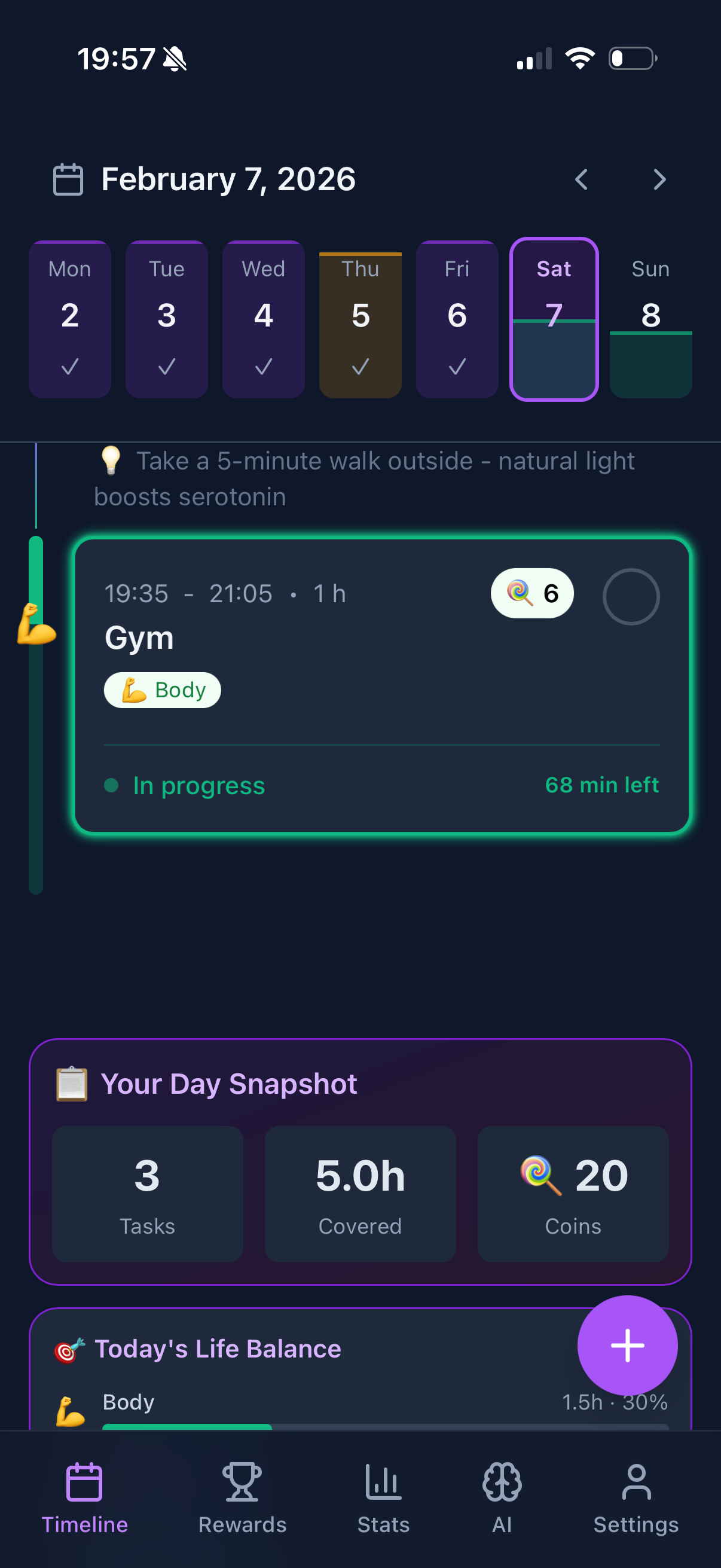
Here's a secret: you don't need to download an app. Funtasking's web app at app.funtasking.com works beautifully in Safari on iPad. Full split-screen support. Responsive design that adapts to any window size.
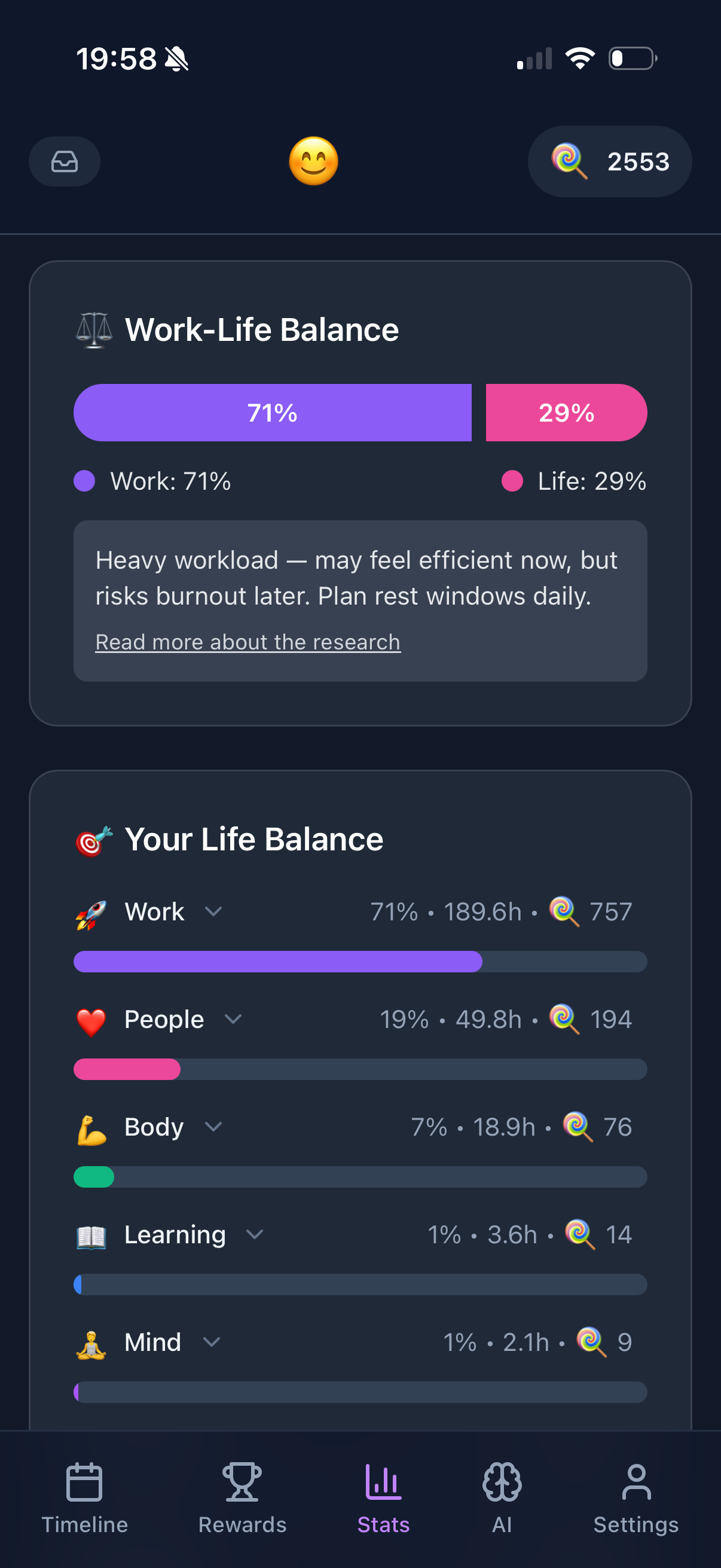
The Purpose Wheel looks stunning on iPad's display. You can see your life balance at a glance while checking tasks in split-screen with your calendar.
What's good:
- + Perfect split-screen support
- + No app download needed
- + Works in Stage Manager
- + Life balance visualization
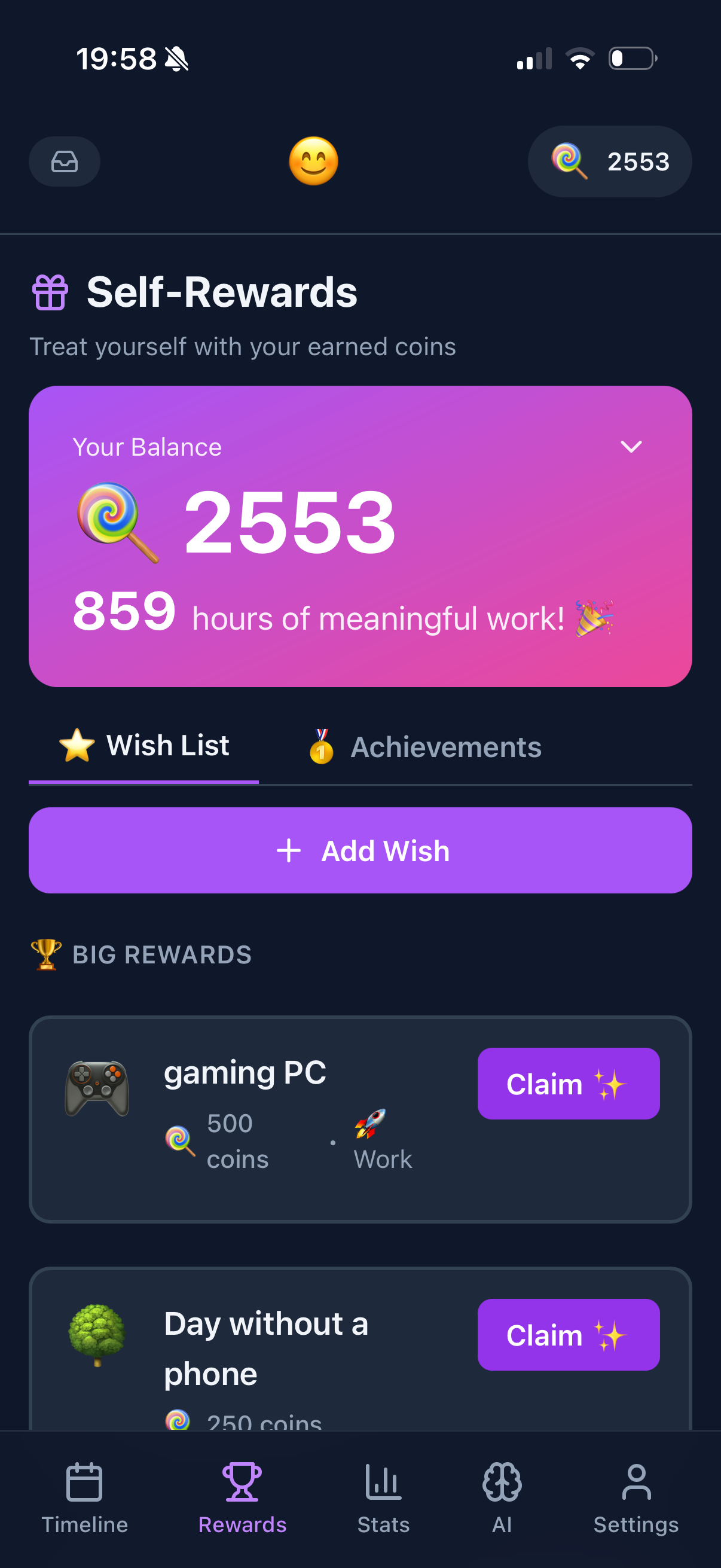
- + Gamification keeps you engaged
What's not:
- - No Apple Pencil features
- - Needs internet connection
- - No native app (yet)
$12.99/year
GoodNotes
The king of handwritten planning on iPad. If you want to write your tasks with Apple Pencil, nothing beats GoodNotes. Import PDF planners, customize templates, write freely.
The search feature that recognizes handwriting is almost magic. Write "dentist" and it finds every mention across all your notebooks.
What's good:
- + Best Apple Pencil experience
- + Handwriting recognition
- + Beautiful templates
- + Excellent Stage Manager support
What's not:
- - No task automation
- - Manual organization required
- - No reminders or notifications
$50 one-time
Structured
Visual time blocking that looks gorgeous on iPad. Your day appears as colored blocks on a timeline. Drag to reschedule. Perfect for people who think visually.
Split-screen works great. Keep Structured on one side, your work on the other. Always know what's next.
What's good:
- + Visual timeline perfect for iPad
- + One-time purchase
- + Great split-screen support
- + Widget support
What's not:
- - No web version
- - Apple ecosystem only
- - Limited project features
$11.99/year
Notability
Similar to GoodNotes but with audio recording. Great for planning sessions where you want to capture voice notes alongside written tasks.
The new subscription model annoyed some longtime users, but the app itself is excellent on iPad.
What's good:
- + Audio + handwriting sync
- + Excellent Apple Pencil
- + Good for meeting notes
What's not:
- - Subscription required now
- - Less planner-focused
- - No task management
$5/month
Todoist
The iPad app is solid but nothing special. It works. Has decent split-screen support. Quick add is useful. But it doesn't really take advantage of iPad's unique features.
What's good:
- + Reliable and fast
- + Good keyboard shortcuts
- + Cross-platform sync
What's not:
- - Feels like a phone app
- - No Apple Pencil features
- - Underutilizes iPad screen
iPad Planning Comparison
| App |
Price |
Apple Pencil |
Split-Screen |
Stage Manager |
| Funtasking |
Free / $2.99 |
No |
Excellent |
Yes |
| GoodNotes |
$12.99/yr |
Excellent |
Excellent |
Yes |
| Structured |
$50 once |
No |
Excellent |
Yes |
| Notability |
$11.99/yr |
Excellent |
Good |
Yes |
| Todoist |
$5/mo |
No |
Good |
Yes |
How to Choose Your iPad Planner
You love handwriting with Apple Pencil? GoodNotes. No contest. Import a PDF planner template and go analog-digital.
You want digital task management with life balance? Open Funtasking in Safari. Pin it to your dock. Works beautifully in split-screen.
You're a visual time-blocker? Structured. One-time purchase, gorgeous design, made for iPad.
You need cross-platform reliability? Todoist. Not exciting on iPad, but works everywhere consistently.
Pro tip: Use split-screen! Keep your planner on one side and your actual work on the other. That's the iPad productivity superpower most people ignore.
Why Funtasking Works Great on iPad
We built Funtasking as a web app specifically so it works anywhere, including iPad. No waiting for App Store approval. No separate app to maintain. Just open Safari and go.
The Purpose Wheel that shows your life balance? It looks incredible on iPad's screen. You can see all eight areas of life at a glance. The gamification elements are more engaging on the bigger display too.
And because it's a web app, you can use it in any split-screen configuration. Half screen, slide over, Stage Manager window. It adapts.
Try Funtasking on Your iPad
Open in Safari. Works perfectly in split-screen. No download required.
Open Funtasking
Related Articles