Mac users are picky about their apps. We want native feel. Keyboard shortcuts. Menu bar integration. Not some Electron app that drinks battery for breakfast.
I've tested every major planner on my MacBook Pro to find the ones that respect macOS design principles. Here's what actually feels like a Mac app in 2026.
Quick answer: Things 3 is the most Mac-native planner ever made (one-time $50). For free with life balance features, Funtasking's web app works beautifully in Safari. For power users, OmniFocus ($10/mo) handles complex projects.
What Makes a Great Mac Planner?
Not every app deserves a spot in your dock. Here's what I looked for:
Native macOS feel: Uses system fonts, respects dark mode, feels at home on Mac.
Keyboard shortcuts: Power users live by Cmd+K. Good apps know this.
Menu bar integration: Quick add from anywhere without switching apps.
Apple Silicon optimized: Fast, efficient, doesn't spin up fans.
Spotlight/Alfred integration: Add tasks from your launcher of choice.
Best Mac Planner Apps 2026
Free / $2.99 Pro
Funtasking (Web App)
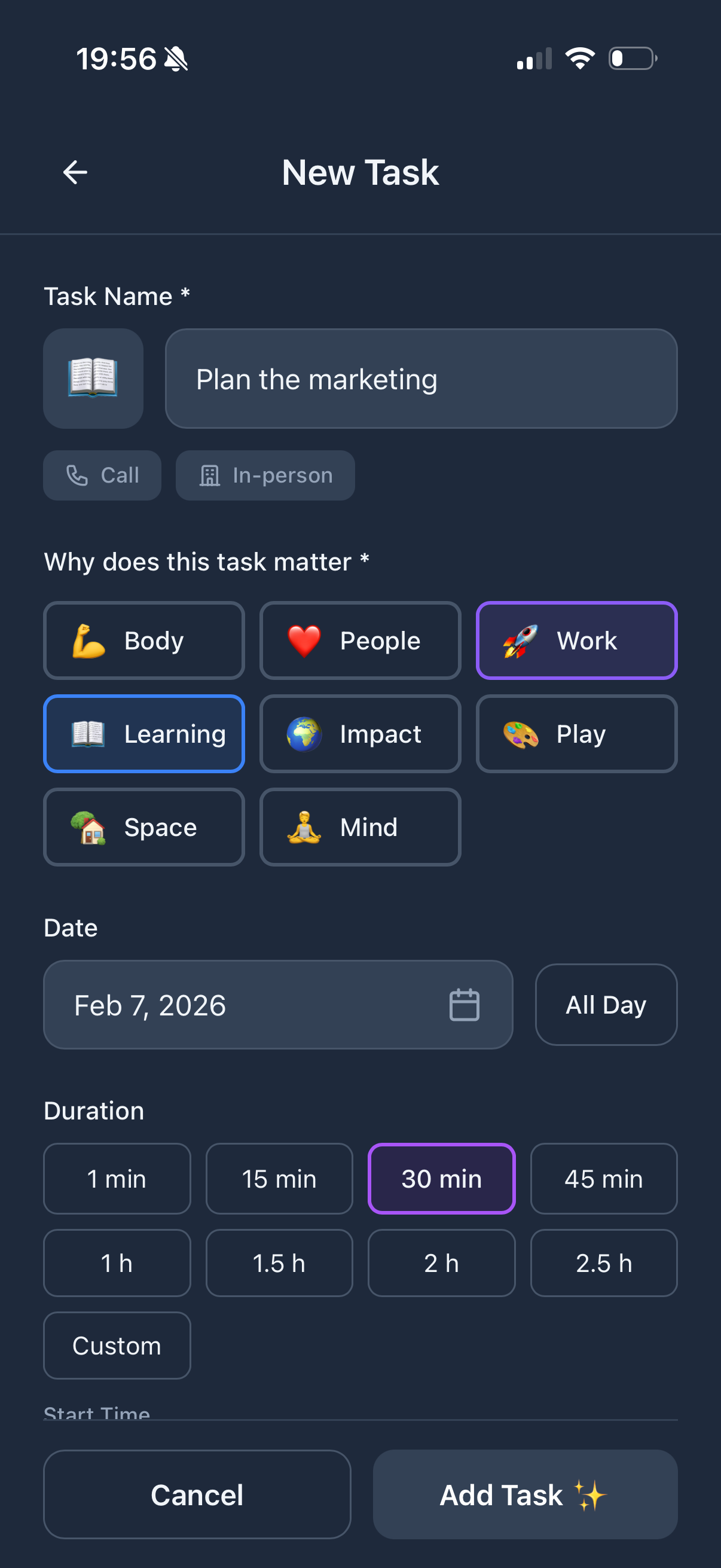
Plot twist: sometimes the best Mac app isn't an app at all. Funtasking runs in Safari (or any browser) and works beautifully. Pin it to your dock. Keep it in a dedicated desktop space.
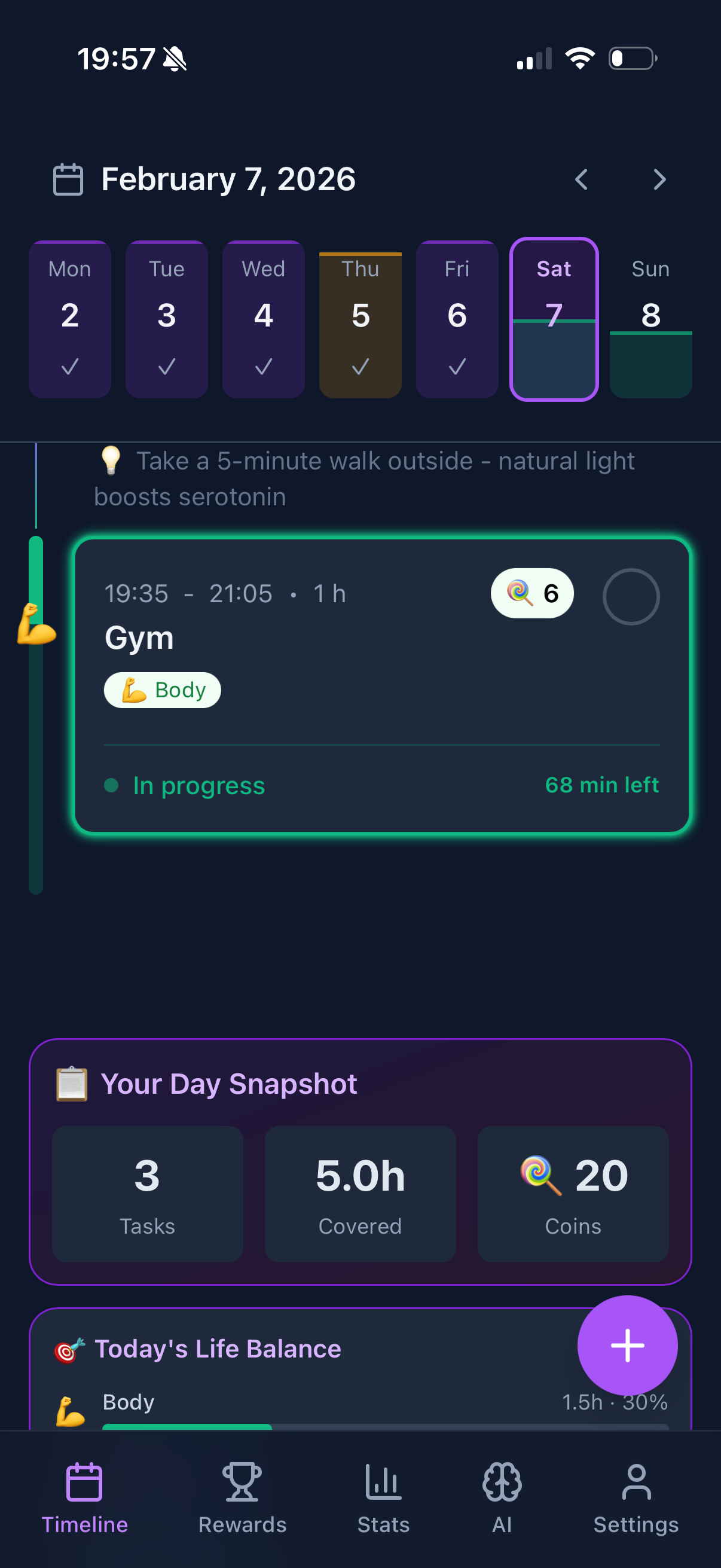
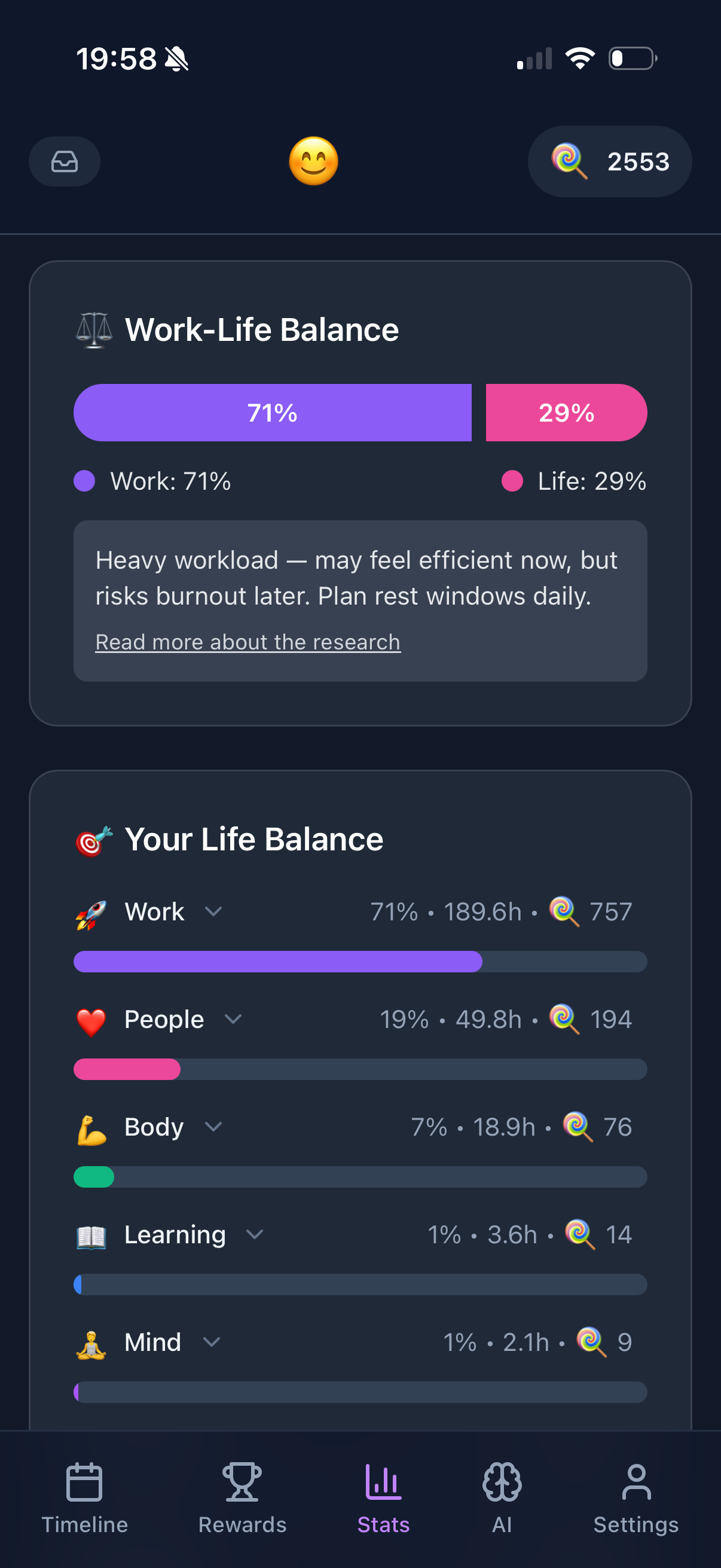
Why it works: no downloads, no updates, no subscription for most features. The Purpose Wheel showing life balance looks great on a Mac display. And it syncs instantly with your iPhone.
What's good:
- + No download or updates needed
- + Works on any Mac instantly
- + Life balance visualization
- + Gamification motivates
- + Free for core features
What's not:
- - No menu bar widget
- - No Spotlight integration
- - Browser-based (needs Safari/Chrome)
$49.99 one-time
Things 3
The most beautifully designed Mac app I've ever used. Period. Cultured Code spent years perfecting every pixel. Keyboard shortcuts for everything. Quick Entry from anywhere with a global hotkey.
One-time purchase means it's yours forever. No subscriptions. Just pure Mac-native goodness.
What's good:
- + Stunning design
- + Deep keyboard shortcut support
- + Quick Entry from anywhere
- + Apple Silicon native
- + One-time purchase
What's not:
- - No collaboration features
- - Apple ecosystem only
- - $80 for Mac + iPhone
$6.99/month
Fantastical
Calendar meets tasks. Natural language input is magical. Type "Meeting with Sarah tomorrow at 3pm for 1 hour" and it just works. Menu bar widget shows your day at a glance.
Best for people who think in calendar blocks rather than task lists.
What's good:
- + Natural language input
- + Beautiful menu bar widget
- + Calendar + tasks together
- + Excellent keyboard shortcuts
What's not:
- - Subscription pricing
- - Can feel overwhelming
- - More calendar than planner
$9.99/month
OmniFocus
The power user's choice. If you follow GTD (Getting Things Done) methodology, OmniFocus is built for you. Perspectives, custom views, complex project hierarchies.
Steep learning curve but incredibly powerful once you master it.
What's good:
- + Most powerful task manager
- + Custom perspectives
- + AppleScript automation
- + Native Mac app
What's not:
- - Steep learning curve
- - Overkill for simple needs
- - Expensive subscription
$5/month
Todoist
The reliable workhorse. Not the prettiest Mac app but it works everywhere. Quick add works well. Natural language input. The Mac app is decent, though some prefer the web version.
What's good:
- + Cross-platform sync
- + Natural language input
- + Integrations everywhere
- + Reliable and stable
What's not:
- - Not the most Mac-native feel
- - Limited free tier
- - No visual scheduling
Mac Planner Comparison
| App |
Price |
Menu Bar |
Shortcuts |
Native Mac |
| Funtasking |
Free / $2.99 |
No (browser) |
Basic |
Web app |
| Things 3 |
$50 once |
Quick Entry |
Excellent |
Yes |
| Fantastical |
$6.99/mo |
Yes |
Excellent |
Yes |
| OmniFocus |
$9.99/mo |
Yes |
Excellent |
Yes |
| Todoist |
$5/mo |
Yes |
Good |
Hybrid |
How to Choose Your Mac Planner
You want the best Mac-native experience? Things 3. Worth every penny of that $50. Pure Apple design philosophy.
You want free with life balance features? Funtasking in Safari. Pin to dock, works great.
You live in your calendar? Fantastical. Natural language is addictive once you try it.
You're a GTD power user? OmniFocus. Nothing else comes close for complex workflows.
You need cross-platform with Windows/Android users? Todoist. Works everywhere.
Pro tip: Set up a global keyboard shortcut for quick task capture. Things 3 and Fantastical both do this brilliantly. Or keep Funtasking open in a dedicated desktop space.
Why Funtasking Works on Mac
We built Funtasking as a web app intentionally. No App Store fees. No waiting for Apple approval. Updates ship instantly. Works on any Mac, even older ones.
Safari on Mac handles web apps beautifully. Full screen, Split View, multiple desktops. You can treat Funtasking just like a native app. Add it to your dock. It even works offline if you've loaded it recently.
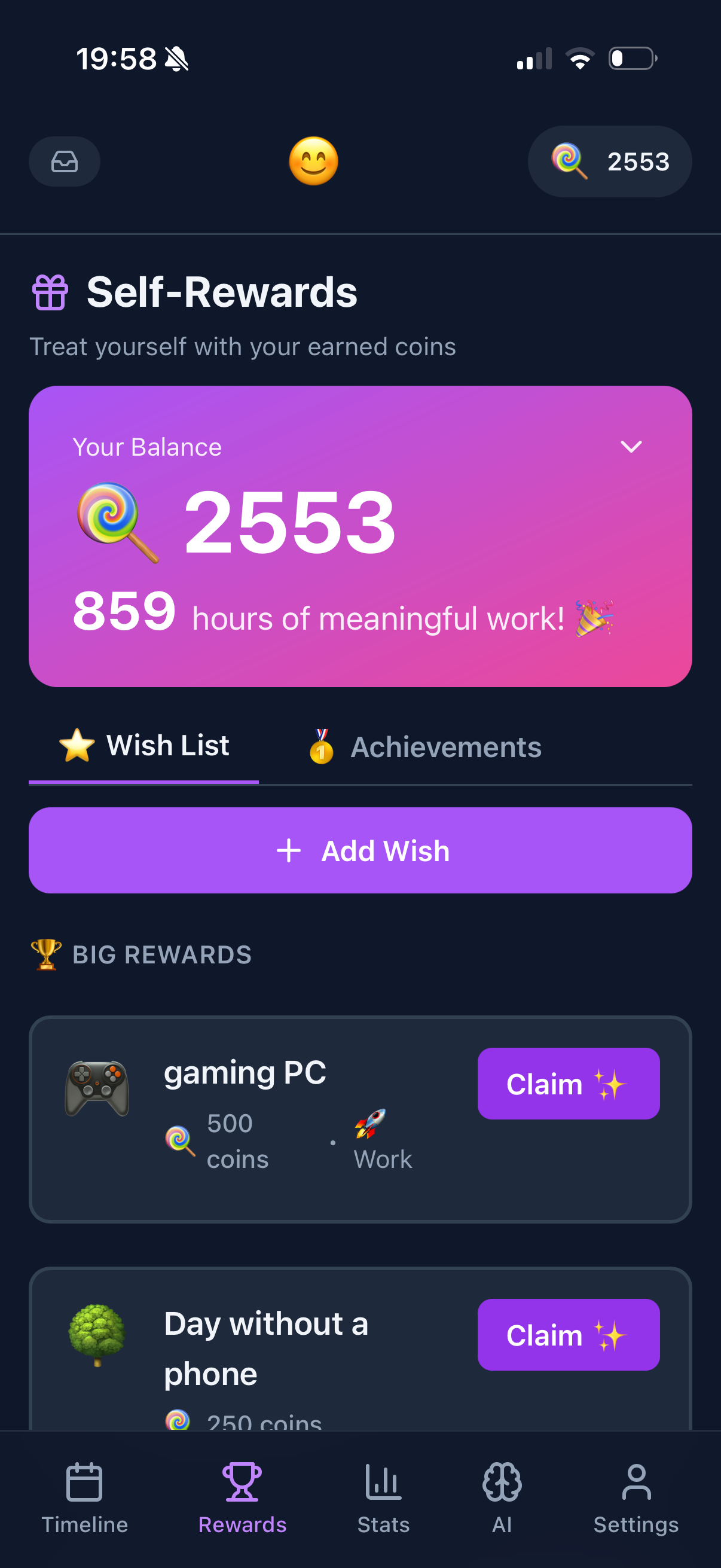
And the big advantage: no subscription for core features. The gamification, life balance wheel, visual timeline. All free. Pro is just $2.99 if you want extra.
Try Funtasking on Your Mac
Open in Safari. Pin to dock. No download needed.
Open Funtasking
Related Articles