Dwight Eisenhower commanded the Allied forces in WWII and served two terms as President. The guy knew a thing or two about prioritization.
His secret? A simple 2x2 matrix that separates the urgent from the important. Most of us confuse the two. That email screaming for attention? Urgent, but probably not important. That exercise habit you keep postponing? Important, but never urgent.
The Eisenhower insight: What is important is seldom urgent, and what is urgent is seldom important. Most people spend their lives in Q1 (firefighting) and Q3 (fake emergencies), while Q2 (real growth) gets ignored.
The Eisenhower Matrix Explained
Q1: Do First
Urgent + Important
Crises, deadlines, emergencies. Handle these immediately, but work to minimize them.
Q2: Schedule
Important + Not Urgent
Planning, learning, relationships, health. This is where real success lives.
Q3: Delegate
Urgent + Not Important
Interruptions, some meetings, many emails. Others can handle these.
Q4: Eliminate
Not Urgent + Not Important
Time wasters, busywork, mindless scrolling. Delete ruthlessly.
The magic is in Q2. That's where you build skills, strengthen relationships, plan ahead, and prevent future crises. But because it's never urgent, it's always the first thing we skip.
Best Eisenhower Matrix Apps for 2026
Free / $2.99 Pro
Funtasking
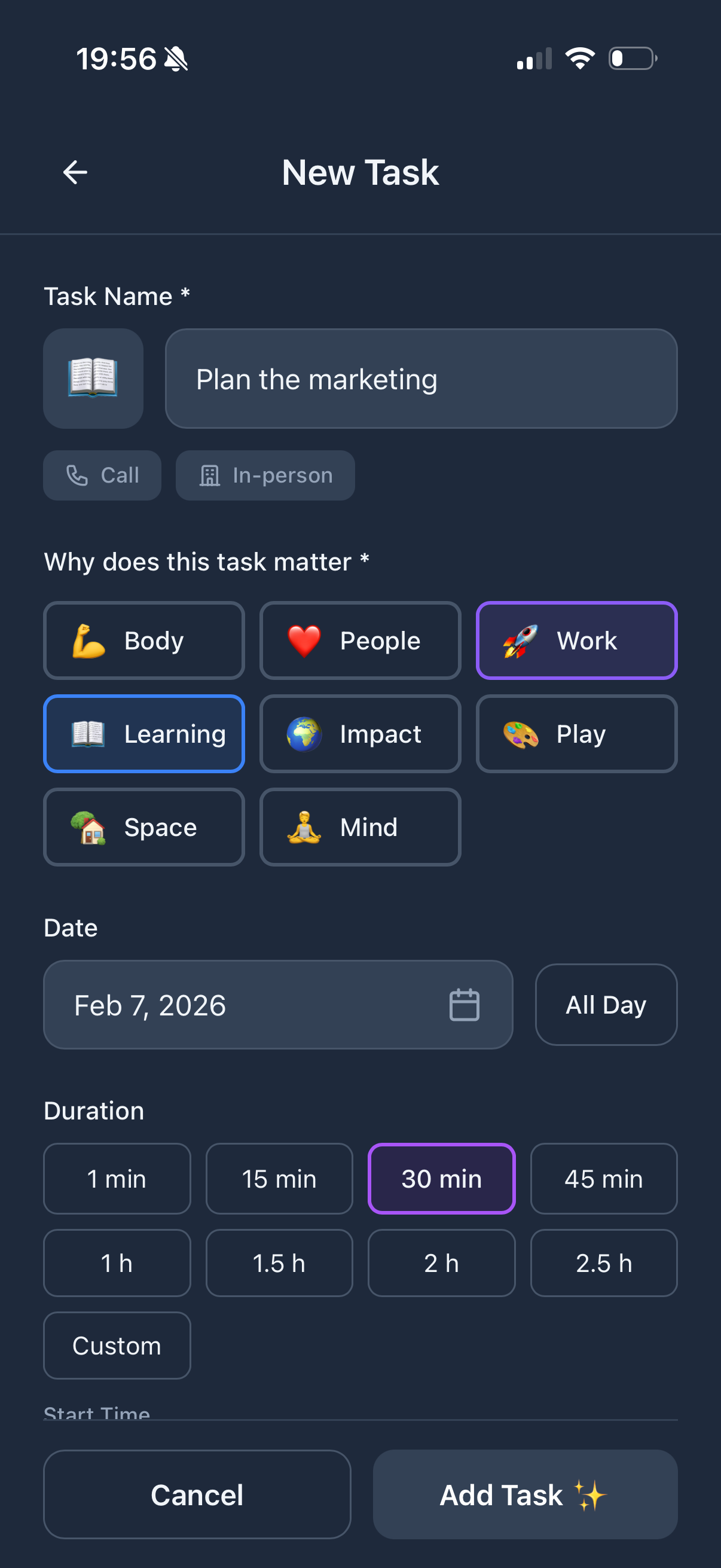
Funtasking doesn't have a literal 4-quadrant grid, but its life balance approach maps perfectly to the Eisenhower philosophy. The 8 life areas (Work, Health, Relationships, etc.) help you see if you're neglecting important-but-not-urgent stuff.
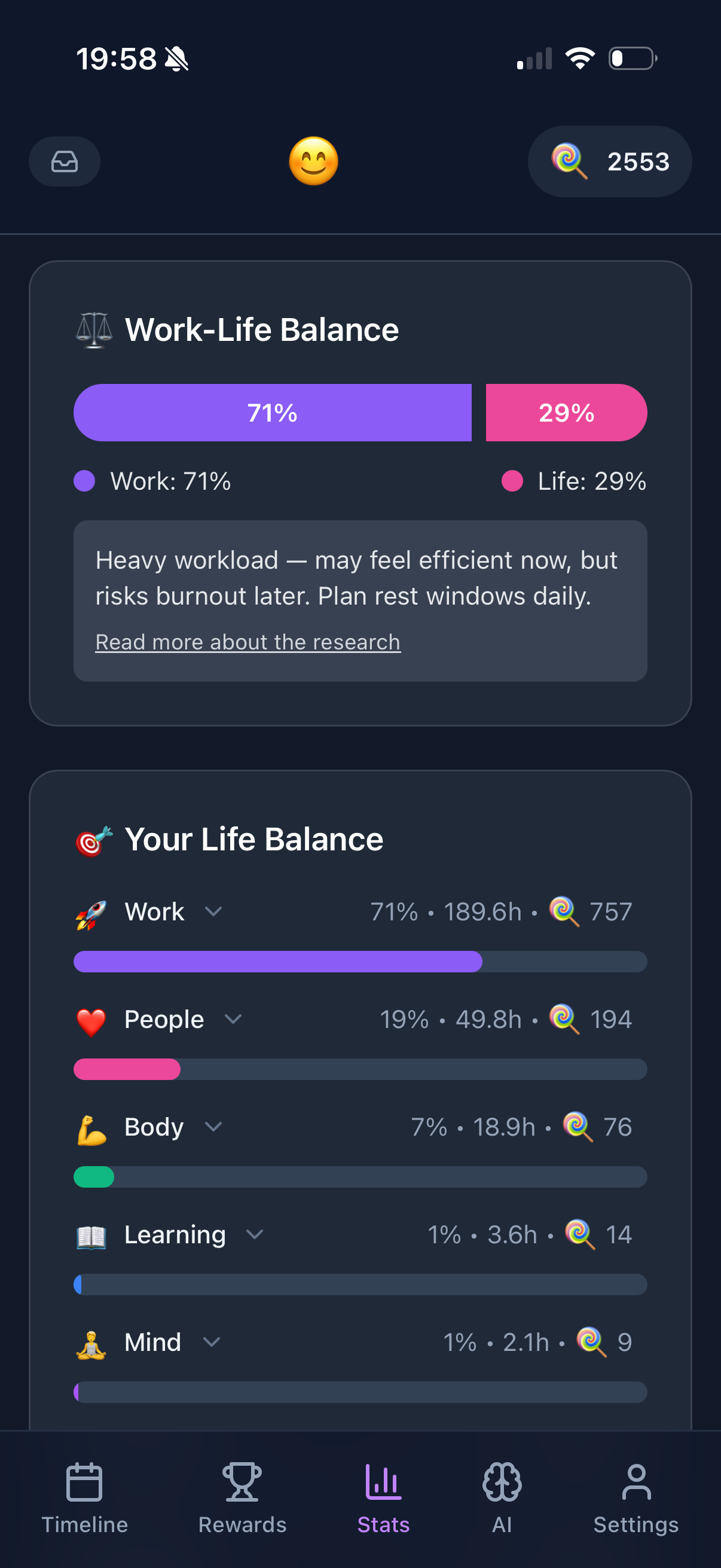
Tag your tasks by life area, and the Purpose Wheel shows you instantly if you're spending all your time on "urgent" work while ignoring health and relationships. That's the whole point of the matrix, visualized differently.
What's good:
- + Visual life balance tracking
- + See neglected Q2 areas instantly
- + Gamification helps with Q2 habits
- + Free to use fully
What's not:
- - No explicit matrix view
- - Need to mentally map quadrants
- - Web and iOS only
Free
Eisenhower.me
A dead-simple web app that's literally just the matrix. Four quadrants, drag and drop. Nothing more, nothing less.
Perfect if you want the pure Eisenhower experience without any bells and whistles. It's free and works in any browser.
What's good:
- + Pure matrix interface
- + Completely free
- + No learning curve
What's not:
- - Very basic features
- - No mobile app
- - No reminders or scheduling
$5/month
Todoist with Labels
Todoist doesn't have a matrix view, but you can create labels for each quadrant (P1-Urgent-Important, P2-Important, etc.) and use filters to view them.
It's a workaround, but if you're already using Todoist, it works well enough.
What's good:
- + Powerful filter system
- + Works on all platforms
- + Great integrations
What's not:
- - No native matrix view
- - Requires manual setup
- - $5/month for full filters
$8/month
Priority Matrix
Built specifically for the Eisenhower method with enterprise features. Four-quadrant view, Outlook integration, team collaboration.
Overkill for personal use, but solid for teams that want to prioritize together.
What's good:
- + Native Eisenhower interface
- + Microsoft 365 integration
- + Team features
What's not:
- - Expensive for individuals
- - Enterprise-focused UI
- - Steep learning curve
Free
Notion with Template
Notion has dozens of free Eisenhower Matrix templates. Pick one, customize it, done.
But you'll spend more time tweaking the template than actually doing tasks. Classic Notion problem.
What's good:
- + Infinitely customizable
- + Free templates available
- + Combine with other systems
What's not:
- - Template rabbit hole
- - Slow mobile experience
- - Overkill for simple needs
How to Actually Use the Matrix
Step 1: Brain dump everything. Write down every task, project, and commitment floating in your head. Don't filter yet.
Step 2: Ask two questions. For each item: "Is this urgent?" and "Is this important?" Be honest. Most "urgent" things aren't actually urgent.
Step 3: Categorize ruthlessly. Place each item in a quadrant. If you're putting everything in Q1, you're fooling yourself.
Step 4: Protect Q2. Schedule specific time for Q2 tasks FIRST. These are your highest-leverage activities. Everything else works around them.
Common mistake: Treating everything as urgent. If everything is urgent, nothing is. The matrix only works if you're honest about what's truly important vs. what just feels pressing.
Using Funtasking with the Eisenhower Matrix
Here's how to apply Eisenhower thinking in Funtasking:
Map life areas to quadrants. Work tasks might be Q1/Q3. Health, Learning, and Relationships are almost always Q2. Use the Purpose Wheel to ensure you're not ignoring Q2 areas.
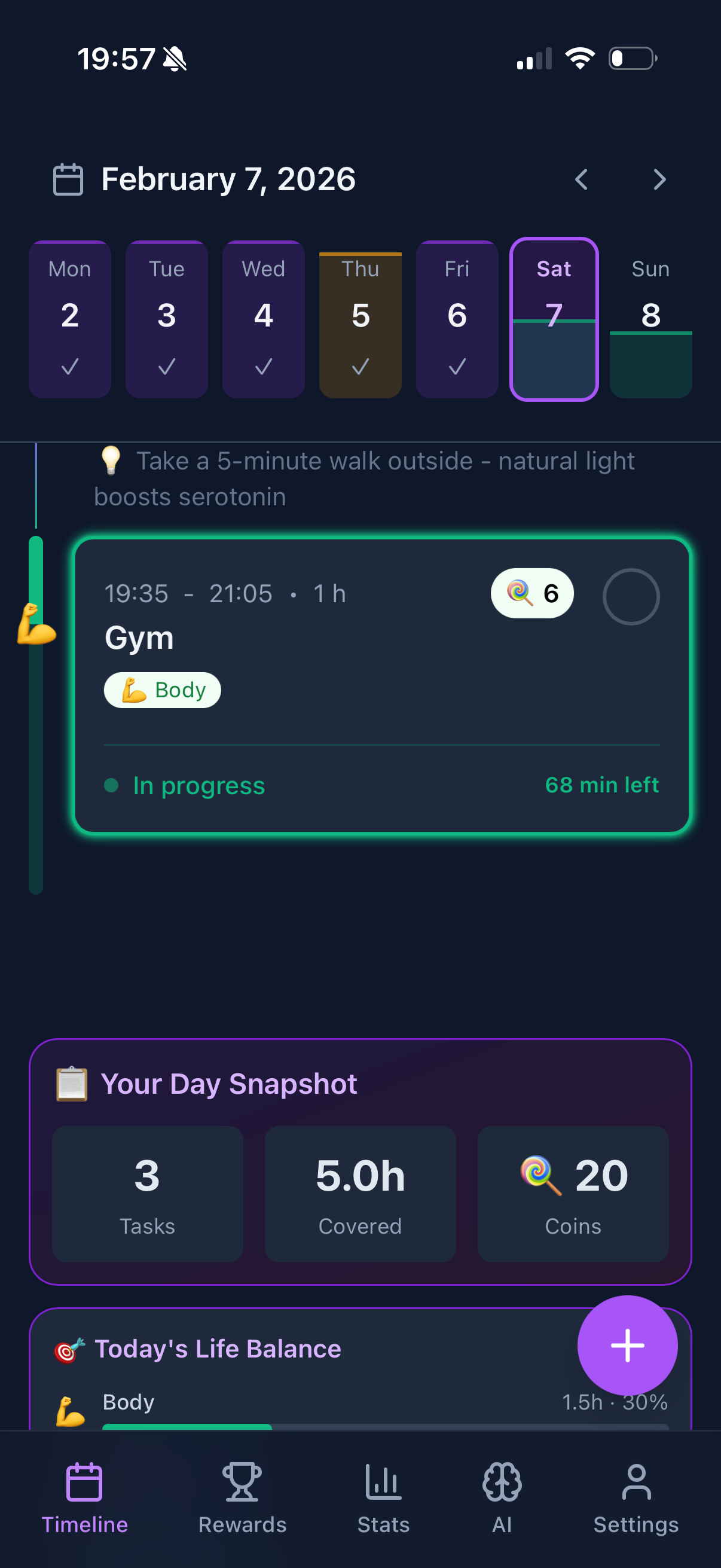
Use the timeline for Q2 scheduling. Block specific times for important-but-not-urgent tasks. If it's not on the timeline, it won't happen.
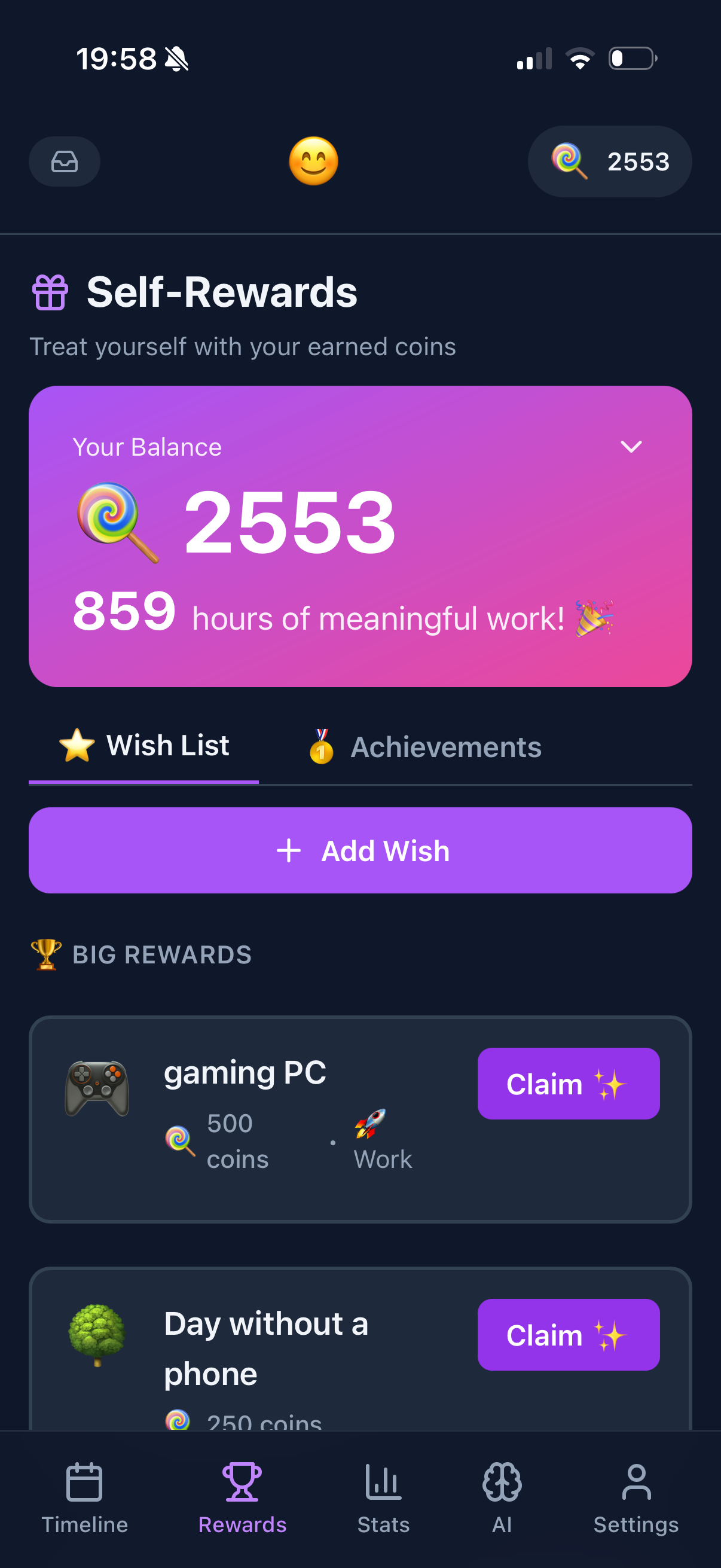
Gamification helps with Q2. Q2 tasks are hard because there's no external deadline pushing you. The coin rewards give you that little dopamine hit that makes important habits stick.
Weekly balance check. If your Purpose Wheel shows you crushed Work but ignored Health and Fun, you've been living in Q1/Q3. Time to rebalance.
Start Prioritizing Smarter
Funtasking helps you see what you're neglecting. Free forever.
Try Funtasking Free
Related Articles