Getting Things Done by David Allen changed productivity forever. Published in 2001, it's still the most comprehensive system for managing work and life.
The core idea is simple: your brain is for having ideas, not holding them. Get everything out of your head into a trusted system, and your mind is free to actually think.
GTD in one sentence: Capture everything, clarify what it means, organize it by context, review regularly, and trust your system enough to focus on one thing at a time.
The 5 Steps of GTD
1
Capture
Get everything out of your head. Tasks, ideas, commitments, random thoughts. All of it goes into an inbox. Don't organize yet, just capture.
2
Clarify
Process each item. Is it actionable? If yes, what's the very next physical action? If no, trash it, file it for reference, or add it to a "someday/maybe" list.
3
Organize
Put clarified items in the right place. Next actions go on context lists (@phone, @computer, @errands). Projects get their own list. Calendar for date-specific items only.
4
Reflect
Weekly review is non-negotiable. Review all projects, update next actions, clear your inboxes, look at calendar. This is what makes the system trustworthy.
5
Engage
Actually do the work. With a trusted system, you can focus completely on the current task without worrying about forgetting something else.
Best GTD Apps for iPhone in 2026
$100 one-time
OmniFocus 4
The purist's choice. OmniFocus was built specifically for GTD. Contexts (now called Tags), projects, perspectives, review mode - it's all there.
The learning curve is steep, and $100 is a lot for an app. But if you're serious about GTD, this is the tool.
What's good:
- + Built for GTD from the ground up
- + Powerful perspectives/filters
- + Native Apple ecosystem
- + One-time purchase option
What's not:
- - Expensive ($100 or $10/mo)
- - Apple only, no Android/Windows
- - Can be overwhelming
- - No team features
$50 one-time
Things 3
The beautiful one. Things 3 is gorgeous and a joy to use. It's not strictly GTD - no contexts, simplified review - but it captures the spirit.
If OmniFocus feels like a power tool, Things 3 is a well-designed hand tool. Less flexible, but more pleasant.
What's good:
- + Beautiful design
- + Natural language input
- + One-time purchase
- + Headings for organization
What's not:
- - Not strict GTD
- - Apple only
- - No collaboration
- - Less powerful than OmniFocus
$5/month
Todoist
The cross-platform workhorse. Todoist works everywhere - iPhone, Android, Windows, Mac, web. With labels and filters, you can set up a decent GTD workflow.
Not GTD-native, but flexible enough to make it work. The free tier is surprisingly capable.
What's good:
- + Works everywhere
- + Great free tier
- + Natural language dates
- + Tons of integrations
What's not:
- - Requires manual GTD setup
- - No built-in review mode
- - Premium needed for reminders
- - Can feel basic for power users
Free / $2.99 Pro
Funtasking
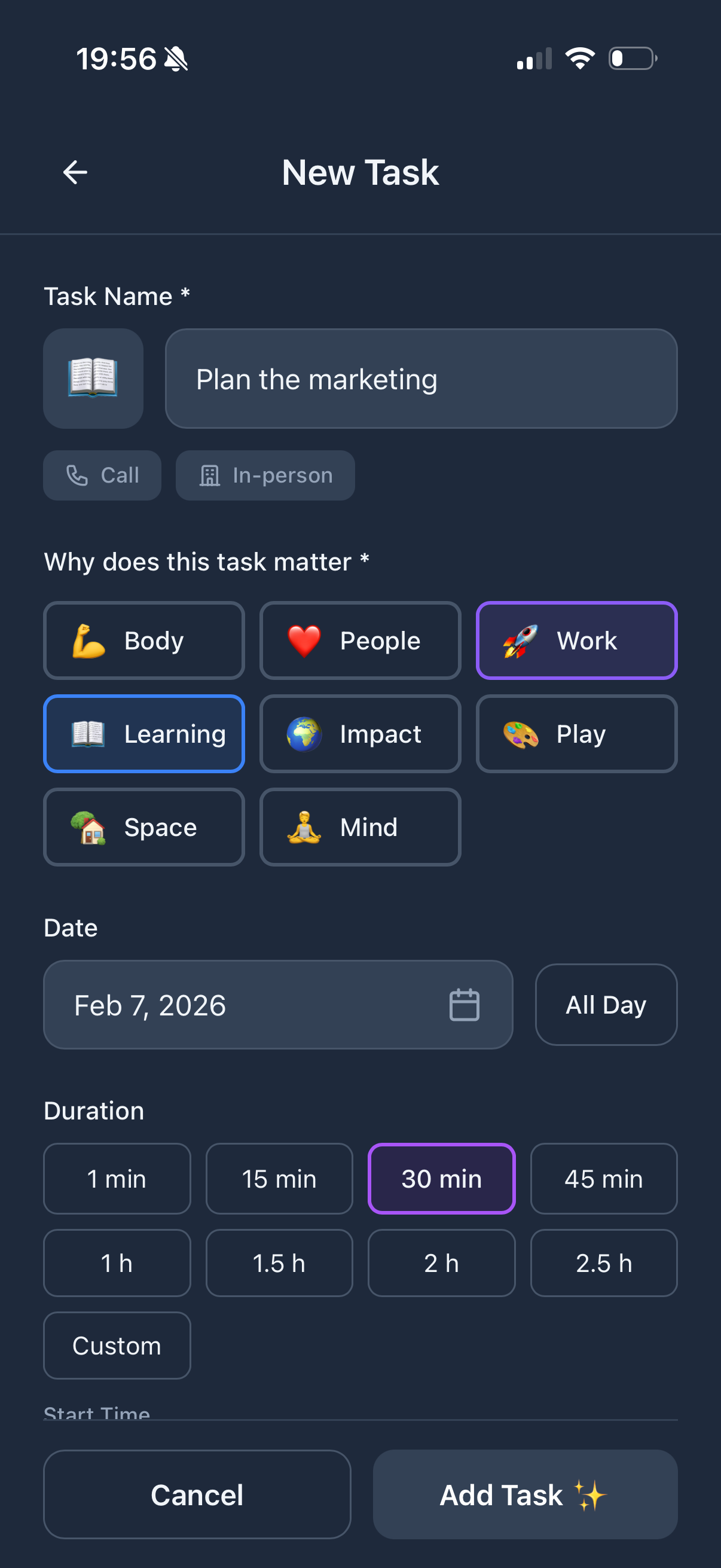
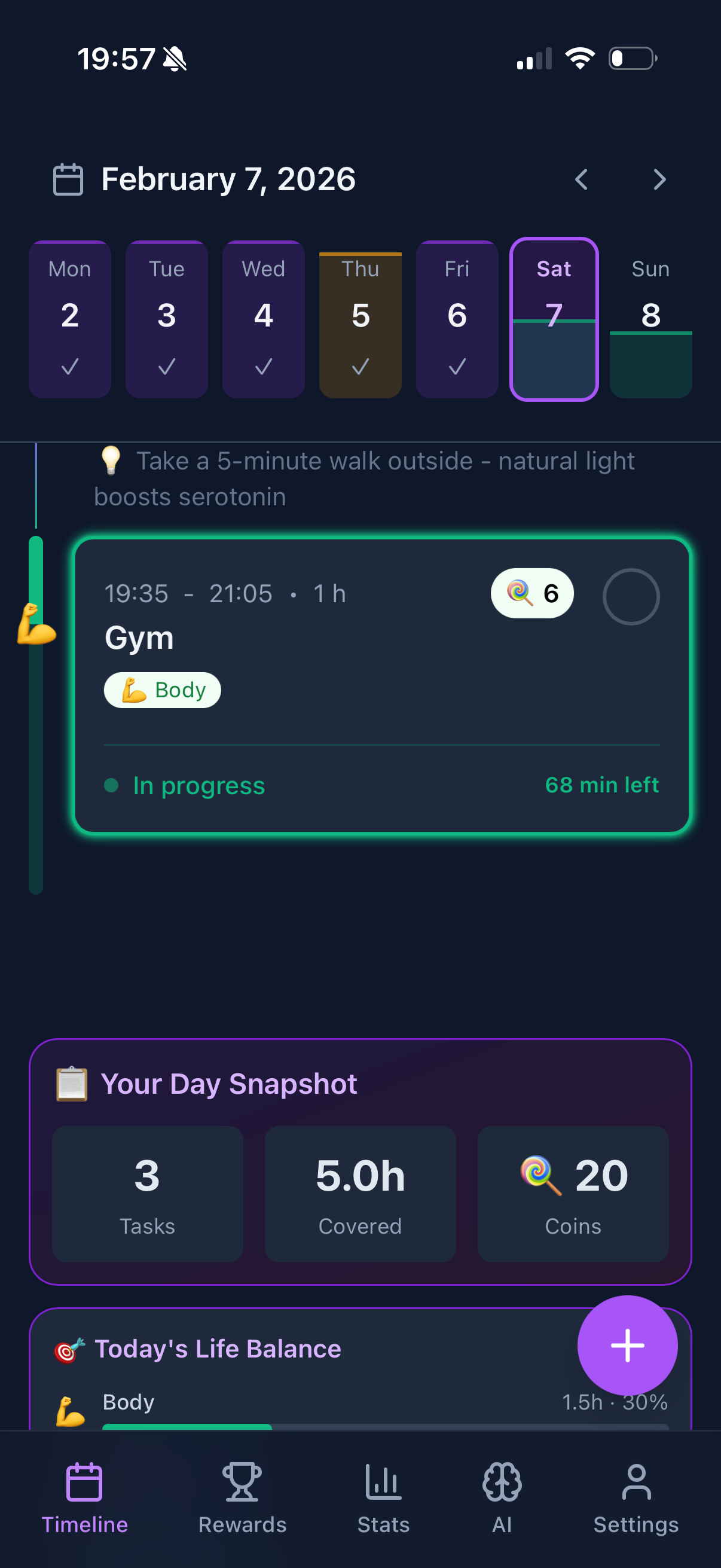
Funtasking isn't a pure GTD app, but it complements the methodology beautifully. GTD tells you HOW to organize. Funtasking shows you if you're organizing your life well.
Use your favorite GTD app for capture and next actions. Use Funtasking to make sure you're not neglecting health, relationships, or fun while crushing your work projects.
What's good:
- + Life balance GTD lacks
- + Visual Purpose Wheel
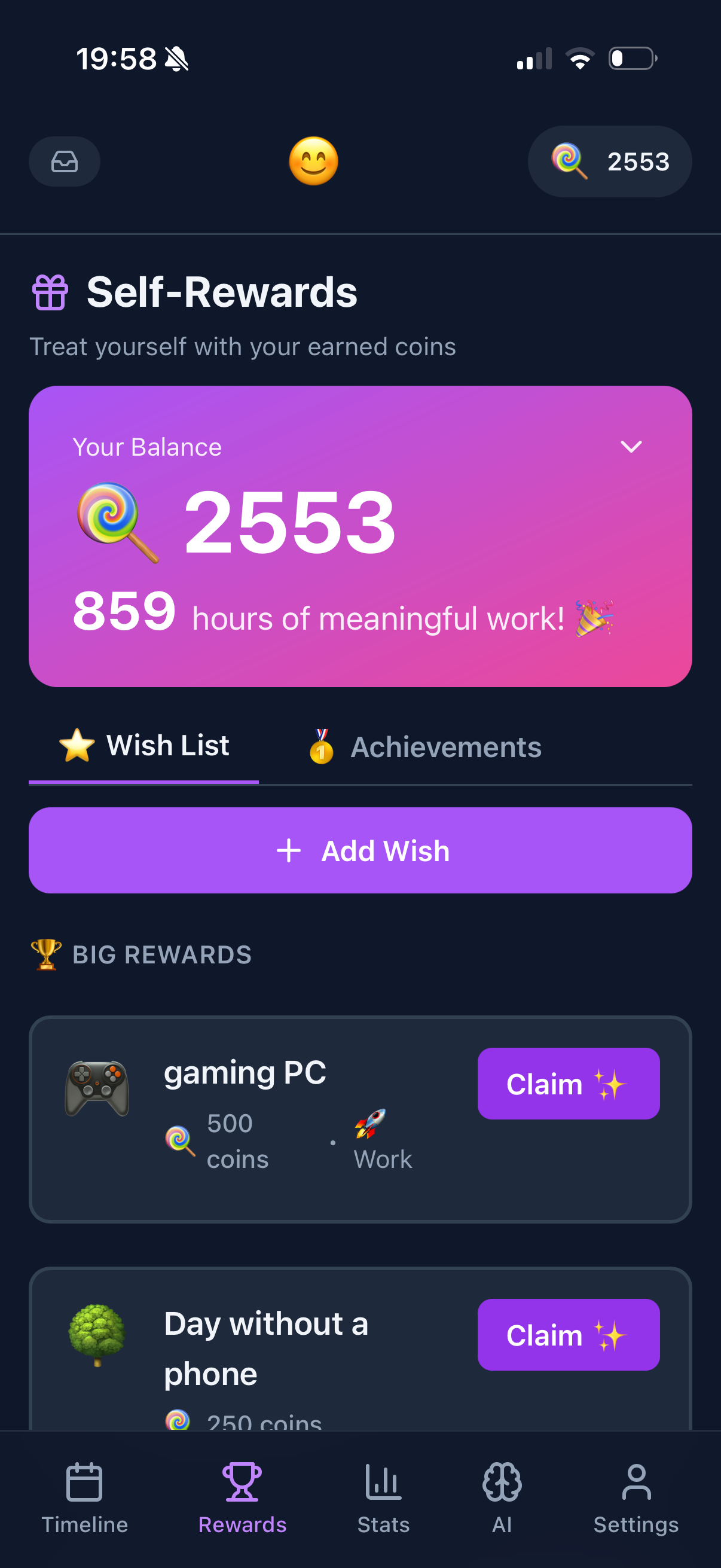
- + Gamification for motivation
- + Free to use
What's not:
- - Not a GTD-specific tool
- - No contexts or perspectives
- - Web and iOS only
$10/month
Nirvana
The GTD purist's hidden gem. Nirvana was designed by GTD practitioners specifically for the methodology. Inbox, next actions, contexts, weekly review - all built in.
Less polished than OmniFocus, but works on all platforms and costs less.
What's good:
- + Pure GTD implementation
- + Cross-platform
- + Built-in review mode
- + Someday/Maybe support
What's not:
- - Dated interface
- - Smaller user community
- - Fewer integrations
- - Monthly subscription only
GTD + Funtasking: The Best of Both Worlds
Here's the thing about GTD: it's fantastic for managing work, but David Allen doesn't talk much about life balance. You can have a perfect GTD system and still burn out because all your projects are work-related.
That's where Funtasking comes in. Use it alongside your GTD app:
Your GTD app handles the "what": Capture, clarify, organize, review. All your next actions, projects, contexts.
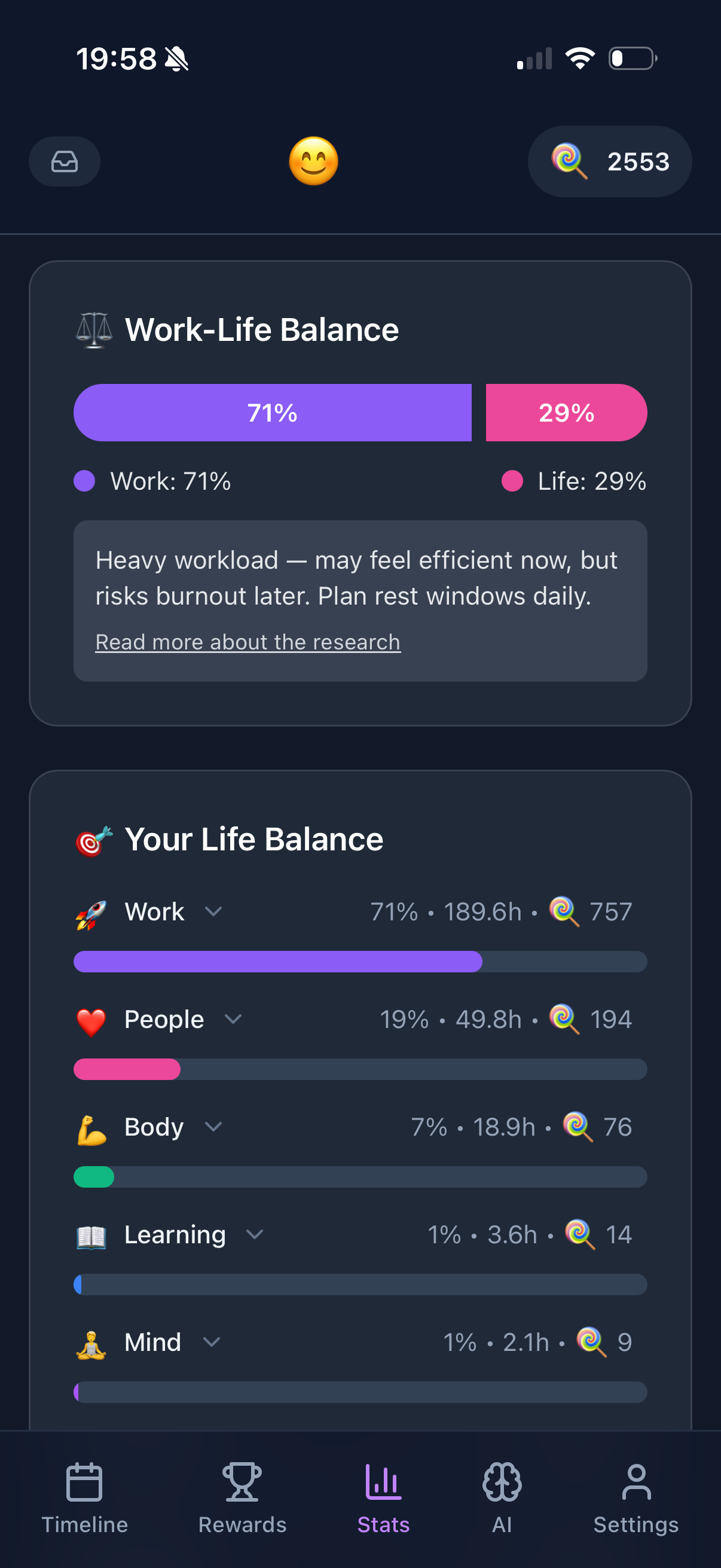
Funtasking handles the "why": Are you working on the right things? Is your project list balanced across life areas? The Purpose Wheel shows you instantly if work is dominating while health or relationships are neglected.
GTD's blind spot: You can process 100 items in your inbox, clear all your contexts, and still feel empty. GTD doesn't ask "should I be doing this?" - it only asks "what's the next action?"
The 2-Minute Rule
One of GTD's most practical insights: if something takes less than 2 minutes, do it now. The overhead of capturing, organizing, and reviewing it later exceeds the time to just do it.
This applies in any app. Funtasking's quick-add makes it easy to capture longer tasks while you knock out the 2-minute ones immediately.
Weekly Review: The Secret Sauce
The weekly review is what makes GTD work. Without it, your system becomes a graveyard of stale tasks. David Allen recommends:
Get clear: Process all inboxes to zero. Update next actions. Check calendar.
Get current: Review all projects. Are they still relevant? What's the next action for each?
Get creative: With a clear mind, new ideas and possibilities emerge.
Do this in your GTD app, then open Funtasking. Look at your Purpose Wheel. Are any life areas neglected? Add some tasks in those areas for next week.
Balance Your GTD System
Funtasking adds life balance to your productivity system. Free forever.
Try Funtasking Free
Related Articles