Tiago Forte's "Building a Second Brain" changed how thousands of people manage their knowledge. But here's what many people discover: having a well-organized second brain is great, but it doesn't automatically help you get things done.
You need both: a system to capture and organize your thoughts AND a way to turn those thoughts into daily action. This guide explores apps that bridge both worlds.
What is a second brain? It's a digital system for storing your knowledge, ideas, and notes outside your head. Think of it as external memory. Instead of trying to remember everything, you capture it in a trusted system you can search and access anytime.
The BASB Method: Quick Overview
Before diving into apps, let's cover the core of Tiago Forte's method:
CODE: The Four Steps
C
Capture
Save anything that resonates. Don't filter too much - if something feels interesting or useful, capture it. Use a quick capture tool that's always accessible.
O
Organize
Use the PARA system: Projects, Areas, Resources, Archives. Organize for actionability, not just neat categories. Where will you need this information?
D
Distill
Highlight the most important parts. When you revisit a note, you should be able to get the key insights in seconds, not minutes. Progressive summarization helps here.
E
Express
Use what you've saved to create something. The point isn't to collect information - it's to use it. Write, build, share, decide.
The PARA Organization System
PARA is how you organize everything in your second brain:
- Projects: Active efforts with a deadline and specific outcome (e.g., "Launch new website," "Plan vacation")
- Areas: Ongoing responsibilities without end dates (e.g., "Health," "Finances," "Career")
- Resources: Topics of interest for future reference (e.g., "Marketing ideas," "Recipes," "Travel destinations")
- Archives: Inactive items from the other three categories
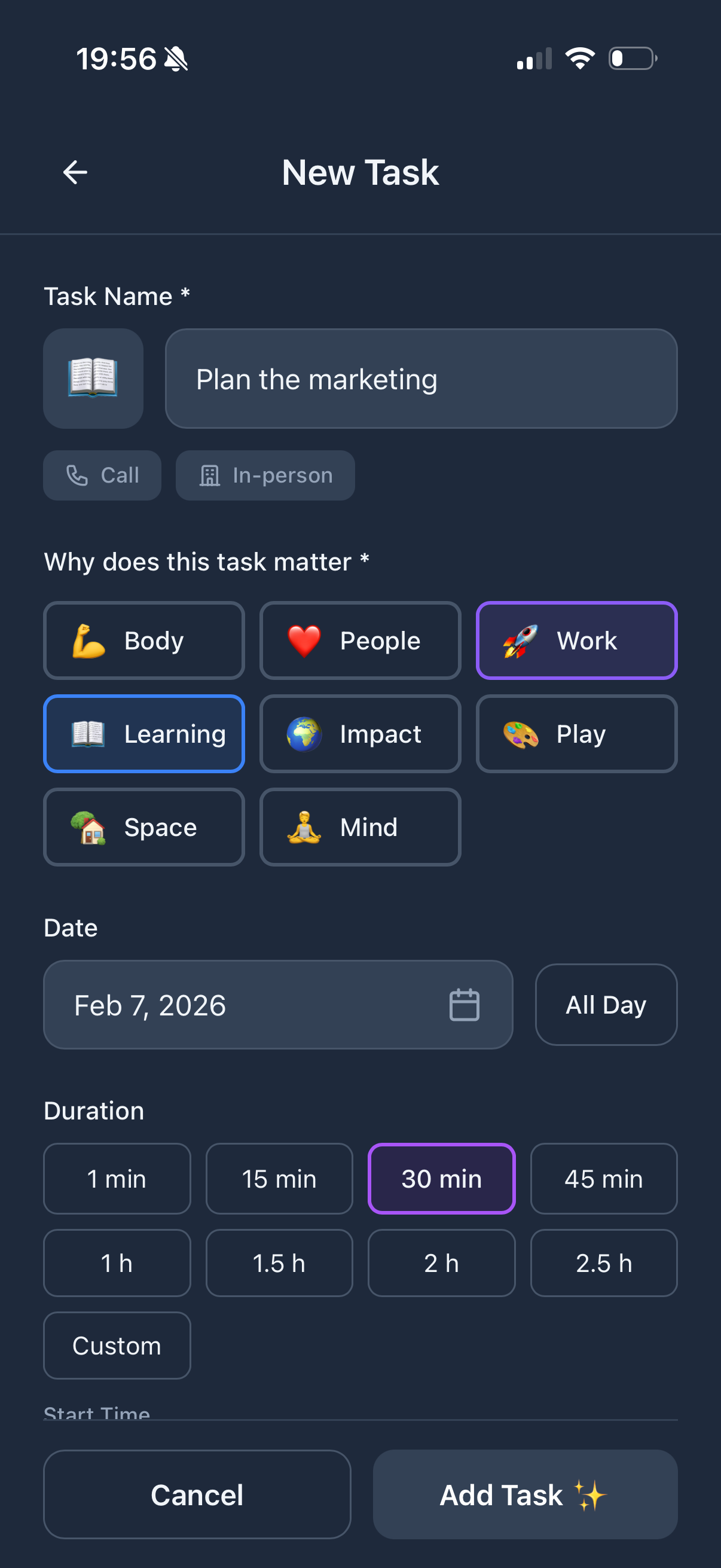
Key insight: PARA's "Areas" map closely to Funtasking's Purpose Wheel life areas. Both systems recognize that life has multiple domains that need attention - not just projects with deadlines.
Best Second Brain Apps for 2026
Free / $10 per month
Notion
Notion is the most popular choice for building a second brain. It's infinitely flexible - you can create any structure you want. Many BASB practitioners use Notion because you can design the perfect PARA setup.
The downside? That flexibility is also the problem. You can spend weeks setting up your system instead of using it. And Notion isn't great for daily planning.
Strengths:
- + Ultimate flexibility
- + Great for PARA setup
- + Excellent for knowledge management
- + Web clipper for capturing
Weaknesses:
- - Steep learning curve
- - Easy to over-engineer
- - Weak for daily planning
- - Can be slow
Free / $5 per month
Obsidian
Obsidian stores notes as plain text files on your device. The killer feature is linked thinking - you connect notes to each other, creating a web of ideas. Great for people who think in connections.
It's more technical than Notion but your data is truly yours. Popular with developers and writers.
Strengths:
- + Local files (you own your data)
- + Powerful linking and graph view
- + Fast performance
- + Great plugin ecosystem
Weaknesses:
- - Technical learning curve
- - Sync requires paid plan
- - Not designed for task management
- - Mobile apps less polished
$12.50/month
Roam Research
Roam pioneered the "networked thought" approach. Every bullet point can be referenced from anywhere. It's beloved by researchers and deep thinkers but has a steep learning curve.
Strengths:
- + Bi-directional linking
- + Great for daily notes
- + Powerful query system
Weaknesses:
- - Expensive
- - Steep learning curve
- - Not ideal for task management
The Missing Piece: Daily Planning
Here's the gap most second brain tools have: they're great for storing and connecting information, but weak at helping you execute day-to-day.
You might have the world's best organized Notion workspace, but when you wake up Monday morning, those tools don't tell you: "Here's what you should focus on today." They don't help you balance work with health with relationships.
That's where a daily planner complements your second brain.
Free / $2.99 Pro
Funtasking + Second Brain Combo
Many productivity enthusiasts use a two-app approach: a second brain tool (like Notion or Obsidian) for knowledge management, and Funtasking for daily execution and life balance.
Here's how they work together:
- Second brain holds your PARA structure, notes, resources, and reference material
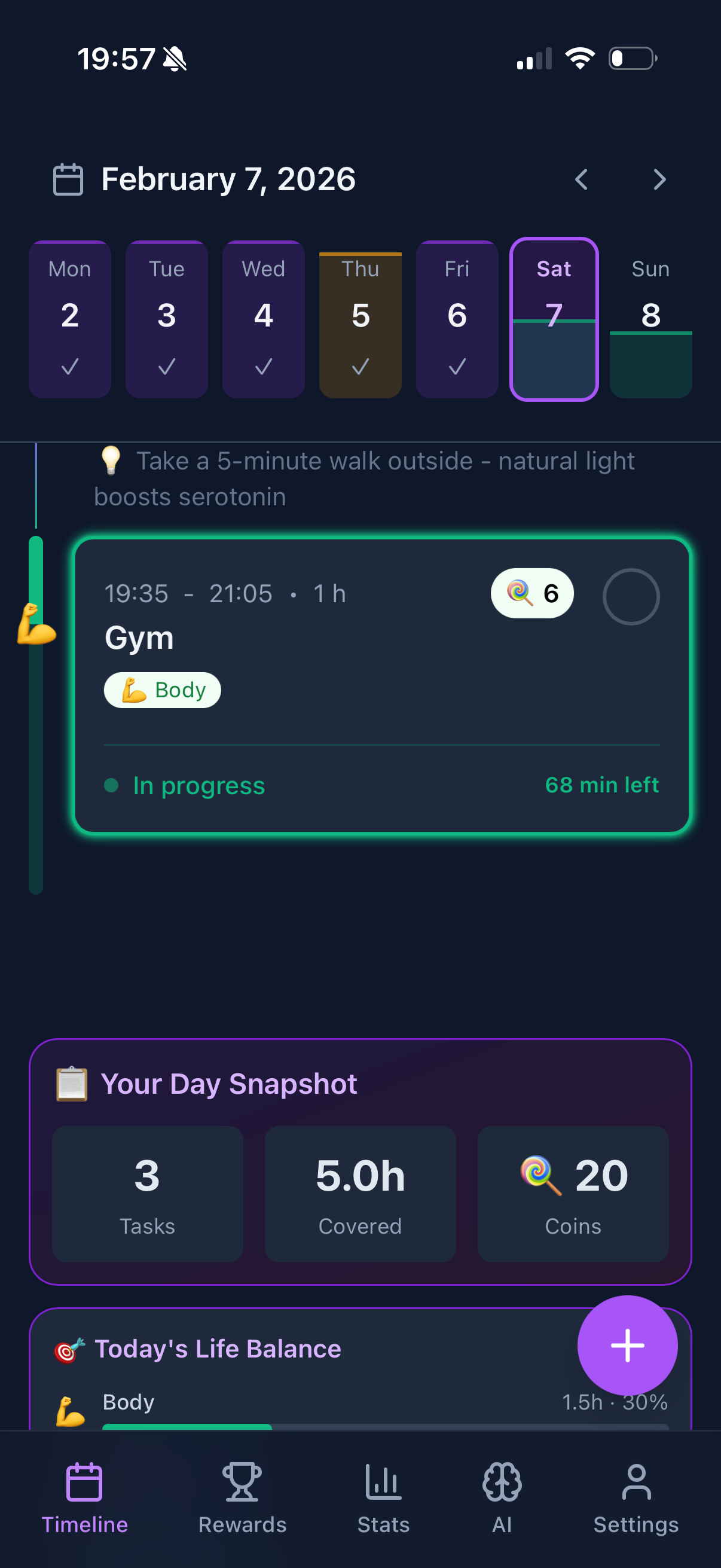
- Funtasking handles daily tasks, life area balance, and what to do today
- Projects live in both: high-level planning in second brain, daily actions in Funtasking
The Purpose Wheel in Funtasking maps to PARA's "Areas" - both recognize that life has ongoing domains (health, relationships, career) not just projects.
Why this combo works:
- + Right tool for each job
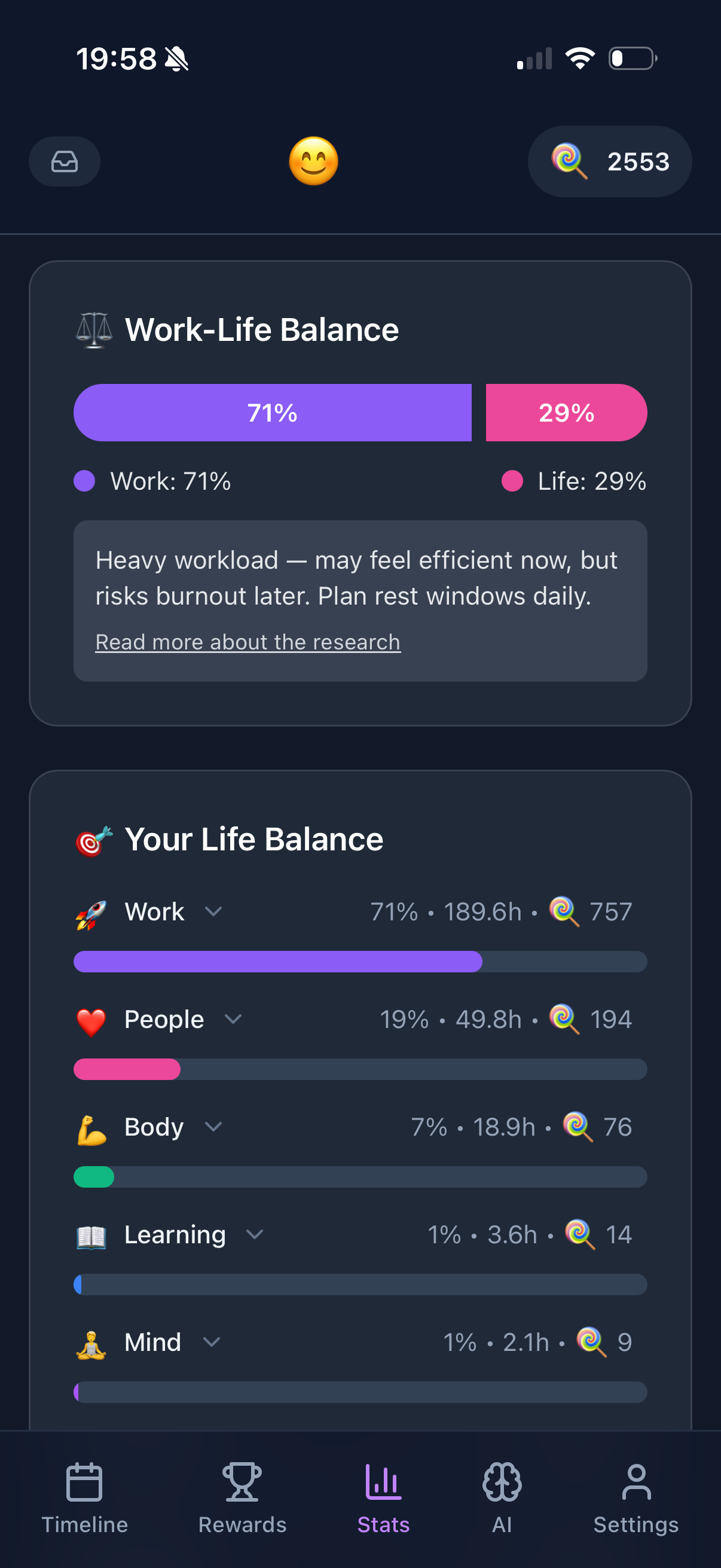
- + Life balance built into daily planning
- + Second brain stays focused on knowledge
- + Daily planner stays simple
Consider if:
- - You want everything in one app
- - You prefer minimal tools
- - You don't need knowledge management
Connecting Your Second Brain to Daily Action
Here's a workflow that bridges knowledge and execution:
1. Weekly Review Integration
During your weekly review, scan your second brain for actionable items. Move them to your daily planner. This prevents your second brain from becoming a graveyard of good intentions.
2. Project-Based Connection
For each active project, have a note in your second brain with context, research, and thinking. Have corresponding tasks in your daily planner for next actions. Link between them if possible.
3. Area Alignment
Match your PARA "Areas" with Funtasking's life areas. When you capture something related to Health in your second brain, make sure your daily planner has health-related tasks too.
Common trap: Building an elaborate second brain but never using it. If you're spending more time organizing than creating, something's wrong. A simple system you use beats a complex system you don't.
Do You Even Need a Second Brain?
Honest answer: not everyone does. You might benefit from a second brain if:
- You consume a lot of information (books, articles, courses)
- You do knowledge work (writing, research, consulting)
- You have long-term projects that require accumulated thinking
- You frequently forget insights you've had before
You might NOT need one if:
- Your work is primarily execution-based
- You don't consume much content
- You're already overwhelmed with tools
- A simple task list serves you well
There's nothing wrong with skipping the second brain and just using a good daily planner. Not every productivity method is for everyone.
Focus on Daily Execution
Whether you use a second brain or not, Funtasking helps you balance all areas of life, every day.
Try Funtasking Free
Related Articles