David Allen, author of "Getting Things Done," calls the weekly review the "critical success factor" for GTD. He's not exaggerating. Skip it for a few weeks and watch your system fall apart.
But here's the problem: most people find the weekly review overwhelming. They skip it because it feels like a chore. This guide will show you how to do it efficiently and even make it something you look forward to.
What is a weekly review? It's a dedicated time (30-90 minutes) to step back from daily busyness, review the past week, clear your mental and physical inboxes, update your task system, and plan for the week ahead. Think of it as maintenance for your brain.
Why the Weekly Review Matters
Without regular reviews, several things happen:
- Tasks fall through the cracks. That thing you meant to do? Forgotten in a random note somewhere.
- Projects stall. Without checking progress, projects lose momentum without you noticing.
- Stress builds. That vague sense of "I'm forgetting something" never goes away.
- Your system becomes untrusted. If you don't trust your lists, you stop using them.
The weekly review fixes all of this. It's the reset button that keeps everything working.
The Three Phases of Weekly Review
David Allen breaks the weekly review into three phases: Get Clear, Get Current, and Get Creative. Here's how each works.
Phase 1
Get Clear
15-20 minutes
This phase is about capturing everything that's been floating around uncaptured and processing it into your system.
1. Collect loose papers and materials
Gather all those sticky notes, receipts, business cards, and random scraps into one pile. Put them in your physical inbox.
2. Process your inboxes to zero
Go through your email inbox, physical inbox, and any other inboxes (Slack, notes app, etc.). For each item, decide:
- Is it actionable? If yes, do it (under 2 min), delegate it, or add it to your task list
- Is it reference? File it
- Is it trash? Delete it
3. Empty your head
Do a brain dump. What's been nagging at you? What did you tell someone you'd do? What's on your mind that hasn't been captured? Write it all down and process each item.
Phase 2
Get Current
20-30 minutes
This phase ensures all your lists and systems are up to date and nothing has slipped.
1. Review your calendar
Past week: Did anything create new actions? Do you need to follow up on meetings?
Coming weeks: What's on the horizon? What prep work is needed?
2. Review your action lists
Go through every list (next actions, waiting for, someday/maybe). Check off what's done. Remove what's no longer relevant. Add what's missing.
3. Review your projects list
For every active project, ask: What's the next action? Is this project still relevant? Is it stuck? Every project needs at least one clear next action.
4. Review your waiting-for list
What are you waiting on from others? Does anything need a follow-up? Add follow-up actions where needed.
Phase 3
Get Creative
10-15 minutes
This phase lifts your perspective from tasks to the bigger picture.
1. Review your goals and vision
Look at your 1-year, 3-year, or longer-term goals. Are your current projects and actions moving you toward them?
2. Review someday/maybe list
Is there anything you're now ready to activate? Anything that should be deleted?
3. Be creative and courageous
Are there new ideas to capture? Projects you've been avoiding? Dreams you haven't acknowledged?
Weekly Review Questions
Use these questions to guide your review:
Reflection Questions (Looking Back)
- What worked well this week?
- What didn't go as planned? Why?
- What did I learn?
- What am I proud of?
- What would I do differently?
Planning Questions (Looking Forward)
- What are my top 3 priorities for next week?
- What might get in the way of those priorities?
- What can I do to make next week easier?
- What am I looking forward to?
- What do I need to say no to?
Life Balance Questions
- How did I do across all life areas (work, health, relationships, etc.)?
- Which areas need more attention next week?
- Am I heading toward burnout anywhere?
- What would make me feel more balanced?
When to Do Your Weekly Review
There's no "correct" time, but common choices are:
- Friday afternoon: Close out the work week with a clear mind. Start the weekend without loose ends nagging you.
- Sunday evening: Prepare for Monday so you can hit the ground running. Popular choice for many.
- Saturday morning: Use the calm of early weekend to reflect. Good if work bleeds into Friday evening.
Pro tip: Block it in your calendar as a recurring event. Treat it as non-negotiable as a doctor's appointment. If you "do it when you have time," you'll never have time.
Making the Weekly Review Enjoyable
If your weekly review feels like a chore, you'll skip it. Here's how to make it something you look forward to:
1. Create a ritual
Go to your favorite coffee shop. Put on specific music. Make a special drink. The ritual creates positive associations.
2. Keep it short
A 30-minute review done every week beats a 2-hour review you skip. Start with the essentials and expand only if needed.
3. End with something positive
Celebrate wins from the past week. Note what you're grateful for. End the review feeling good, not stressed.
4. Use a template or checklist
Don't reinvent the process each time. Use a checklist (like the steps above) so you can move through it efficiently.
Common mistake: Trying to do too much during the review. The weekly review is for reviewing and planning, not for doing all your tasks. If you discover 20 things that need doing, add them to your lists and do them during the week, not right now.
The Funtasking Approach to Weekly Review
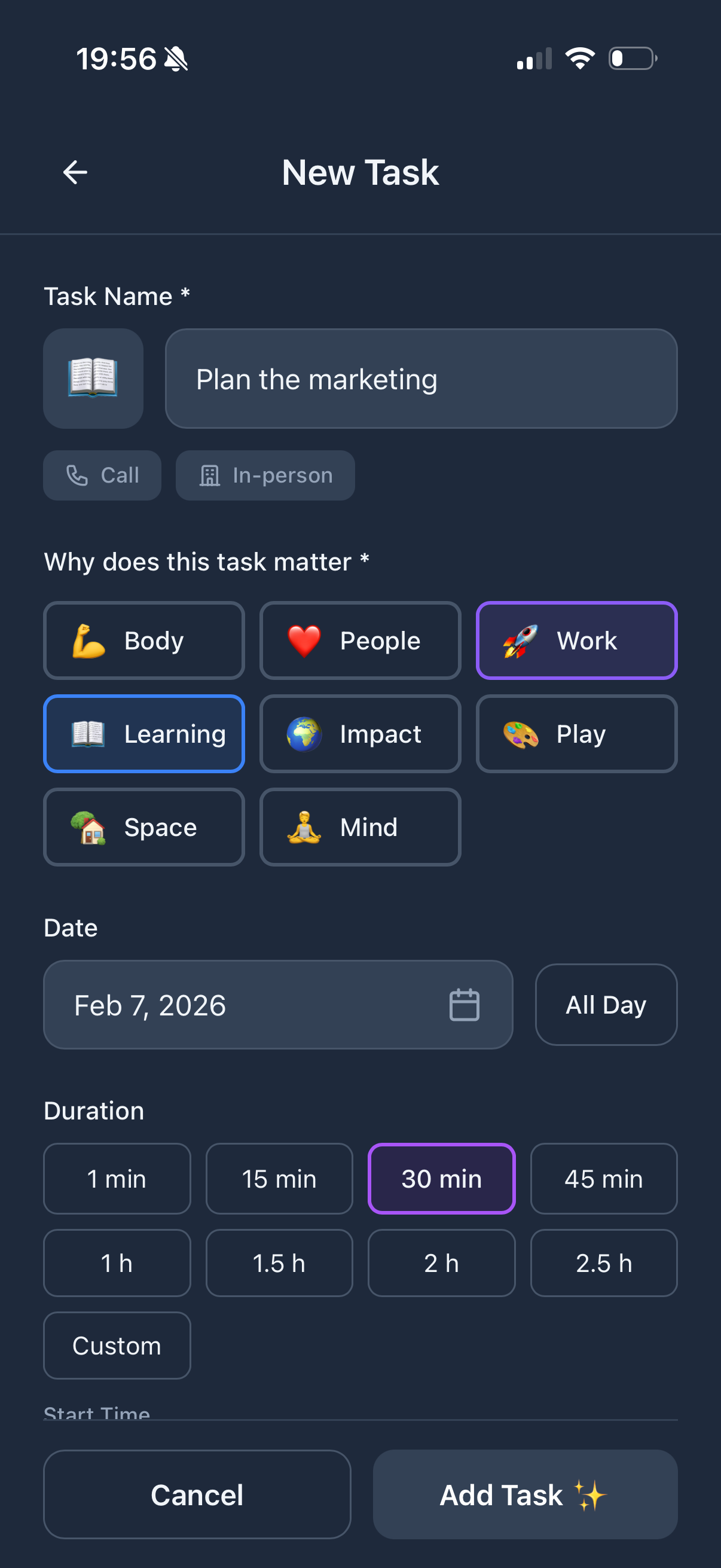
Funtasking builds weekly review thinking into its core design through the Purpose Wheel. Instead of just reviewing tasks, you review your life balance across 8 key areas:
- Career: How did work go? What needs attention?
- Health: Did I exercise? Sleep well? Eat well?
- Relationships: Did I spend quality time with people who matter?
- Finances: Am I on track? Any actions needed?
- Personal Growth: Did I learn something? Make progress on skills?
- Fun/Recreation: Did I actually enjoy myself this week?
- Environment: Is my space supporting me?
- Contribution: Did I give back in any way?
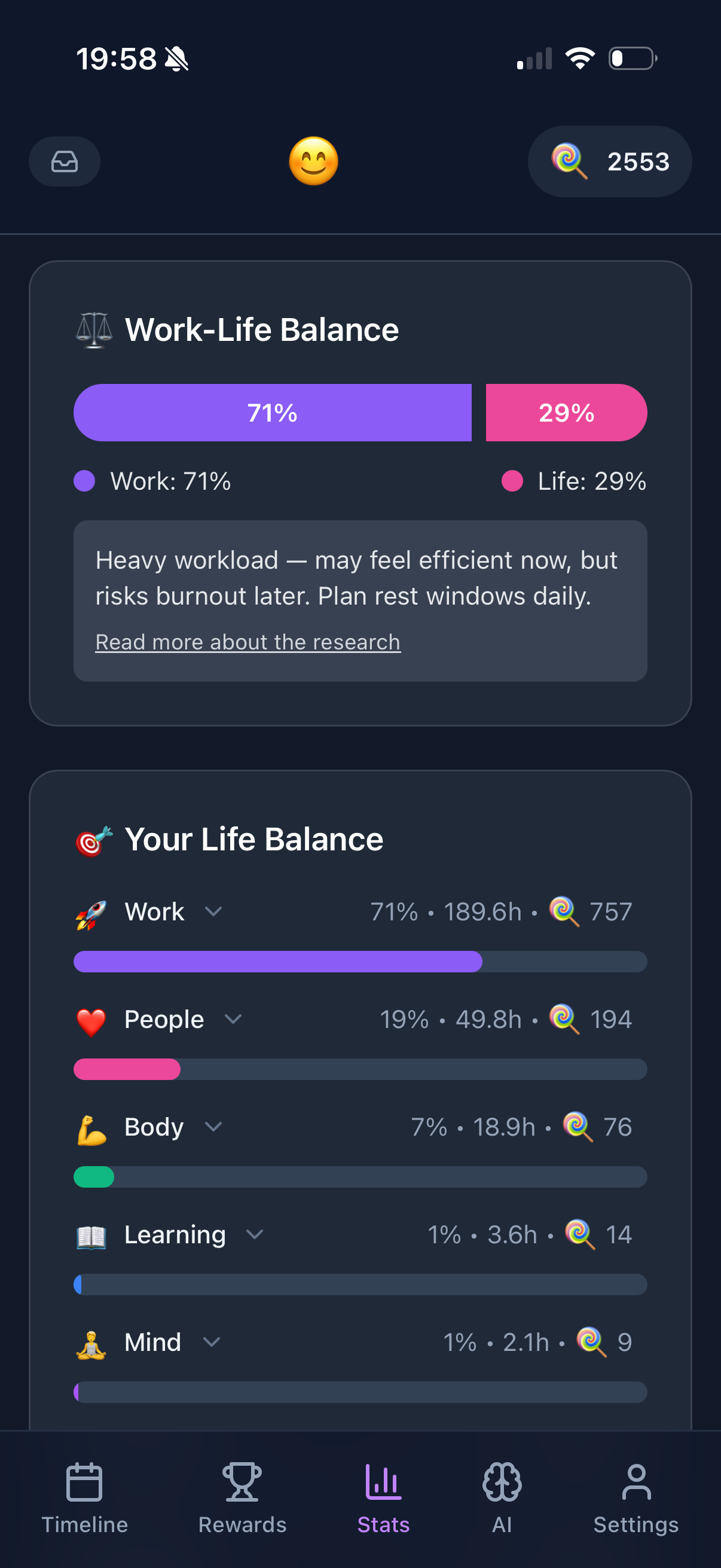
This broader view prevents the common trap of having a "productive" week at work while everything else falls apart. Funtasking's gentle approach also means you don't feel guilty about areas that got less attention - you just notice them and adjust for next week.
Weekly Review Template (30-Minute Version)
Quick Weekly Review Checklist
- Clear inboxes (email, physical, notes) - 10 min
- Review calendar (past week for follow-ups, next week for prep) - 5 min
- Review task lists (check off done, add new, remove stale) - 5 min
- Review projects (ensure each has a next action) - 5 min
- Identify top 3 priorities for next week - 3 min
- Note one win from the past week - 2 min
Make Weekly Reviews Easier
Funtasking helps you track life balance so your weekly review covers the whole picture.
Try Funtasking Free
Related Articles