The Honest Truth About ClickUp
ClickUp is genuinely impressive. It's an "everything app" that combines project management, docs, whiteboards, goals, time tracking, and about 50 other features into one platform. Massive companies run their entire operations on ClickUp.
But here's the reality: ClickUp is designed for teams managing complex projects, not individuals trying to balance their lives.
Using ClickUp for personal life balance is like using a commercial kitchen to make a sandwich. Sure, you can do it. But you'll spend more time learning the equipment than actually eating.
What ClickUp Does Better
ClickUp absolutely dominates in certain areas:
- Team collaboration: Comments, assignments, watchers, permissions - everything teams need
- Project management: Gantt charts, dependencies, milestones, resource management
- Views: List, Board, Calendar, Gantt, Timeline, Table, and more
- Docs & whiteboards: Built-in documentation and visual collaboration
- Automations: Powerful workflow automation
- Integrations: Connects to virtually everything
If you're a project manager, team lead, or agency running complex workflows with multiple people, ClickUp is one of the best tools available.
The Complexity Problem
Here's what happens when individuals try ClickUp for personal productivity:
- Week 1: "Wow, I can customize everything!"
- Week 2: "Let me set up the perfect system..."
- Week 3: "Maybe I need different Spaces for different areas..."
- Week 4: "This is too complicated. Back to sticky notes."
The very flexibility that makes ClickUp powerful for teams makes it overwhelming for personal use. You end up managing your productivity system instead of your actual life.
Where Funtasking Takes a Different Path
We're intentionally simple. Not because we can't build complexity, but because simplicity is the feature.
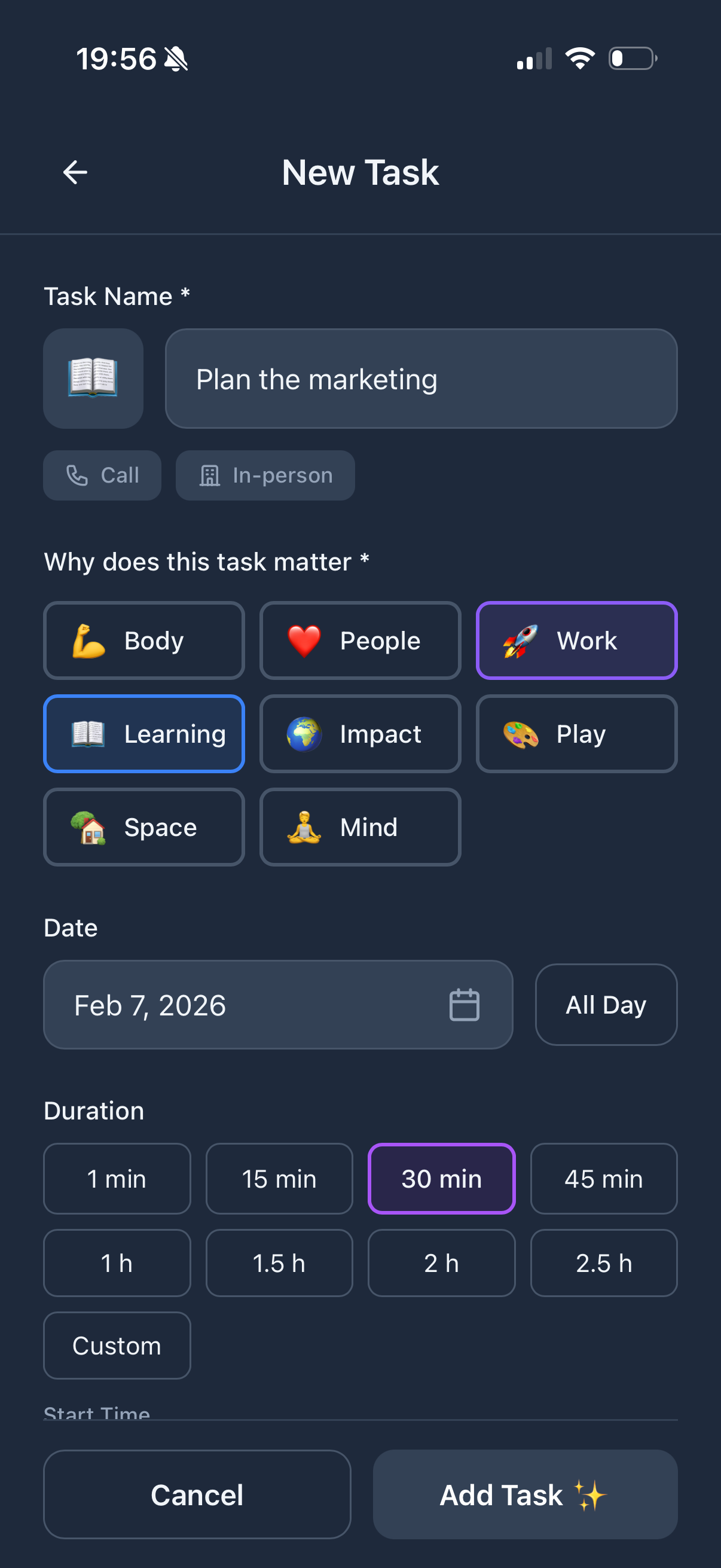
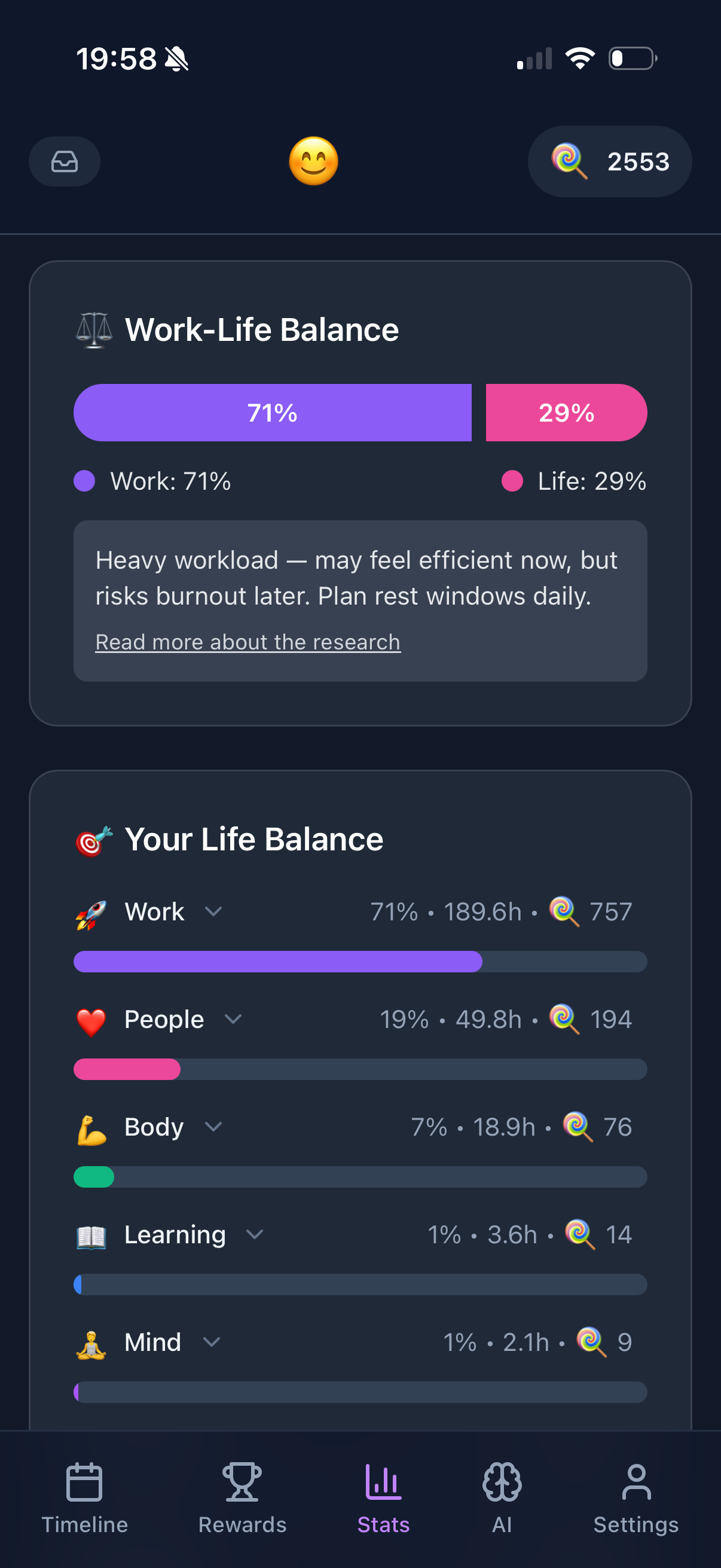
The Purpose Wheel: You don't set up workspaces, spaces, folders, and lists. You have 8 life areas that are already defined: Body, Mind, Connection, Work, Learning, Impact, Play, Space. Start planning immediately.
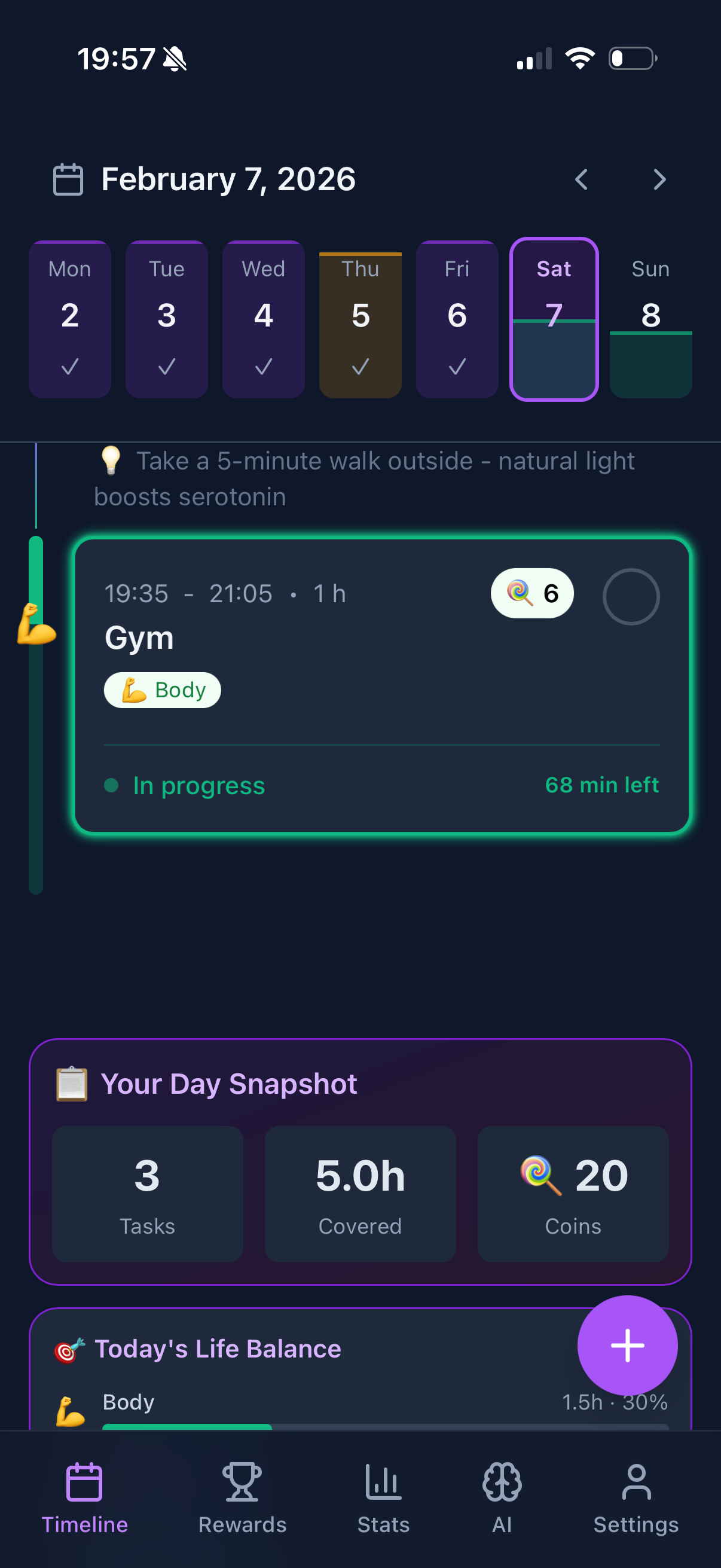
One View That Works: Your day is a color-coded timeline. See where your time goes at a glance. No need to switch between 15 different views.
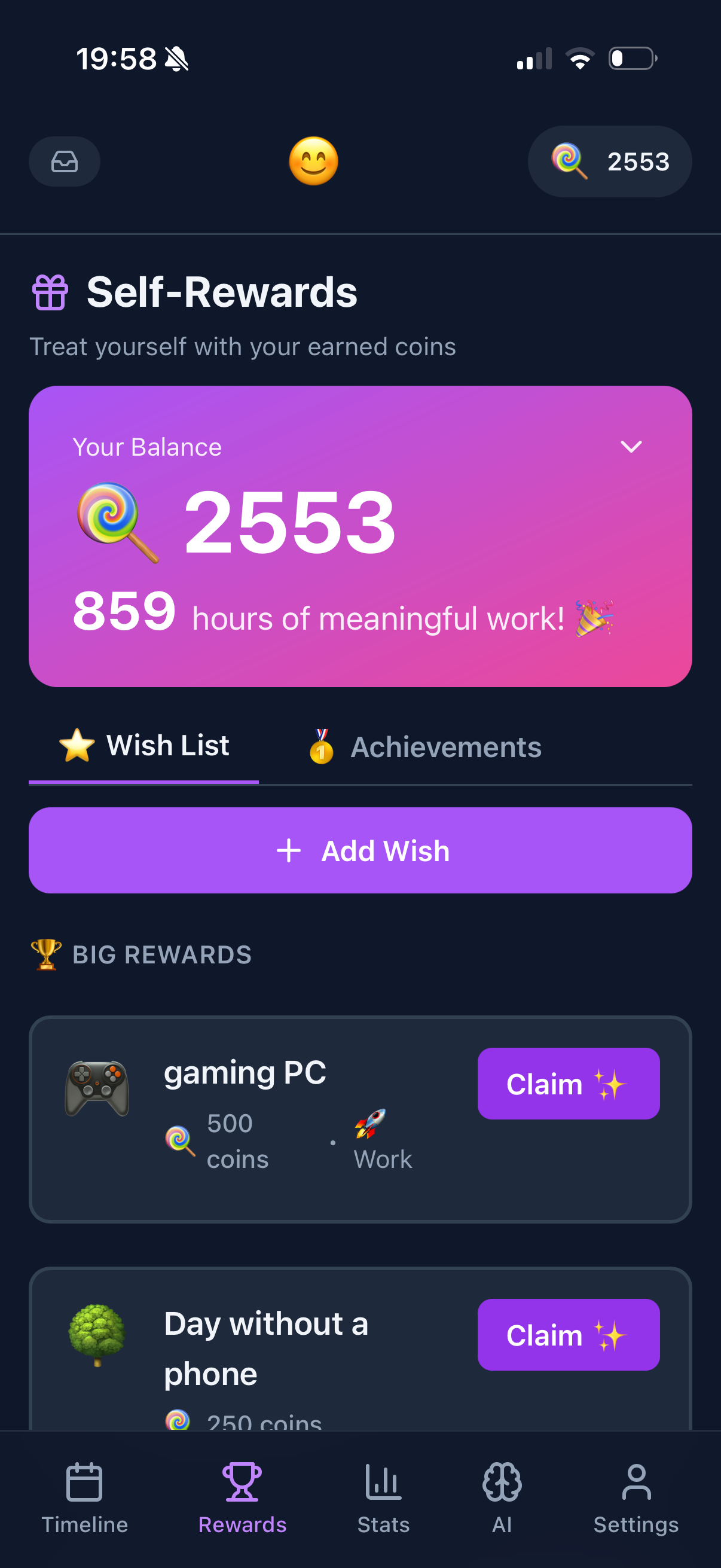
Gamification That Motivates: ClickUp is all business. Funtasking rewards you with coins for balanced task completion. Spend them on rewards you define. Fun is built in.
The Learning Curve Reality
ClickUp: Expect 2-4 weeks to understand the system. Months to master it. YouTube tutorials are essential.
Funtasking: Start planning in under 5 minutes. Master it in a day. No tutorials needed.
Time spent learning your tool is time not spent living your life. For personal productivity, simplicity wins.
Who Should Choose ClickUp?
- You manage a team or collaborate with others
- You need project management features (Gantt, dependencies)
- You want docs, whiteboards, and everything in one place
- You enjoy building complex productivity systems
- You're willing to invest time learning the platform
- Work productivity is your primary focus
Who Should Choose Funtasking?
- You want personal life balance, not project management
- You prefer simplicity over infinite customization
- You want to start immediately without a learning curve
- You like gamification and earning rewards
- You need burnout prevention, not just task completion
- You want to see all 8 life areas, not just work
The Pricing Comparison
ClickUp: Free plan (limited). Unlimited: $7/user/month. Business: $12/user/month.
Funtasking: Free plan (full features). Pro: $2.99/month.
For individuals, Funtasking is significantly more affordable and doesn't charge per-user.