If you're a perfectionist, you probably have a complicated relationship with planner apps. You start with enthusiasm, set up the perfect system, use it religiously for a few days or weeks... and then one imperfect day ruins everything. You skip a day. Or you don't complete everything. And suddenly the whole app feels contaminated.
Sound familiar? You're not alone. Perfectionism and planning apps are often a toxic combination. The wrong app amplifies your worst tendencies. But the right app can actually help you manage perfectionism instead of feeding it.
I've been there. Let me show you what to look for.
The perfectionist paradox: You want to use a planner to be more productive, but your perfectionism makes you spend more time planning than doing, feel worse about incomplete tasks than if you'd never tracked them, and eventually abandon the system entirely.
The Perfectionist Planner Traps
Trap 1: Completion Percentages
Seeing "75% complete" feels like failure. You fixate on the 25% you didn't do instead of the 75% you accomplished.
Trap 2: Streak Pressure
A 30-day streak makes you terrified of breaking it. One missed day erases all the good you've done (emotionally, anyway).
Trap 3: Over-Planning
You spend an hour creating the perfect daily plan, then feel paralyzed actually starting the tasks.
Trap 4: The All-or-Nothing Spiral
One unfinished task leads to abandoning the whole day. One imperfect day leads to abandoning the whole app.
Best Planner Apps for Perfectionists
Free / $2.99 Pro
Funtasking
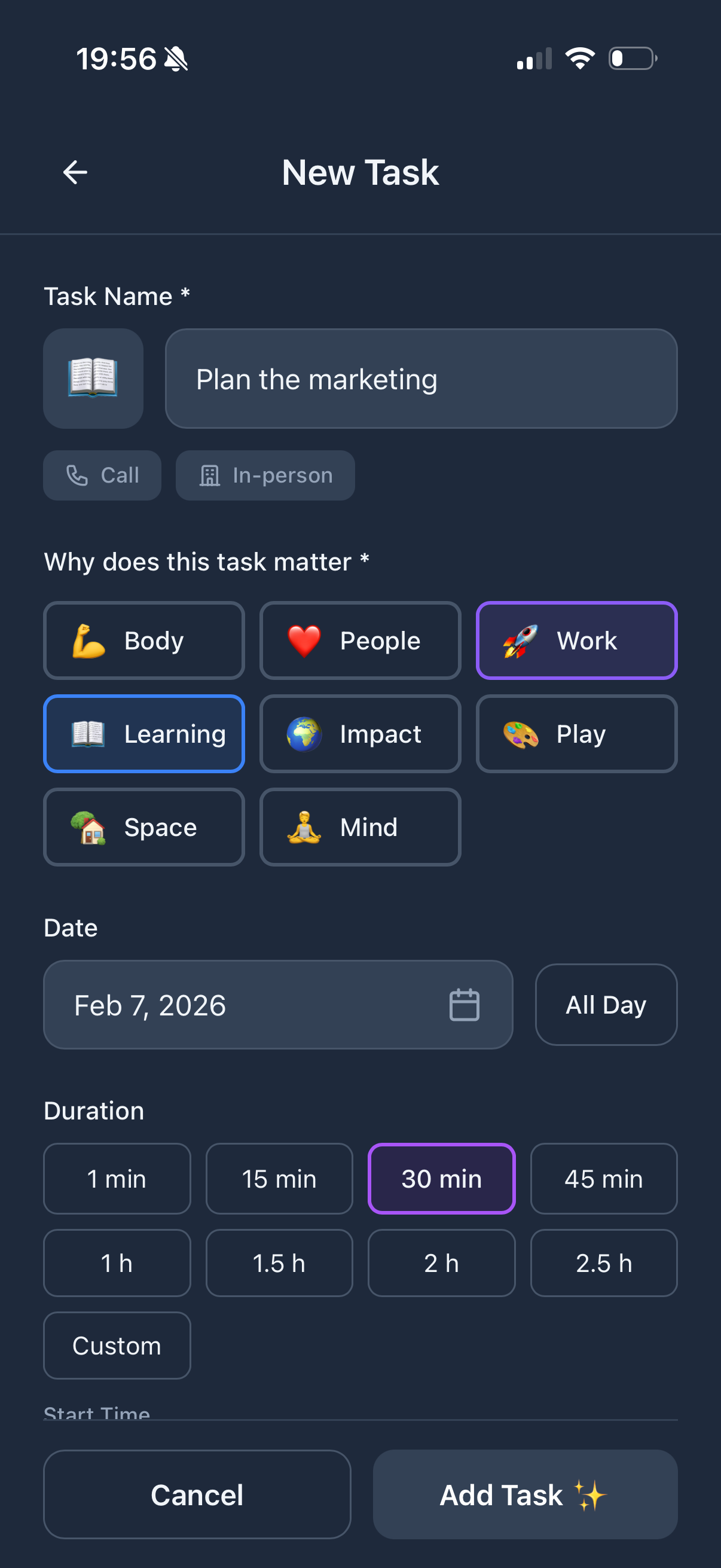
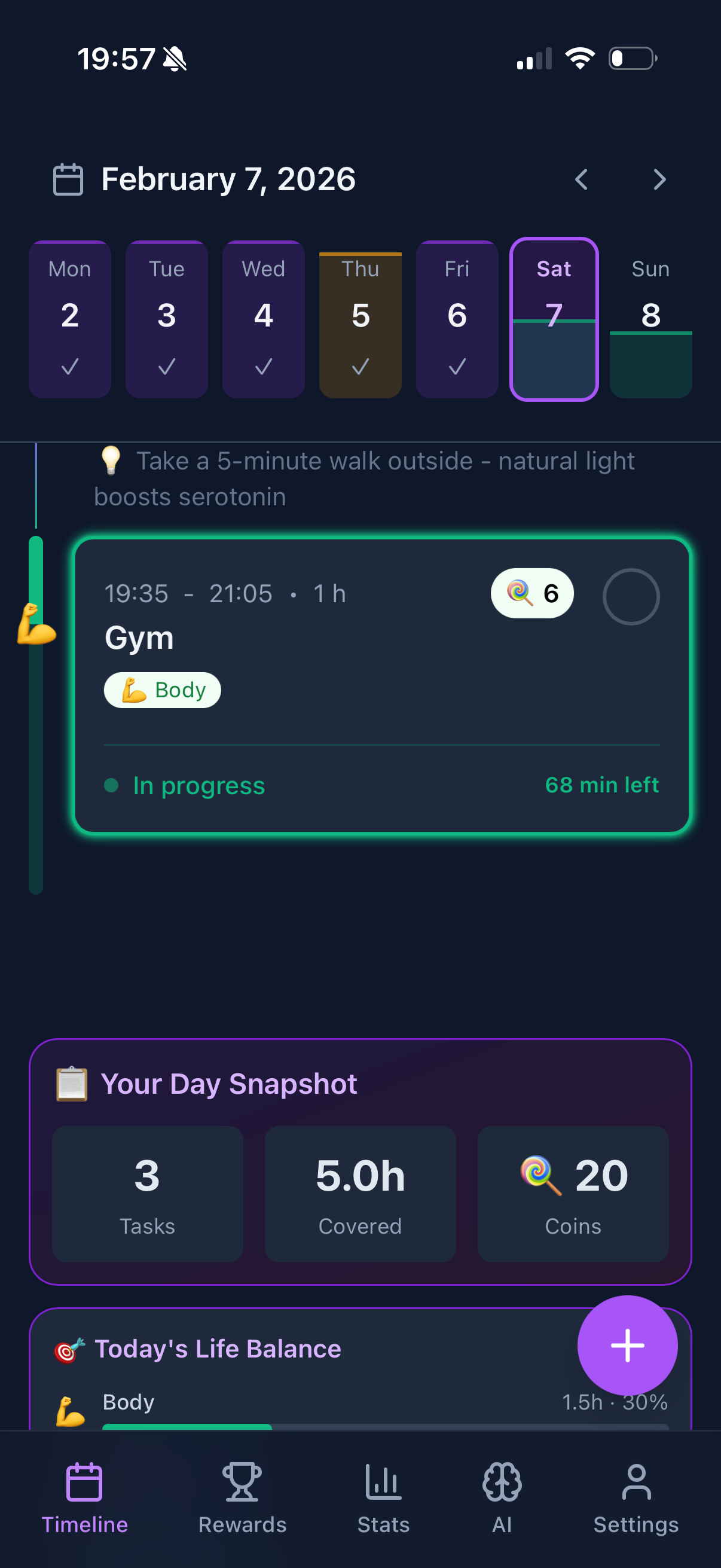
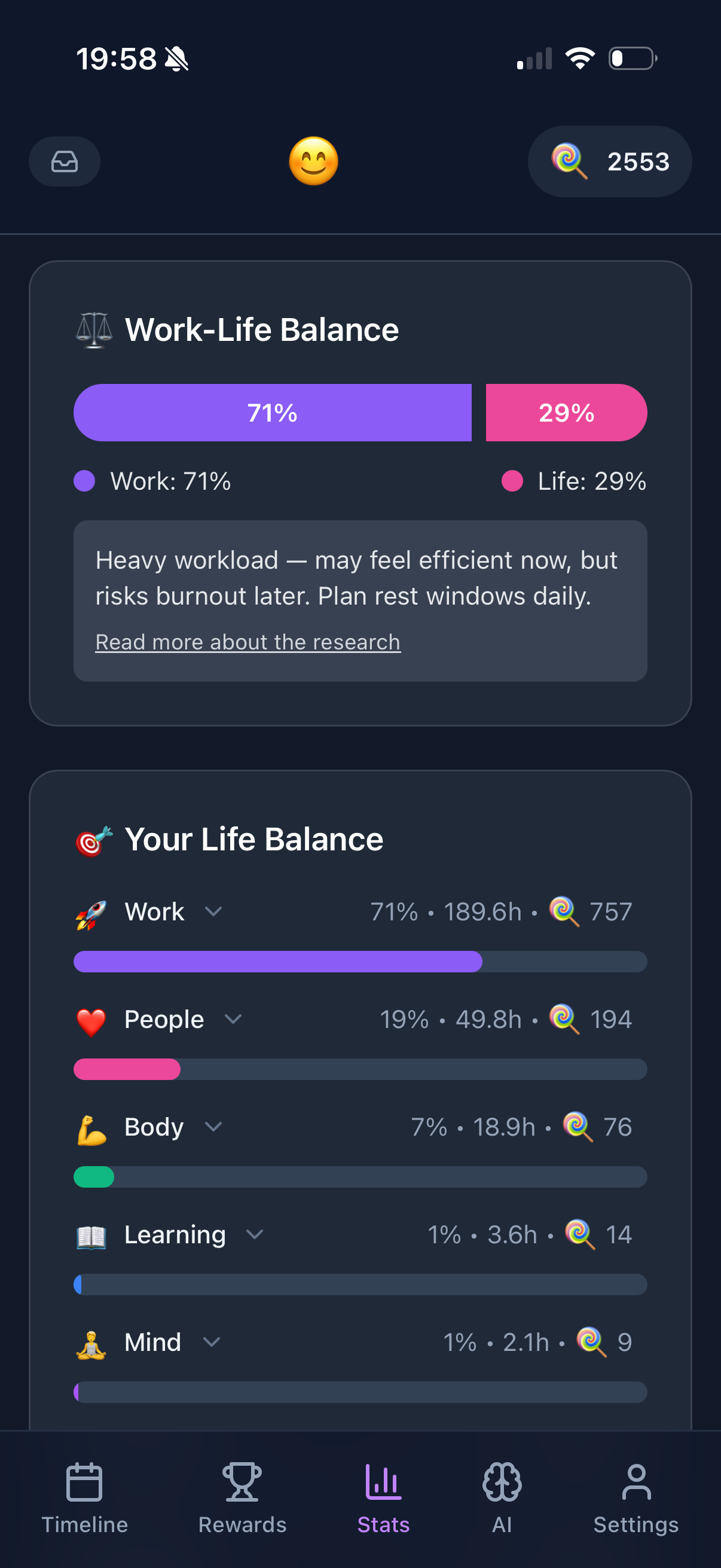
Funtasking is surprisingly good for perfectionists, specifically because it doesn't focus on completion percentages. Instead, it shows your life balance through the Purpose Wheel.
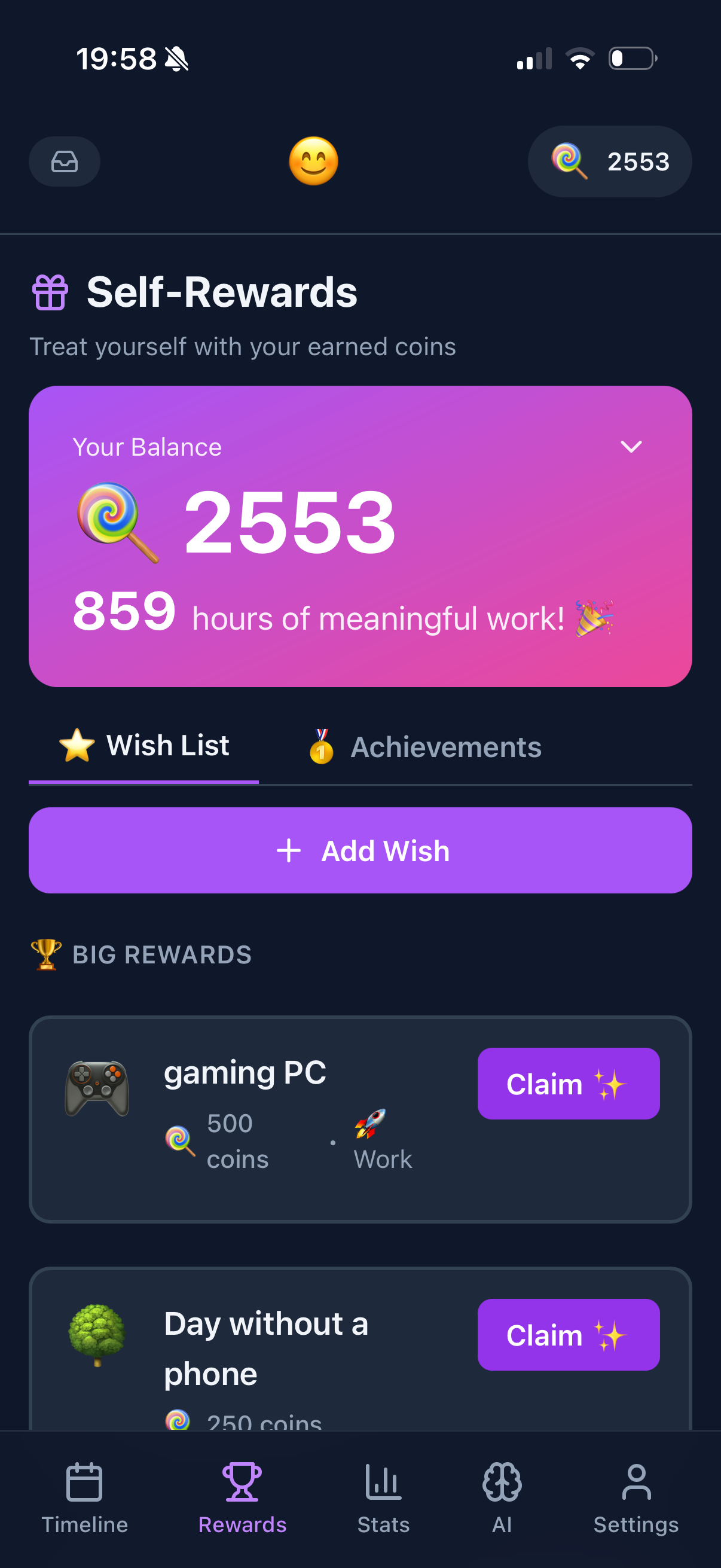
The key insight: it rewards progress, not perfection. You earn points for completing tasks, but the app never shames you for what you didn't do. The focus is always on "what did you accomplish?" not "what did you fail to accomplish?"
The life balance view also helps perfectionists who tend to over-focus on one area (usually work). Seeing that your "Fun" or "Health" category is low gives you permission to focus there instead of grinding harder on work tasks.
Why it helps perfectionists:
- + No completion percentages to obsess over
- + Rewards progress, not perfection
- + Life balance prevents over-focusing
- + Positive gamification, not guilt
- + Permission to have "good enough" days
Consider:
- - Still requires tasks (could over-plan)
- - No perfectionism-specific features
- - iOS and web only
Free with IAP
Finch
Finch is explicitly designed to be gentle and encouraging. You take care of a virtual bird by completing self-care tasks, and the app never makes you feel bad about what you didn't do.
It's almost impossible to "fail" at Finch, which makes it excellent for perfectionists recovering from burnout or struggling with anxiety.
Why it helps perfectionists:
- + Impossibly gentle and encouraging
- + No failure states
- + Self-care focused
Consider:
- - Not a full task manager
- - May feel too casual for work
- - Some find it too cute
$16/month
Sunsama
Sunsama helps perfectionists by forcing realistic planning. You can only schedule so many hours of work per day, and the app warns you if you're over-scheduling.
The daily shutdown ritual also helps: you reflect on what you accomplished rather than what you didn't. It's designed to help you end the day feeling okay, not anxious.
Why it helps perfectionists:
- + Forces realistic scheduling
- + Over-scheduling warnings
- + End-of-day reflection ritual
Consider:
- - Expensive at $16/month
- - Requires time commitment
- - Calendar-focused (not for everyone)
Apps Perfectionists Should Avoid
Red flags for perfectionists: Apps that prominently display completion percentages, heavily emphasize streaks, use guilt-based motivation ("You missed your goal!"), or have complex systems that encourage over-planning.
Some popular apps that may not work well for perfectionists:
- Habitica: The RPG elements are fun, but taking damage for missed habits can be devastating for perfectionists.
- Streaks: The entire app is built around streaks. One miss and your streak resets. Very triggering.
- Any app with "100% completion" displays: Seeing 90% feels like failure, not success.
Strategies for Perfectionist Planning
1. Plan for 70%, Not 100%
If you plan tasks that would fill 70% of your available time, you have buffer for unexpected things. And if you finish everything? That's a bonus, not the baseline expectation.
2. Use "Good Enough" Lists
Write down the minimum you need to do for a day to be acceptable. Anything beyond that is extra. This prevents the all-or-nothing spiral.
3. Focus on Input, Not Output
Instead of "finish the report," try "work on the report for 2 hours." You control the input (time), not always the output (completion).
4. Celebrate Progress Daily
At the end of each day, write down 3 things you accomplished. Not what you didn't do. What you did. This rewires your brain to notice wins.
5. Build in Recovery Days
Perfectionists often go hard and burn out. Plan lighter days in advance so rest feels intentional, not like failure.
The Bigger Picture for Perfectionists
Here's something no app will tell you: perfectionism is often a coping mechanism for anxiety or fear of judgment. The "perfect" system feels safe because it's controllable.
An app can help you manage perfectionism, but it won't cure it. If perfectionism significantly impacts your life, consider working with a therapist who specializes in anxiety or OCD-related issues.
That said, using a planner app that doesn't make things worse is a good start. Progress over perfection. Always.
Ready to Embrace Progress?
Funtasking celebrates what you accomplish, not what you miss. Planning without the perfectionism pressure.
Try Funtasking Free
Related Articles